
Play Free Online Real Estate Video Games for Kids
Free Online Real Estate Video Games for Kids

Learn Through Play
The goal of this section of our site is to make learning fun, helping children explore and better understand the world around them through interactive play. None of the games on our sites carry any advertisements.
We offer hundreds of different educational, fun, free and ad-free online video games for kids, teaching invaluable lessons about money, debt, business, and the economy. You are currently viewing our real estate gaming section. Play games themed around building, trading, or maintaining real estate. Browse across the following categories to find the games the best fit your needs, or consider some of our parallel categories: money games, food games, business games, environmental games, math games, driving games, platformer games, and other fun games.

Your Feedback Needed
Do you have an idea for an educational concept you want covered in a game? You can send us a message & we will create a custom game if we like your idea. You'll be the first player and tester when it is ready for beta launch. :)

Simulation Games
Hazardville
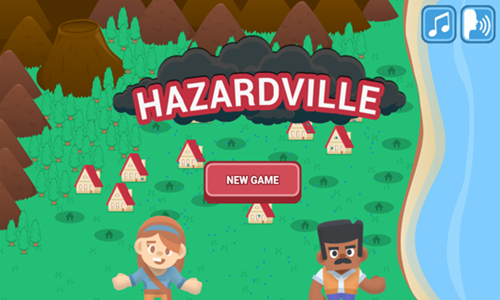
Hazardville is an educational instructional game which explores natural disasters.
- Press the "new game" button to take a tour of the town of Hazardville with mayor April.
- Tap in the lower right corner to progress through informational slides.
- Navigate natural disasters including thunderstorm, tornado, flooding, earthquake, tsunami, and a volcanic erruption.
- For each natural disaster the game explains what the disaster type is, the root causes of that type of disaster, and offers solutions.
- Players then mitigate the impacts of each type of disaster by improving the city's infrastructure, emergency rapid response teams, and dwelling construction.
- The game then promotes safety and helps students understand how to prepare for various types of natural disasters.
Water the Village
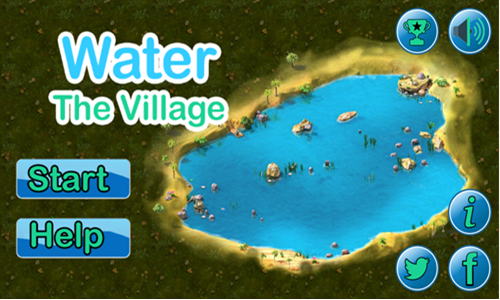
Water the Village is a civil engineering game where players design the plumbing system for a series of villages.
- Select the START button on the left side of the screen to bring up the level select screen.
- The game has 14 stages.
- Levels are unlocked sequentially.
- Levels have a set number of goals to achieve to clear them.
- You can score 1,000 bonus points for pipe runs that pass through coins and 500 for any extra pipe pieces remaining after you complete the stage.
- You can earn up to 3 stars for your performance on each stage.
- After completing each stage click on the button in the lower left corner to go to the level select screen and then select the next stage.
- Pipe runs
- Use your mouse left click to touch and drag from a pipe endpoint and drag it to a destination.
- Ensure no pipe runs are left open without a destination, and that no required inlets are missed.
- On some stages you need to run pipes across the stage to a splitter than run it back.
- If you make a mistake and want to remove a piece of pipe tap on it to remove it.
- If you make many mistakes tap the level restart button in the lower left.
- Water types
- Connect cold clean water to blue inlets. Hot water can be cooled by running it through a snow spot.
- Connect hot water to red inlets. Water can be heated by coming from a hot source or running through a sun spot.
- Connect green waste water to treatment fascilities or recycling net filter systems to clean it. Cleaned water can then be connected to blue inlets.
- Valves have countdowns showing when water will flow.
- If you complete the pipe run early you can double click on the valve to get the water to run early.
- On level 7 you must initiate the flow of hot water about 2 seconds before the cold water moves as they have a connection between them & the hot water has further to move.
- Some stages require quick play. If you are consistently running out of time be sure to do the pipe runs from the water pumps before doing the waste water runs downstream of the homes.
- Water pumps increase water speed.
Water Bomber

Water Bomber is a simple forest fire fighting game.
- Press the orange and white play button on the welcome screen to start the game.
- The plane automatically flies forward and you do not control its elevation.
- You are given a minute to put out as many fires as you can by dropping water bombs.
- Turn the plane to align your flight path over a fire.
- Press the spacebar to drop a water bomb on a fire.
- If you time your drops perfectly sometimes you can put out multiple fires with a single drop.
- Each fire you put out is worth a point.
Water Wings
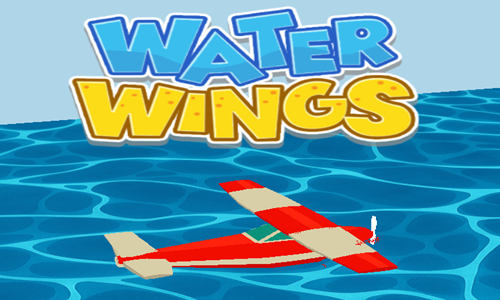
Water Wings is a simple aerial fire fighting game.
- Tap anywhere on the game loading screen to bring up the welcome screen.
- Press the yellow and white play button at the bottom center of the welcome screen to start the game.
- Left click on the screen and move your mouse around to control the plane.
- Grab water from the sea and use the guide in the upper right to locate fires.
- Tap the DROP WATER button when flying over a fire to extinguish a fire below.
- Score a point for each fire you put out.
- Press the button in the lower right corner for a speed boost.
- Avoid running into buildings or the ground and play until fire overwhelms the city.
Real Estate Tycoon
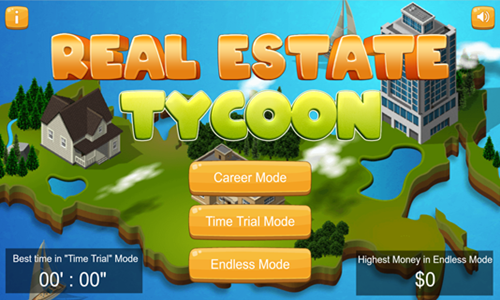
In Real Estate Tycoon property prices rise and fall. Your goal is to profit from the arbitrage of buying low and selling high.
In general most buildings rise in value when they first appear in a fairly straight line, then cool off and slow down their appreciation before turning south. As you get further into the game buildings appear more quickly and som buildings cycle in price multiple times.
This game does not have all the gritty details of the real estate market like borrowing money at interest, property cap rates, broader economic cycles and shifts in credit conditions, supply and demand across sectors, and so on.
Instead it is an oversimplified game for kids, but helps children manage their attention and track trends.
As more expensive buildings appear it is generally better to focus on tightly managing the entries and exits on a few big buildings rather than managing a portfolio of smaller and cheaper buildings which are hard to track in the aggregate as your attention splits.
This game has 3 modes
- Career Mode: Start with a small sum of money and reach a final goal amount on each level by repeatedly trading properties.
- Time Trial Mode: Try to reach an earnings goal within a limited period of time.
- Endless Mode: Buy and sell endlessly in an idle game with no time limit or earnings goal.
Idle Mole Empire
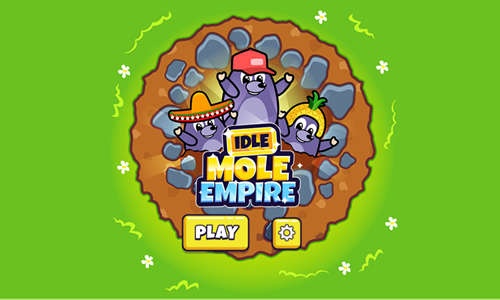
Idle Mole Empire is an idle clicker game where you help moles develop a thriving industrious community.
- Tap the golden PLAY button on the welcome screen to start the game.
- Click on workers to start them working & hire managers to automate their workflow.
- Level up each floor's workers to help them work faster and add more moles to each floor.
- Dig deeper into the Earth & break rock to unlock new business lines.
- Level up the managers of the floors, the elevator, and the molehill to boost your income.
- You can periodically tap on the lightning bolt icon above managers on each floor to get the workers on that floor to work quicker.
- After leveling up let the game play automatically in the background to passively earn cash, or actively play to earn faster.
- Choose to sell your business to an investor and start again at the beginning again, with an earning bonus.
Merge World
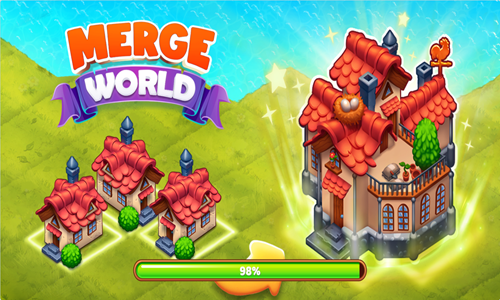
Merge World is a merge 3 clicker game where players manage resources.
- Select a tree with your mouse and tap it again to have a fairy grab resources from the square.
- Tap on the outlines of structures to select them and build the associated structure.
- Move the structures around so there are 2 of the identical structure on adjacent squares, then drag a third identical structure atop either to merge the set of 3.
- As you make items you level up, which clears away clouds and unlocks new areas of the playing field.
- The game consists of a variety of resource and structure types including: wood, metal, bamboo, and brick.
- Each type of structure requires 7 sets of merges to create the topmost structure type.
- As you advance through the game you obtain more fairies which can work in parallel, though building more advanced structures takes longer.
- In addition to building structures you can collect seeds, coins, and potions to earn extra income by selling off unneeded resources.
- Merge plants until you create mature carrot, banana, tomato, and pumpkin plants. Harvest the produce to unlock other areas of the game.
- Periodically you encounter treasure chests. Some of them require collecting a bronze, silver, or gold key to open.

Space Games
Red Outpost
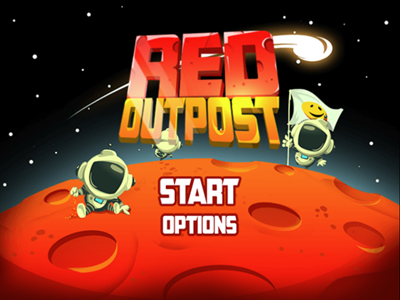
Red Outpost is a Mars colinization game.
- Choose to play a game using any of the 3 save slots.
- Hire astranauts from Earth to colonize the red planet. They start off cheap, but grow progressively more expensive as you advance through the game.
- Have the astronauts harvest food and mine valuable goods. You can send up to 10 astranauts to each area, though you have to purchase the ability to send each additional one & have to manually direct them to their destination until you purchase the artificial intellegence system.
- Martian Farms are unlocked when you start the game. Martian Generator costs 50 to unlock, Martian Mines cost 1,000 to unlock, Marian Ruins cost 1,800 to unlock, Martian Lab costs 3,600 to unlock.
- Upgrade your colony features to increase your production.
- When you have 50 astranauts in your colony and 10 are assigned to each area the game is complete. The game tracks how long it took you to get to 100% complete.
| Upgrade |
Cost |
Description |
| Farm Route |
160 |
Build a better path leading to the farm. |
| Burger Tree |
300 |
Improved food quality. |
| Solar Route |
320 |
Build a better path leading to the solar generator. |
| Solar Extended |
450 |
Improve solar energy collected. |
| Exploration Discount |
600 |
Reduce building price by 25%. |
| Mine Route |
830 |
Buld a better path leading to the mines. |
| Deep Mines |
850 |
Mine deeper for better resources. |
| Ruins Route |
1,400 |
Build a better path leading to the ruins.. |
| Ruins Expert |
1,500 |
Upgrade ruins leading quality. |
| Boot Camp |
1,500 |
Speed up astranaut by 20% |
| Lab Route |
2,400 |
Build a better path leading to the lab. |
| Mad Scientist |
2,800 |
Upgrade lab resources quality. |
| Double Deal |
2,900 |
Upgrade resource gain by 25%. |
| Cheap Cell Plan |
3,200 |
Hire astranaut for 50% less. |
| Triple Deal |
5,000 |
Upgrade resource gain by 50%. |
| Marsnet |
150,000 |
Build an AI to auto manage your colony. |
3 Minutes to Escape
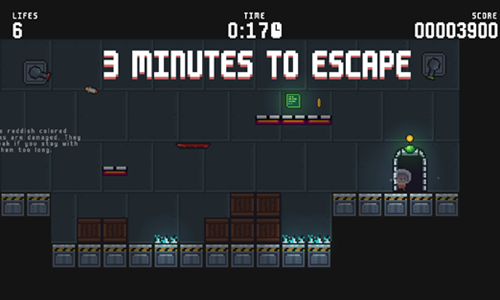
3 Minutes to Escape is a timed room escape game where players have 3 minutes to exit a rocket which is set to self destruct.
- Press the start button to bring up the tutorial. On subsequent plays you can skip it.
- Move around the screen using your keyboard arrow keys.
- Go to the red key pad to unlock the exit door on each stage. You have a total of 3 minutes to complete all 15 stages.
- Collect coins scattered throughout each stage to maximize your game score.
- Move swiftly across red floor tiles, as they temporarily disappear after you step on them.
- In addition to the 3 minute time limit the game gives you a limited number of lives. Getting hit by any of the hazards restarts the current level and eats one of your 20 lives. Avoid getting hit by bullets or guided rockets. Do not step on electrically charged floor panels or run into periodically pulsing lasers.
- Exit through the door to the next rocket chamber. See if you can pass through all 15 chambers before time runs out.
Space Lost
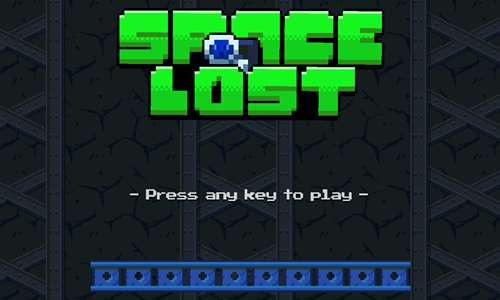
Space Lost is a 20-stage logic puzzle game where players must align items to help an astronaut get through each stage.
- Press any key on the welcome screen to bring up the level select screen.
- Select a level number to play an unlocked stage.
- Left click on an item from the building mode in the lower left and place it in position in the stage.
- When items are in place to allow the astronaut to reach the level exit press the GO button in the lower right corner.
- The astronaut keeps walking in the direction she is facing until she runs into something, then changes directions when she runs into a purple block you place or another fixed platform. Purple blocks disappear after being walked on or ran into.
- Do not let the astronaut run into spikes or lasers. The astronaut may not fall more than 2 squares at a time.
- Ladders must extend through a blue platform you are climbing up or down, and there must be a stationary blue or purple block beneath them.
- Red moving platforms move in the direction you are headed when you step onto them. The astronaut can be knocked off by running the moving platform under a stationary item.
- You can turn off lasers by walking past control panels. Some levels require turning lasers off, while others may require routing around them.
- If you make a mistake in placing an item you can select it to move it again, or tap the level restart button in the upper right corner.
- Many stages have multiple ways to beat them. On most stages you have to use all the building blocks to win, though some have elegant solutions which allow completion with many pieces left over. The final stage can be completed with 8 pieces remaining.
Earth Attack

Earth Attack is a planet defense game.
- Press the left and right arrow keys on your keyboard or use your mouse to rotate the direction of the guns on Earth.
- Your cannons automatically fire at incomming asteroids, though you control the aim by changing the rotation direction of the planet. The moon tends to follow along the movements of Earth.
- Each time you defeat an asteroid it will leave behind some number of pink or green gems.
- Pink gems add to your health.
- Green gems allow you to periodically increase your shot power, your planet turn speed, and your maximum health.
- You can not defeat approaching stars. Instead you must have the moon fire upon them to push them away.
- Play through all 10 stages to save the planet.
- Each stage has a floating bubble with a pink heart and a green heart. Pop the bubbles to collect them.
- If you get a perfect score on a stage the planet will turn gold at the end of the level, and the stage select button will appear gold on the level select page.
Pixel Lander
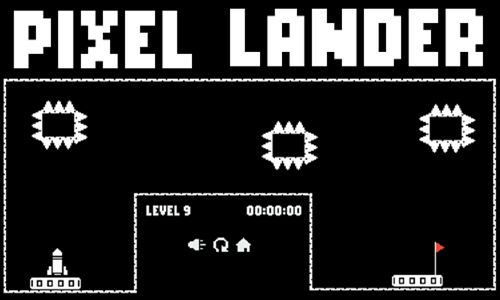
Pixel Lander is a 27-stage rocket flying game.
- Tap anywhere on the game loading screen to bring up the welcome screen.
- Press the play button in the lower center of the welcome screen to start the game.
- Press the W key or the up arrow key to ascend or move forward.
- Press the D key or the right arrow key to turn clockwise.
- Press the A key or the left arrow key to turn counterclockwise.
- Avoid running head first into any of the walls in the course. Do not let any part of the rocket hit spikes, spiked platforms, lava, or moving platforms.
- Land the rocket as quickly as you can on the landing pad without crashing. The level select screen shows your best time on each stage.
- Some stages have zero gravity, making them a bit more forgiving with your navigational approach and allowing more slight bumps.
- Many stages have a locked wall blocking you from the landing pad. Collect the key to unlock them.
Orbit Shield Defense
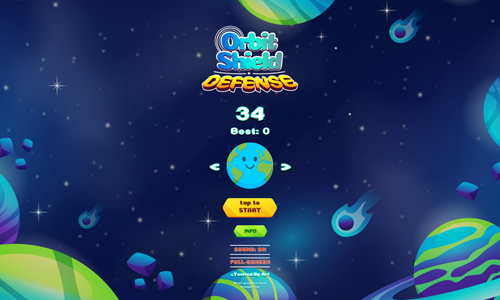
Orbit Shield Defense is a simple planet defense game.
- Press the TAP TO START button on the welcome screen to begin a game.
- You can tap the arrows on the sides of planets to choose between 5 different planets.
- Tap on the left side of the screen to rotate the barrier counterclockwise.
- Tap on the right side of the screen to rotate the barrier clockwise.
- Block incoming aliens with the barrier.
- Each alien or other item you successfully block is worth a point.
- Any item which reaches the planet costs you one of your three lives.
Space Planet Shooter

Space Planet Shooter is a cosmos-themed bubble shooting game.
- Press the blue and white PLAY button on the welcome screen to start the game.
- Move your mouse to aim and left click to shoot.
- Make matches of 3 or more identical planets in a group to knock them off the stack.
- Periodically the stack falls down further with new planets added at the top.
- Score points each time planets get knocked off.
- Play until the planet stack reaches down to the rocket.
- Press the scene button to change the scene background to alternate background layouts.
Planet Defense

Planet Defense is a simple Earth defense game.
- Move your mouse around the screen to move and set your aim.
- Left click to shoot.
- Asteroids are worth a point each and can be destroyed with a single shot.
- Each time an asteroid hits the planet you take damage.
- After the planet is hit 3 times the game is over.
- Your total score is how many asteroids you destroy.
Planet Spin
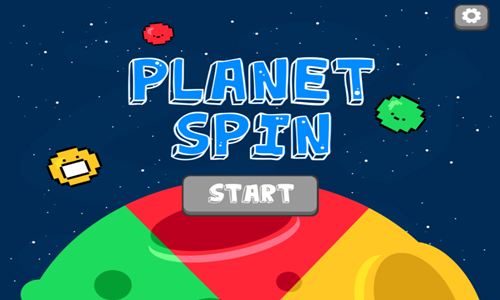
Planet Spin is a simple rotation game where you spin the planet so that asteroids land on the side of the same color.
- Press the gray and white START button on the welcome screen to begin the game.
- Left click on the planet and hold it in while moving the mouse to rotate the planet clockwise or counterclockwise as needed.
- Face the planet so the red, green, or yellow portion of the planet is facing toward any inbound asteroid of the same color.
- Score a point for each correctly matched asteroid. Correct matches also restore planet health. The portion of the planet that is the color asteroid received grows on each correctly matched asteroid.
- Incorrect matches destroy health, with the planet only taking a couple mismatches to be destroyed.
- The planet shows cracks and red highlights after taking damage.
- At the end of each game you can share your score on social media channels.
Earth Defender
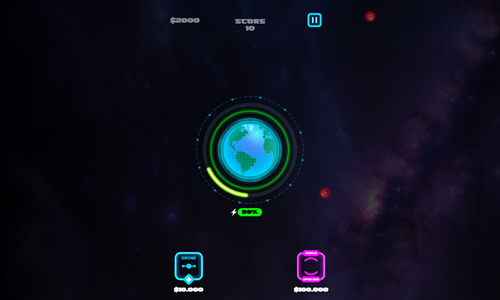
Earth Defender is a simple planet defense game.
- A safety barrier rotates either clockwise or counterclockwise around Earth.
- Left click to get the barrier to switch directions. Left click and hold to get the safety barrier to speed up.
- As you move the barrier faster it loses energy, which slowly restores.
- Each asteroid you deflect is worth points and earns $1,000.
- You can buy helper drones for $5,000 and barrier upgrades for $10,000.
- Play until the planet gets hit once.
Star Connect

Star Connect is a connect-the-dots game themed after constellations.
- The game starts off on the level select screen with the first of 12 levels unlocked.
- Find the first dot in the sequence and click on it, then click on second dot.
- Repeat the process until all dots have been selected in sequence, then connect the final dot back to the first dot.
- Use your mouse left click while moving the mouse to pan around the screen.
- Each stage gives you 10 minutes to complete it.
- Complete each picture to advance to the next constellation.
Orbital Escape
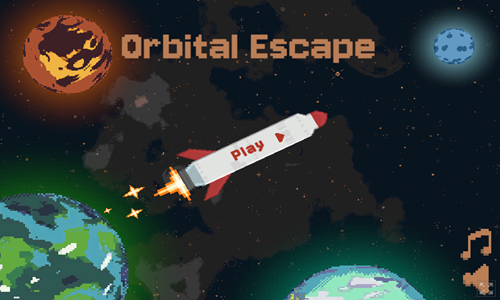
Orbital Escape is a 12-stage rocket launching game.
- Press the rocket PLAY button on the welcome screen to bring up the level select screen.
- Levels are unlocked sequentially.
- Left click on moons or other objects surrounding planets to select them and drag them into position.
- When the satellites are in position tap the spacebar or left click on the button in the lower right to fire the rockets.
- Starting in level 4 satellites may rotate both clockwise and counterclockwise. Green paths are counterclockwise while blue paths are clockwise.
- Starting on level 5 the launch of some rockets may have a delay from when you initiate the sequence. The delay count in seconds is shown near each rocket with a delayed launch.
- Safely get all the rockets to fly through the screen edge without hitting anything to beat each level and advance to the next.
Project Space XL

Project Space XL is a rocket flying survival game.
- Click through the introduction story and tap the ready button to start flying. The rocket automatically accelerates to the top speed and flies straight.
- Turn left by pressing the A key or the left arrow key.
- Turn right by pressing the D key or the right arrow key.
- Slow down by pressing the S key or the down arrow key.
- Speed up by pressing the W key or the up arrow key.
- Pick up cash in space and avoid running into fixed or moving obstacles.
- At the end of each day drag health, shelter, food, or fuel indicators from the upper right to the lower left to improve your resources, then press the ready button to start the next flight.
- Each day the rocket has a higher top speed and their are more obstacles in space. Survive through 14 days to complete the game.
Neon Rocket

Neon Rocket is an 8-stage rocket flying game.
- Press PLAY GAME on the welcome screen to start the game, or HOW TO PLAY for gameplay instructions.
- Press the left arrow key (or tap on the left side of the screen) to fly up and to the left, which will also rotate the rocket counterclockwise.
- Press the right arrow key (or tap on the right side of the screen) to fly up and to the right, which will also rotate the rocket clockwise.
- Pressing both left and right arrow keys at the same time will cause you to go straight up quickly.
- After leaving the launchpad try to collect all 3 stars and as many coins as you can to maximize your game score.
- Do not run into the level boundaries or any obstacles or the rocket will blow up.
- Safely land the rocket on the landing pad and leave it stationary for a 3 count to beat each stage.
- Play through all 8 stages. You can go back and replay previous levels to improve your star ratings on them.
Neon Invaders
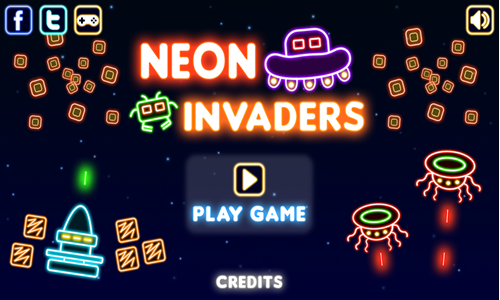
Neon Invaders is a modern remake of the arcade classic game Space Invaders.
- Press PLAY GAME on the welcome screen to start the game. Choose your ship color and the game background color then press the play button in the lower right.
- Use the arrow keys to move left and right to evade enemy fire and align your shots.
- Press the spacebar to shoot.
- You can prevent getting hit by shooting from behind the bases, at least until they are shot through.
- The earliest aliens die on a single hit. Other aliens can take 2 or 3 hits.
- The game has 10 stages. When all aliens are defeated on a stage you move onto the next. Some levels have aliens move back and forth then down a row, whereas other stages keep the aliens relatively stationary on the same level plane.
- The top of the screen shows a power bar. If the power bar reaches zero you lose a life. You also lose a life if you get shot by an alien.
- Shoot the alien mothership which moves quickly across the top to drop heart containers which restore your power bar and can give you extra lives (if you have fewer than 3 in reserve).
Gravity Escape
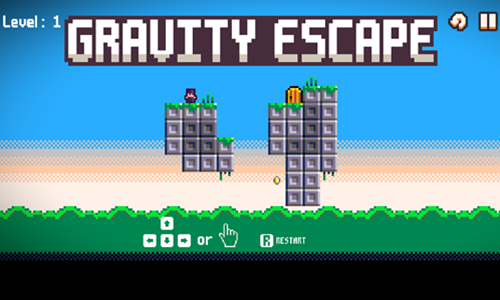
Gravity Escape is a 15-stage slide puzzle game set on a planet where the player controls gravity.
- Press the cream colored button at the bottom center of the welcome screen to bring up the level select screen.
- Select the level you want to play. Levels are unlocked sequentially.
- Use the arrow keys to slide the character around the level.
- The screen wraps, so if you go offscreen left you emerge on the right side of the screen. The same is true with top and bottom.
- Set your slide path so you are able to pick up any coins, then arrive at the door.
- As you advance through the game features are added including switches and boxes.
- When you move the boxes may also move. You can activate switches by touching them directly or having a box touch them. Leaving a box atop a switch can keep the switch in the active state.
Space Kitten
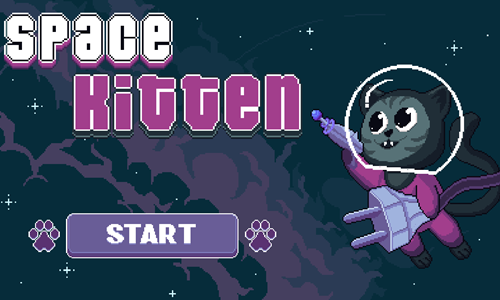
Space Kitten is a 20-stage room escape platform adventure.
- Press the blue and white START button on the welcome screen to bring up the level select screen.
- Select the level you want to play. Levels are unlocked sequentially.
- Move horizontally by pressing the left arrow key and the right arrow key.
- Press the C key to jump.
- Press the Z key to grab an extension cord so you can plug it into a receptical. All cords must be plugged in before exiting the room.
- Press the X key to shoot your laser gun at the red targets to turn them green. All targets must be hit before exiting the room.
- After 10 seconds spikes fall down from the ceiling. Make it to the room exit before the spikes crush the kitten.
- If you get hit by the spikes you start the current level again at the beginning.
Shift Bot
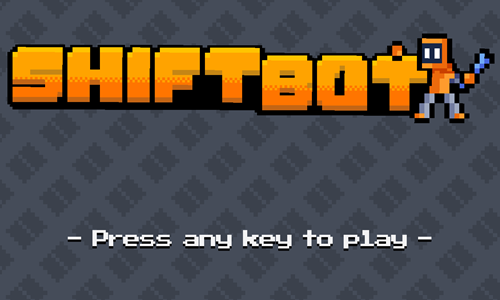
Shift Bot is a 30-stage logic puzzle platformer.
- Tap anywhere on the welcome screen to bring up the level select screen.
- Levels are unlocked sequentially. Select a level number to play an unlocked stage.
- Move the robot around the levels using the WASD keys or the arrow keys on your keyboard.
- Press the J key to fire a shot at a box so you can swap places with it, and move to where you want the box to appear.
- If you make shooting errors you can press the R key to restart the current level with your original ammo.
- Hit the red switch or place a box over a button to open the door. On stage 26 you have to push the slide box onto the button rather than landing a shoot box on it.
- Avoid running into spikes, lasers, bullets, and other robots.
- Safely make it through the door to advance to the next part of the spaceship.
Space Slide
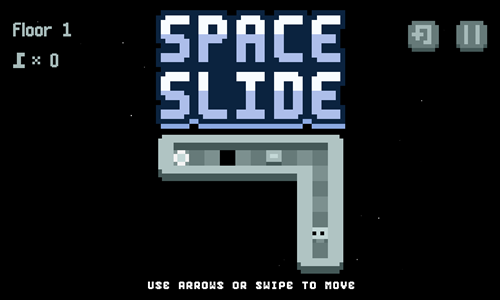
Space Slide is a 60-stage Sokoban-inspired game.
- Press the play button in the lower center of the welcome screen to bring up the level select screen.
- Select a level number to load the stage.
- Use the arrow keys to move the robot around the playing field.
- Push blocks to fill in gaps in the floor. You can only push one block at a time. Initially blocks are only pushed a square at a time, though when you get to level 11 and beyond some blocks have a checkered top and are pushed from edge to edge until they run into a wall or another object.
- Grab keys to unlock gates.
- Avoid running into moving obstacles, getting hit by lasers, or falling through holes in the floor.
- As you progress through the game additional puzzle elements are added, like doors that unlock only when all floor holes are filled in, checkered flags that only allow the slide stone through them, and so on.
- If you make a mistake with a floor panel or get stuck you can press the level restart button in the upper right corner to reload the current stage.
- Make it to the glowing exit portal to advance to the next room.
Two Aliens Adventure Plus
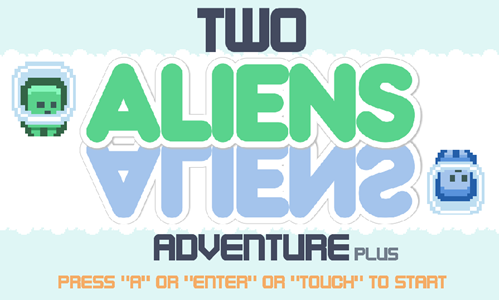
Two Aliens Adventure Plus is a tandem platformer game where players control 2 aliens at the same time.
- Press the A key, the Enter key, left click the mouse on the screen, or touch the screen on the welcome screen to start the first stage.
- If you have played the game before this will bring up the level select screen. All 30 stages are unlocked sequentially. Select the level you wish to play.
- Move both aliens right by pressing the D key or the right arrow key.
- Move both aliens left by pressing the A key or the left arrow key.
- Jump with both aliens by pressing the W key
- You can defeat enemies by jumping on their heads, though you lose a hit point if you run into their sides.
- The green character goes across the top part of the screen while the blue character has reverse gravity and goes along the bottom portion of the screen.
- You lose a level if you run out of health by getting hit 3 times, or if either alien falls off platform and through the other side of the screen. Losing a stage forces you to play it again from the beginning, where you have to collect all the gems again.
- Collect all the gems with each character to get the keys to unlock the gates at the end of each stage and pass through the gates to complete each level.
Alien Adventure
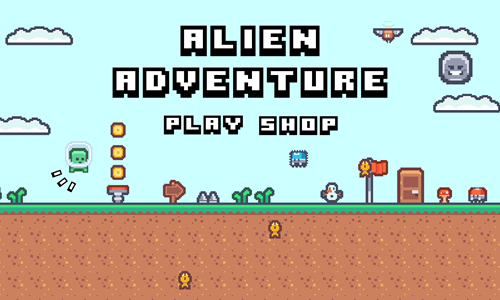
Alien Adventure is a simple 15-stage platformer.
- Press the PLAY button on the welcome screen to bring up the level select screen.
- Tap the level you wish to play. The 15 stages are unlocked sequentially.
- Players can move the alien by pressing the WASD keys or the arrow keys.
- Collect gold coins and blue gems, evade or stomp on enemies, and avoid falling off platform.
- If you fall off platform or run into the side of an enemy you die, and you'll have to play the stage again from the beginning.
- Exit the door to the next stage.
- Coins can be used in the shop on the welcome screen to purchase a double jump feature along with activating a shooting skill. Blue gems can enable players to equip a jetpack.
Back to Bright
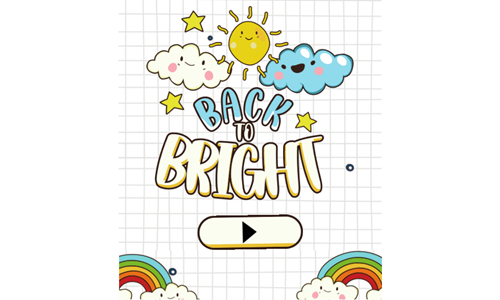
Back to Bright is a physics puzzle game featuring stars, clouds, and tornadoes.
- Press the play button in the lower center of the welcome screen to bring up the level select screen.
- Select a level from the level select screen. All 25 stages are unlocked sequentially.
- Tap on white clouds to blow a gust of wind in the direction their smiles face. White clouds do not destruct and can be used repeatedly.
- Tap on gray clouds to break them.
- Tap on pink clouds to let out a small pulse of energy in all directions.
- Tornadoes can pick up pink clouds or the unlit star. Select items inside a tornado to drop them straight down.
- Collect up to 3 star icons by bumping into them with pink clouds or the orange star.
- Push the orange star into the yellow star to make it bright again and advance to the next stage.
Orbitalia

Orbitalia is a clicker rocket launching game.
- Tap the white button in the center of the welcome screen to start the game.
- The rocket rotates clockwise or counterclockwise on each planet.
- Left click at the correct time to launch the rocket from one celestial body to the next.
- Each planet you land on is worth a point.
- Some planets have coins revolving around them.
- Players can buy 5 additional spaceships for $7 to $35 each.
- When additional rockets are unlocked you can repeatedly switch back and forth between them.
Catches Aliens
Catches Aliens is an untimed hidden object game.
- Left click anywhere on the loading screen to bring up the welcome screen.
- Press the play button in the bottom center of the welcome screen to start the first stage.
- This game has 3 levels with 10 aliens hidden on each.
- Aliens can be anywhere: in trees, under furniture, in a crowd, on a poster, in a store, etc.
- Left click on an alien. If you found one the face will turn green.
- Use the scroll wheel to zoom in or out. Left click and drag to pan around the scene.
- Find all 10 aliens to beat a stage and advance to the next. Beat all 3 levels to complete the game.
Astro-Miner
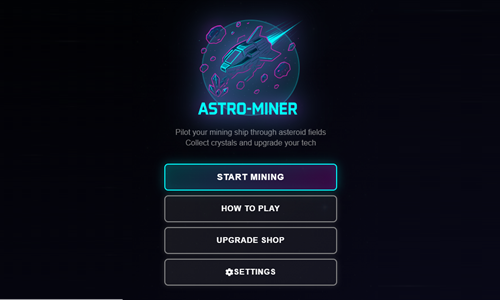
Astro-Miner is a level-based shooting and survival game based in space.
- Press the START MINING button on the welcome screen to start the game.
- Using the keyboard you can use the WASD keys or the arrow keys to move around the playing field.
- Move the mouse to set your aim and left click to fire.
- On mobile devices you touch the left side of the screen to move and the right side of the screen to aim and fire.
- Shoot asteroids and collect crystals they leave behind.
- Avoid collisions with aseroids and collect shields to add extra health.
- Play in endless mode, or play through 40 discrete levels.
- The upgrade shop has 10 extra ships you can purchase for 200 to 420 each. You can upgrade from the standard laser to a spread cannon for 150, a rapid blaster for 200, and a piercing beam for 250. You can also upgrade your laser power, fuel capacity, and shield strength 20 times each, with initial upgrades costing 100 credits.
Space Invader 8Bit
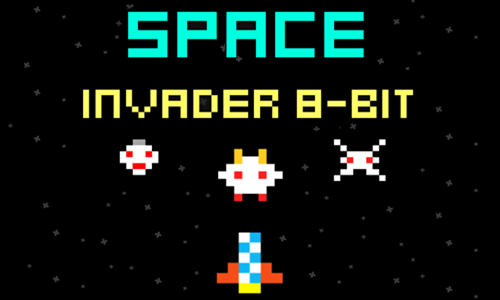
Space Invader 8Bit is a low fidelity shooting game patterned after the arcade classice Space Invaders.
- Press the PLAY button in the lower center of the welcome screen.
- Use the on-screen buttons in the lower left corner or the arrow keys on your keyboard to move around space.
- Tap the spacebar on your keyboard or hit the button in the lower right corner to shoot.
- As you hit aliens they get smaller, then evenually disappear.
- Do not run into any aliens or their shots.
- Some aliens move horizontally across the top of the screen, while other stages contain levels where the aliens keep moving verticlaly down toward you. On stages with vertical movement, if you do not fully defeat an alien then it may get larger again on its next pass through the screen.
- The upper left corner shows how many aliens you are required to defeat to complete the level and how many remain.
- This game features a one-hit death. If you die you can retry the same stage again, as you have infinite lives.
- Play through all 25 stages and beat the game.
Space Zap

Space Zap is a horizontally scrolling space shooter game.
- Enter a username and then tap on the lower part of the loading screen to bring up the welcome screen.
- Press the play button on the selcome screen to start playing.
- Left click on the ship to move your ship around the screen.
- As long as your ship is in motion you automatically shoot at incoming enemies.
- Score points for each enemy you defeat and take on challenging bosses in boss battles.
- Play for as long as you can and challenge the high score.
Space Portal

Space Portal is a retro polatformer game where you play as a cute alien.
- Press the white and blue PLAY button in the lower center of the welcome screen to bring up the level select screen.
- All 20 stages are unlocked sequentially.
- Use the WASD keys or the arrow keys to move around the platforms.
- Pick up the gun to enable shots, and press the spacebar shoot at crates to switch places with them. Red crates remain floating in space, though other crates fall to the ground. You can pick up ammo boxes to gain additional shots.
- Push boxes around to use them as temporary platforms, or drop them on switches to deactivate lasers.
- Avoid running into spikes or falling off platform.
- If you make a mistake you can press the R key to reload the current stage.
- Collect all 3 batteries to enable the exit portal, and safely pass through the portal to the next level.
DocDuck Earth, Sun, and Moon
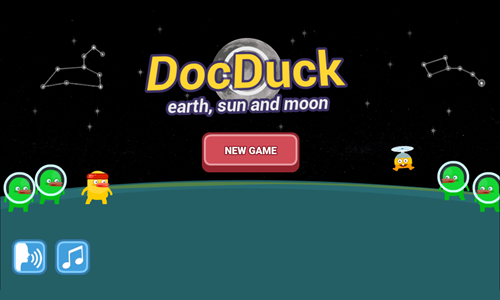
DocDuck Earth, Sun, and Moon is an explainer game which teaches children the Earth's place in the cosmos.
- The game starts with Elico taking DocDuck on a hill to watch the stars move around the night sky.
- Players are shown Polaris, or the north star, which has been used as a navigational aid throughout history.
- Next players see constellations and light them up by tapping at the correct times.
- The sun rises in the East and sets in the West, with shadow lengths changing throughout the day. Players take a picture each hour and then see how shadow lengths differ throughout the day on a graph.
- Players then see how the Earth spins on its access to create the perception the sun is moving.
- The game cleverly includes a space treadmill where DocDuck can jump over asteroids and collect stars. The treadmill simulates the spinning of Earth for 24 hours in a day, along with the revolution of the Earth around the sun for 365 days to show changes in the seasons and complete a year.
- Finally the game covers our natural satellite, the moon. Collect the blue moons while running on the space treadmill to take pictures of the phases of the moon as the moon completes both a 27-day orbit and a 29.5-day phase cycle.
DocDuck Universe and Stars
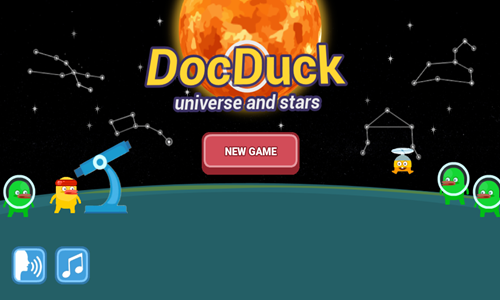
DocDuck Universe and Stars is an explainer game which teaches children the Sun's place in the cosmos.
- The game starts with a cartoon explaining how Elico wanted to enlist DocDuck to help him understand the impact of the bright Sun on the scorching hot summer day.
- DocDuck explains the brightness of the Sun and the heat it gives off is due to the close proximity to Earth.
- DocDuck has Elico move the Sun further away from Earth and closer to see the impact of its movement on perceived size and brightness.
- Next DocDuck goes to his spaceship and hooks up the Sun to pull the Sun far away from Earth, beyond the edge of the solar system.
- Left click to jump (like Flappy Bird) and collect as many of the stars as you can for 25 points each while avoiding running into the rocks which will cost you 50 points each.
- After showing the impact of moving the Sun around Elico states "the Sun may be special to us, but in the vast universe, it's just one of billions of stars."
- Next they go back to Earth and explain how constellations are made up from patterns created by distant stars.
- Players drag the closest & brightest stars, medium distance stars, and farthest & dimmest stars into position on constellations like the Little Dipper and Leo the lion, and observe them through a virtual telescope.
- After putting the stars in positions Elico moves around the constellation and you have to tap when he is over each star to activate it. Correctly timed taps earn 25 points while incorrect ones cost 50 points.

Board Games
Galactic Go

Galactic Go is a virtual board game inspired by Monopoly. Move your spaceship around the galaxy, purchase properties, and upgrade them in a race against a computer opponent.
- Press the red and white Play button on the welcome screen to start a game, or tap on the Tutorial button to view the tutorial.
- Roll the dice, and take action based on where you land. Some properties can be purchased or upgraded. You can also trade properties. When you roll doubles you can roll again up to 3 times.
- Players can buy unowned planets or set them to auction. Owned planets are due rent. Cosmic events and galactic order cards are like chance cards in Monopoly. The black hole operates similar to the jail in Monopoly.
- Players can only build on a property if they own all the planets in that color group. Buildings must be built evenly across planets. When you build 4 modules it creates a spaceport upgrade.
- The science lab allows players to bet on outcomes, with both positive and negative outcomes possible.
- The objective of the game is to be the last player playing. If a player can not pay a debt they must sell modules or trade goods. If they still can't pay then they collapse into oblivion.
- Players can choose to play the game against other human players or bots. Games have 2 to 6 players. Games can start with $1,000, $1,500, or $2,000.
Galactic Junior
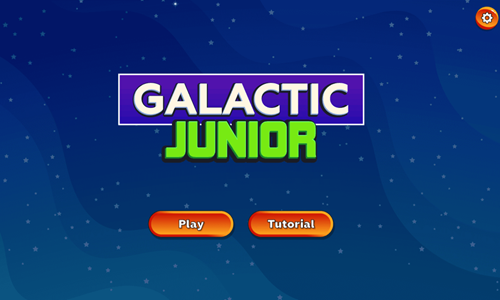
Galactic Junior is a simplified virtual board game suited for younger children. It is based on the original Galactic Go game, though requires less strategy to play & has fewer planets.
- Choose to play between 2 and 4 players. Set all players after the first to human or computer. Select 15, 20, or 25 credits to start each game with. The game automatically selects a random player to start. Press the roll button to roll each time your turn comes up. The game features 1 die rather than 2.
- Most plays are automated. Players automatically buy unowned planets they land on and pay rent on already owned planets.In this game the planet rents are the same as the purchase prices, so the key is to make it around the board many times early to win. Players earn 5 credits each time they pass go.
- Draw a card when you land on a cosmic event tile. These can have positive or negative outomes.
- Pick odd or even on the science lab to potentially win an alien artifact which is then converted to money.
- Players who are stuck in a black hole can pay 3 credits to get out of it, or try to roll a 6.
- When a player reaches negative money they lose, and all of their planets become unowned. The game continues until only a single winning player remains.
Kingdoms Wars
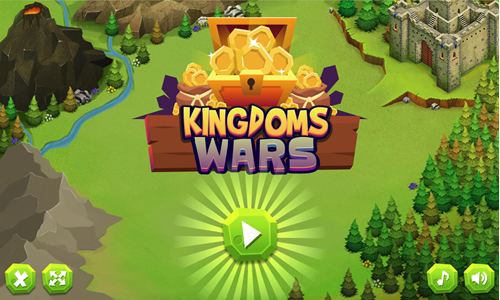
Kingdoms Wars is a virtual board game which was inspired by Monopoly.
- You start with 500 in savings and earn 50 each time you pass go.
- Roll the dice and land on a property. If the property is available for purchase you can buy it. If someone else already owns it you pay rent. The initial rents are fairly low until the plots have homes on them.
- After you move your turn does not end until you click the button to end it. You can still purchase homes for your properties & purchase land from other owners.
- When you own a set of 3 properties in a row you can build houses on them, which dramatically increases their rents.
- If another player owns a land you can purchase it off of them, however the repurchase price is dramatically inflated over the original purchase price.
- If your cash savings goes negative you have to sell off houses or properties to raise funds.
- The goal of the game is to drive the 3 competing computer players into bankruptcy before they are able to bankrupt you.
Build With Buddies
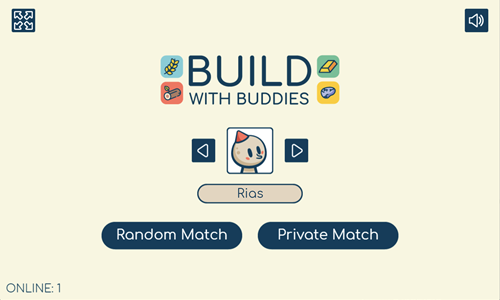
Build With Buddies is a virtual board game with dice, where you can play against 3 other human players.
- You can play against 3 random strangers or set up a private table to play against 3 friends & share the invite code with them.
- The goal of the game is to build 21 farms, timberlands, mines, and mountains.
- Each player starts with 100 wood, gold, grains, and stone.
- On each turn you get to build buildings and roll a dice.
- If you roll a 1 you get 100 gain, roll a 2 get 100 wood, roll 3 get 100 gold, roll 4 get nothing, roll 5 get 100 stone, and roll 6 to steal an input of your choosing from another player.
- The structures cost 25 of 2 different types of inputs, and produce 25 of a different type of input each round, as indicated in the table below.
- On each round you can see how many of each type of structure you have, how many of each type of input you have, how many of each type of structure your opponents have, and what inputs they have in inventory.
- The key is to play strategically. If you roll a 6 steal from whoever is the furthest out ahead, or who has the inputs you need most & use your limited resources to try to build a fairly even set of each building type, while spending the scarce resources you have catching up on whatever building type you need most & whatever produces the inputs you need most to complete your set of structures.
| Building Type |
Wheat Cost |
Wood Cost |
Gold Cost |
Stone Cost |
Produces |
| Farm |
|
25 |
25 |
|
25 wheat |
| Timberland |
|
|
25 |
25 |
25 wood |
| Mine |
25 |
|
|
25 |
25 gold |
| Mountains |
25 |
25 |
|
|
25 stone |
Merge Blocks
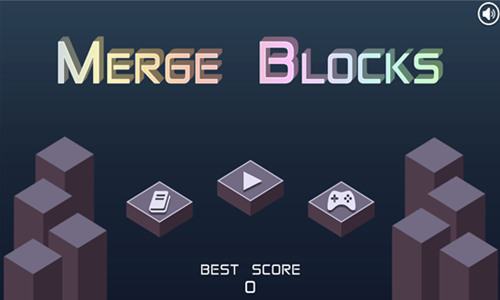
Merge Blocks is a merging game where players merge smaller buildings into larger buildings.
- The bottom of the screen shows the next building to play and then the 3 subsequent buildings.
- Select the square you would like to place the building on.
- Place 3 of the same building in a row, or 3 that are connected in an L shape and the buildings will merge into the next higher building level.
- Merges end up merging into the location of the final cell in the run & merges can set off a chain reaction.
- Whenever you reach multiples of 1,000 points you earn a hammer, which allows you to smash one of the buildings on the grid to create space to lay another building.
- Play until you run out of space.
Card Attack
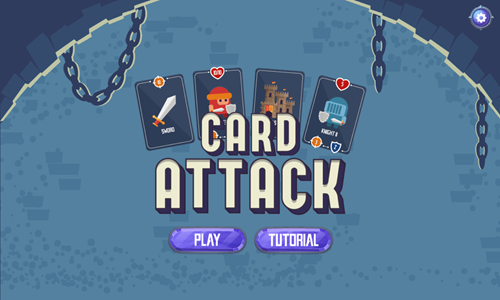
Card Attack is a movement strategy survival game.
- Tap on the PLAY butotn on the welcome screen or hit the TUTORIAL button to view a game tutorial.
- When you start the game you can choose to play a 3x3 grid or a 4x4 grid. The larger grid size gives you more move options, which makes the game easier to beat.
- Press the arrow key or swipe in the direction you want to move the player card.
- When you move toward enemies you attack them. If you defeat them they may leave behind coins which you can pick up on a subsequent move.
- Grab red potion to gain health, swords or other weapons to increase your attack, and shields to boost your defenses.
- Avoid crossing over traps or hitting spikes when they are out or you take damage.
- Grab keys and bring them to treasure chests to unlock them.
- Run into cannon cards to shoot cannonballs at adjacent enemies.
- Smash barrels and keep moving strategically to both keep your options open and earn as many coins as you can before you run out of health.
Wordmeister
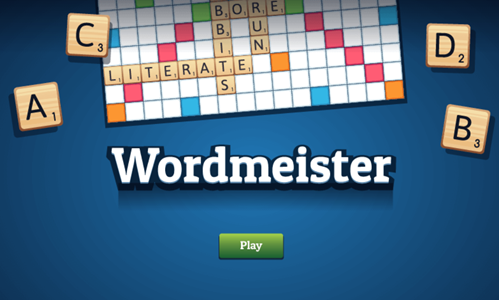
Wordmeister is a single-player word game inspired by the board game Scrabble.
- Press the green and white PLAY button on the welcome screen, then select your charactger.
- After selecting your charscter you can opt to play a tutorial or start the game.
- The computer assigns a tile to you and to the opponent. Whichever player has the first tile alphabetically goes first.
- The first word must pass through the star tile in the center of the board. Each subsequent word must use at least one tile from the existing tile chain.
- Drag some of your tiles from the bottom into the field of play to spell a word from left to right or top downward.
- After spelling your word press the Play button to end your turn.
- Score extra points by laying letters on colored tiles, making double words in two directions, and/or by using rare letters.
- Blank tiles act as wildcards which can be converted to any letter.
- You can also choose to skip your turn or swap letter tiles.
- The computer plays between each of your turns.
- Whoever has more points when all the tiles have been laid wins. If a player has tiles left in their hand at the end of the game the value of those tiles is subtracted from their game score.
OMG Word Pop

OMG Word Pop is a letter-tile word spelling video game.
- Press the red and white button in the lower center of the welcome screen to bring up the level select screen.
- The game features 50 stages which are unlocked sequentially.
- Draw vertical, horizontal, or diagonal lines connecting letters to spell the words which go in the boxes at the bottom of the puzzle.
- Finish puzzles quickly to earn up to 300 points and a 3-star rating on each stage.
- You can go back and replay a stage if you do not score well on it. The letter tile positions may change but the words will remain the same each time you play a particular stage.
- Use the hint button at the bottom of the screen if you get stuck.

Tower Defense Games
Endless Siege
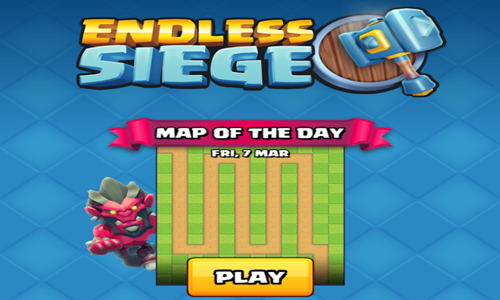
Endless Siege is a tower defense strategy game.
- Press the yellow and white PLAY button to start the game. The game offers a quick tutorial on tower placement, upgrades, waves, and game speed.
- Each orc you defeat earns income and each wave completed earns an income bonus.
- Place towers strategically along the path the orcs walk down.
- Place the time warp towers to have them work with the other towers to maximize damage.
- In this game you can upgrade towers across classes and level up within classes. It is typically best to have a few high-powered towers rather than many low-powered towers. You do not need to fully level up a tower in one class to be able to upgrade it to the next class.
- Across classes the towers have significantly different functions. For instance the time warp towers slow an individual enemy, then slow a group of enemies, then warp enemies which cross them to an earlier position on the map.
- You can switch between automatic play and adjust speed between 1, 2, and 3 times. When the game is easy it can make sense to have a fast speed and automate the waves, then slow the game down as it gets more challenging.
- Each tower allows you to adjust its attack strategy. By default towers attack the first enemy which passes by.
- The game uses a map rotation system, so each day you get to play a different map design.
- When 20 orcs make it past your defenses the game ends.
King Rugni Tower Conquest
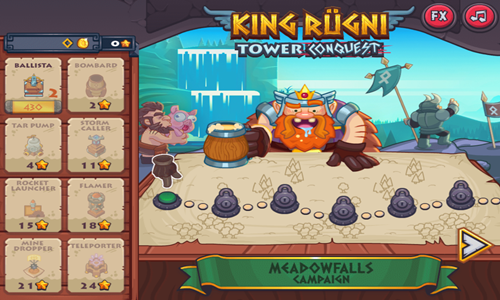
King Rugni Tower Conquest is a 30-stage tower defense game.
- Levels are unlocked sequentially on the map, with the first couple stages also serving as tutorials.
- Lay towers strategically on the tower placement spots to fight incoming enemies.
- Earn coins for each enemy you defeat along with bonus coins for calling subsequent waves of enemies early.
- As you advance through the game you have a couple power up buttons you can use during play to send a dynamite pig at enemies or a tsunami of tar to slow them down.
- Allow few enemies through the level exits to earn up to a 3-star rating on each stage and coins which can be used to upgrade towers.
- If you earn a low rating you can replay the level to try to earn a higher star rating and more coins.
- If 10 enemies make it through to the end of the level you lose and must play the stage again.
Base Defense
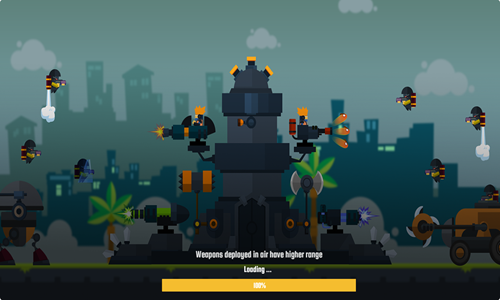
Base Defense is an 11-stage game which has you fight off waves of enemy robots.
- Press the green PLAY button to start the game.
- Tap on placements on your base to install weaponry. When weaponry is installed you can upgrade it further 3 times.
- Enemies can attack and destroy your weapons. Tap on the wrench near them to heal them, or tap on a placement position to place another weapon where a destroyed weapon was located.
- As you beat enemies you earn metal and coins. Metal can be used to purchase and upgrade additional weaponry inside a stage. Coins can be used to purchase castle upgrades and unlock new weapon types.
- The upper right of the screen shows your wave progress. Maintain base defense through all waves to complete each stage.
- Return to the bases and weapons menu on the welcome screen to use the coins to unlock additional weapons and new bases.
- Play through all 11 levels.
Crown Defense
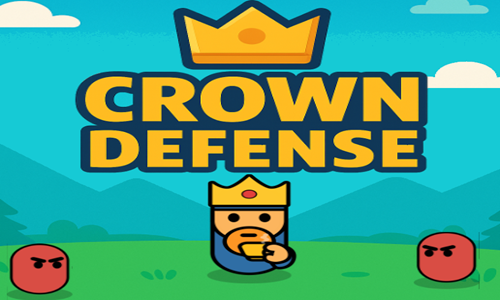
Crown Defense is a survival game where players aim to last for a month.
- Press the blue and white PLAY button to start the game.
- Buttons in the upper right corner allow you to pause the game and change game speed.
- The tower automatically fires at incoming enemies. You play until either you last through 30 days to beat the game, or the tower's health is fully depleted.
- After each round players can tap on the yellow and white UPDATES button to purchase upgrades, or press TRY AGAIN to replay the game again.
- Each enemy defeated earns both coins and experience. The upper left corner shows your level number, level experience progress, and coin savings.
- You can upgrade the castle's health, fire rate, damage done, range, and health regeneration. You can also upgrade features of other fighters and attacks you unlock as you gain coins and experience. Players get multiple turrets on the tower along with archers which automatically fire at incoming enemies.
- Each attribute can be upgraded a total of 6 times. You keep all upgrades between gameplays.
- Other than your upgrade cycle, the main thing players control is the use of other fighters and advanced attacks. As you unlock features 4 gates appear at the bottom of the screen which are associated with swordsmen, bombs they can throw, dummies they can place, and storms they can unleash. The gates turn solid color when they are fully charged and have a white overlay which disappears as they charge up.
- As you advance through the days enemies come faster and are stronger, requiring more upgrades to advance to further days.
Cat Wizard Defense
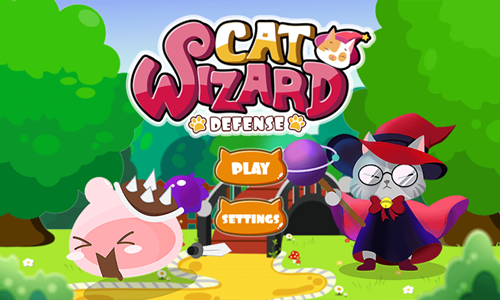
Cat Wizard Defense is a cute 18-stage tower defense game.
- Press the orange and white PLAY button on the welcome screen to start the game.
- On your first play you will be offered a chance to play through a tutorial or start the first level.
- On subsequent plays pressing the PLAY button brings up the level select screen.
- Place cat towers strategically along the paths the jelly monsters walk down. The best place to lay the cat towers are on inside corners or where the jellies can be hit multiple times on their walk path.
- As you defeat monsters you earn cat coins, which can be used to purchase more cat towers.
- Jelly monsters get stronger as you progress through the game.
- As you advance you get options of building stronger cat towers with different shot distances. Typically the game favors using stronger towers, though precision timing can be required with laying some towers just in time to not allow any jellies through to the end.
- Earn up to 3 stars on each stage by allowing few or no jelly monsters through to the end of the stage.
Neighborhood Defense
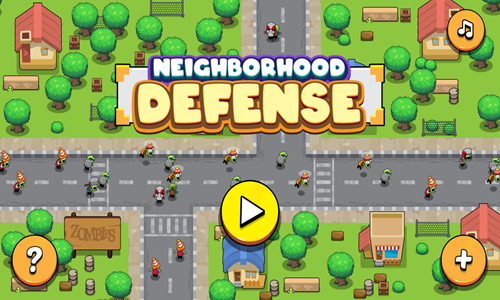
Neighborhood Defense is a 32-stage tower defense game featuring waves of zombies on each stage.
- Tap on the game loading screen to bring up the welcome screen.
- Press the yellow and white play button on the welcome screen to bring up the level select screen.
- All 32 stages are unlocked sequentially. Tap on the first stage to begin play.
- Select a location you wish to install a tower. Place archery, bomber, sniper, or magic towers on placement locations around the stage.
- Earn income for each zombie defeated, and use the income to lay more towers or upgrade existing towers.
- The lower left corner has buttons which charge up, allowing you to lay TNT and strike zombies with lightning.
- Each stage has a discrete number of waves you must play through to advance, while allowing few or no zombies through to the level exits.
- Earn up to 3 stars on each stage and use the associated points to upgrade your towers. For each of the 4 tower types you can upgrade damage, fire rate, attack speed, range, target, and accuracy.
Protect The Kingdom
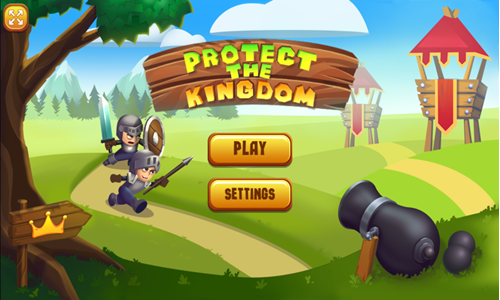
Protect The Kingdom is an 18-stage tower defense game.
- Press the PLAY button on the welcome screen to bring up the level select screen, or press the TUTORIAL button to play through a tutorial.
- Drag a tower from the buttons in the lower right into position near the walking path to place it. Towers which are colorful can be purchased and translucent buttons indicate towers which you can not yet afford.
- As you defeat enemies you earn coins which can be spent purchasing additional towers.
- In this game it is best to place towers on inside corners or in areas where enemies walk across the firing path radius twice.
- Generally it is best to place the more expensive towers rather than the cheaper ones, as they damage is much higher than the incremental cost.
- If too many enemies reach the exit you lose the stage and have to play it again.
- Allow few or no enemies to reach the exit to earn a high star rating on each level.
- You can go back and replay previously beat stages to try to earn a higher star rating on them.
Realm Defenders
Realm Defenders is a 20-stage tower defense game.
- Tap anywhere on the game loading screen to bring up the welcome screen.
- Press the PLAY button on the welcome screen to bring up the level select screen.
- Levels are unlocked sequentially. Select a level to begin play.
- Tap a tower location and select which tower you would like to place there from boom, mystic, arrow, or barracks.
- During play you can activate a space arrow attack or set a melee warrior on the playing field wherever you wish.
- As you defeat orcs you gain income which can be spent buying new towers or upgrading your existing towers.
- Your star ratings earned on each stage give you upgrade points which can be used to upgrade the damage, fire rate, or range on any of the 4 tower types. Once the upgrade points are spent they can not be adjusted. You can replay levels with a low rating to earn a higher star rating on them.
Castle Defender Saga
Castle Defender Saga is a tower defense strategy game.
- Press the red and white PLAY button on the welcome screen to start the game.
- On your first play you will be offered a chance to play through a tutorial or start the game regularly.
- The game has you face waves of enemies. Each fifth wave has a boss battle at the end of the wave.
- If the castle health is maintained above zero throughout the battle you beat the wave and can move onto the next.
- If you lose a wave you can play it again.
- At the end of each day you earn experience, gems, and coins which can be spent on upgrades.
- The castle allows you to place up to 6 different heroes on it, with the ability to activate each by clicking on them. There are 8 types of heroes: knights, lancers, lightning mage, fire mage, ice mage, archer, bomber man, and summoner.
- Each type of hero, the castle itself, and city archers can be upgraded. As you upgrade the castle it improves both the hit points and mana.
- As you upgrade heroes they grow stronger and you can also promote their class. Each hero type can be promoted in class at a rank of 10, and promoted again at a rank of 20.
- Experience points can be used to upgrade coin earnings, experience accumulation, hero cooldown time, hero attack damage, hero attack speed, summons health, mana, and castle health.
Sassy Archer
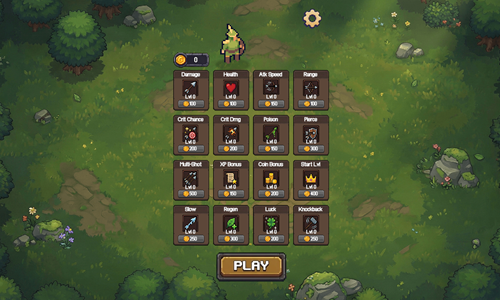
Sassy Archer is a survival game which has tower defense elements to it.
- Press the PLAY button at the bottom of the screen.
- The archer automatically shoots at incoming enemies.
- When enemies are defeated scroll over coins and gems they leave behind to collect them.
- Gems help you level up. When you level up in a game you can select one of three bonuses to increase health, regenerate health, or to shoot faster, shoot multiple arrows at once, use piercing arrows, or do more damage with each arrow. Gem-based upgrades last for the remainder of the current game.
- Coins allow you to level up at the end of each game. Coin-based upgrades last through all future gameplays.
- Repeatedly play and power up the archer & get strong enough to last 15 minutes to beat the game.
Monkey Bubble Defense
Monkey Bubble Defense is a simple tower defense game inspired by the Bloons series.
- Press the brown play button in the lower center of the welcome screen to bring up the level select screen.
- Three level designs are unlocked sequentially. Select a level design to play it.
- Place towers strategically along the paths to defeat the bubbles before they make it to the castle. Each tower can be upgraded many times, altering shooting range, attack damage, and shot frequency.
- Each stage has a number of discrete waves you face. You can place or upgrade towers during fighting or between waves.
- If you place a tower in the wrong position you can sell it, though you will lose some money on the transaction set.
- You can change targeting on each tower to nearest, furthest, oldest, or youngest enemy.
- Earn coins for each bubble defeated, which enables you to lay more towers or upgrade existing towers.
- Allow fewer than 10 jelly monsters to make it to the castle on each stage to advance to the next.
| Tower |
Cost |
Description |
| Rocket |
30 |
A tower that shoots rockets which hits all in explosion. |
| Burst |
20 |
Quickly shoots stored bullets, and slowly reloads as you play. |
| Sniper |
25 |
Does a lot of damage and has great range, though is very slow to reload. |
| Laser |
30 |
Shoots a laser which burns enemies based on their max health. |
| Basic |
20 |
A simple tower for shooting down enemies in its range. |
| Shock |
25 |
Shoots bolts of electricity that slows enemies it hits. |

Stacking Games
City Builder
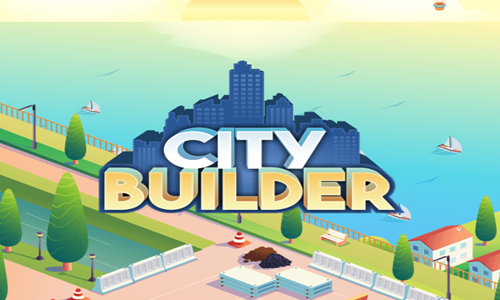
City Builder is a simple tower stacking game which requires precise drop timing.
- Press the START button on the welcome screen to begin the game.
- Select a building location on the map to begin making the building.
- Time floor drops so each floor drops atop the prior floor.
- You lose if the building falls over.
- When you fail you can replay the building again.
- Earn more points for good timing and additional points for perfect timing on your floor drops.
- Set the roof on each building & ensure your drops were timed enough to reach the building point total goal, then select another location on the map to stack the next tower.
Stack Tower
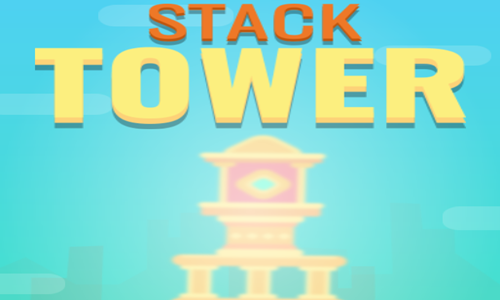
Stack Tower is a level-based stacker featuring ancient Roman building pieces.
- Tap the mouse left click button to drop a piece.
- Repeatedly drop pieces until you drop the ceiling at the end of each stage.
- On most pieces you want to drop them centered above the prior piece, though some pieces have an odd number of sides or are offcentered, and require special consideration.
- If any piece falls off the platform or building stack you lose.
- If you fail a stage you can try it again, and you will get a different assortment of pieces on the next play.
- Lay all the pieces and build taller than the line to move onto the next stage.
- Play through all 40 stages.
TowerTopia Builder
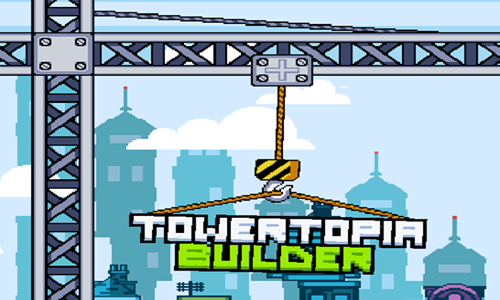
TowerTopia Builder is a tower stacking game where you drop one floor at a time.
- Press the blue play button in the lower center of welcome screen to start the game.
- The crane swings a floor of the tower back and forth endlessly.
- Tap your mouse left click button or hit the spacebar when the piece is centered over the tower to drop the floor.
- Each floor landed on the tower is worth 100 points, with perfectly centered drops earning a bonus 400 points.
- The stack can sway from side to side as you build it up, so the floor you want to center against is the topmost floor.
- The lower left corner of the screen shows how many citizens reside in your building while the lower right corner shows your current game score.
- As you move up the building periodically the piece designs will change.
- Play until either 3 floors fall off the stack one at a time, or you make a bad lay which knocks the entire stack over.
- The orange trophy button underneath the play button on the welcome screen shows which of the in-game achievements you have earned.
Tower Mania

Tower Mania is an endless floor stacking game.
- Select the new game button to start a new game.
- Press the instructions button if you would like to read gameplay instructions. Press the languages button to switch languages. You can also turn sound on or off on the welcome screen.
- Tap your mouse left click button at the precise time when a floating floor moving back and forth is positioned directly over the top floor.
- If you make a perfectly precise placement you can earn a high score and coins.
- When your timing is not perfect the floor width grows narrower.
- Use coins to buy boosters like double coins, a head start, or insurance.
- You can unlock additional puzzle skins by saving up coins.
Tower Construction
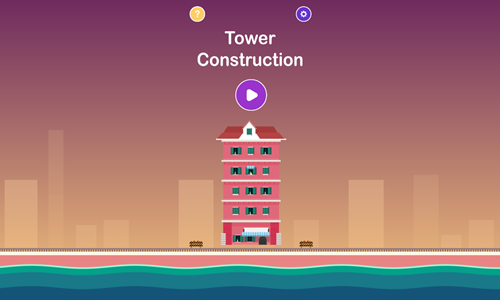
Tower Construction is an easy building game which is rather forgiving with floor placement timing.
- Press the purple button on the welcome screen to start the game.
- Once you begin playing a floor moves back and forth across the foundation of the building.
- Tap when you would like to place the floor.
- Unlike many other stacking games, the floors do not become more narrow if you slightly mistime your moves.
- When all floors are locked in place the roof swings back and forth across the top of the screen. Time dropping it onto the building to complete each structure.
- You lose if the building or any part of it falls over.
- This game allows you to repeatedly replay and failed level.
Skyscraper
Skyscraper is a 30-stage floor stacking game.
- Press the brown button on the welcome screen to start the game.
- Buildings are unlocked sequentially, with locked buldings in black and white and their number on them.
- Once you select a building a floor moves back and forth. Tap when you would like to place the floor.
- Each floor moves at a different speed, so be sure to adjust your timing to compensate for differences in movement speeds.
- Unlike many other stacking games, the floors do not become more narrow if you slightly mistime your moves.
- When all floors are locked in place lay down the roof.
- You lose if the building or any part of it falls over.
- This game allows you to repeatedly replay and failed level.
- You can earn up to a 3-star rating on each building, with the star rating based upon how quickly you play and now neatly the floors are placed.
Magnificent Tower
Magnificent Tower is a simple tower building game where players lay one floor at a time until they can no longer lay down any additional layers.
- Click your mouse just before the top floor is centered over the building's foundation.
- Each floor can be no wider than the floor beneath it & any part that overhangs is cut from the top story.
- If you mistime the lay you can wait until the floor reaches the other edge and then returns in the other direction.
- Keep timing your floor lays as close to perfect as you can to keep the building as wide as possible.
- Lay additional floors on the top floor repeatedly until you run out of space and mistime a lay.
- See how many floors you can build & challenge your friends to see who can build the tallest skyscraper.
Real Estate Builder
Real Estate Builder is an isometric stacking game.
- Tap the gray button near the lower center of the screen to start the game.
- Builing floors will come into screen one at a time from the left or right, alternating directions.
- Tap when the top floor is centered over the building to lay another floor.
- If you feel your timing is off you can wait for the floor to go to the edge of the screen and then come back to lay it - you do not need to place it on the first pass.
- If your floor is not properly centered then any part hanging off is removed. Your next floor will be shorter to reflect the narrower top on the stack.
- Each floor laid to the stack is worth a point.
- Keep playing until you miss the stack and it is game over.
Sky Castle

Sky Castle is a skyscraper building game.
- Press the START button at the bottom of the welcome screen to start the game.
- Floors come into the game from either side, moving back and forth until you place them on the building.
- Tap your mouse left click button at the right time when the top floor is over the center of the floor beneath it.
- Each time you lay a floor perfectly the floor width remains the same, though if your timing is off the floor width narrows.
- Earn coins based on how high you build and use the coins to purchase power ups.
- Keep playing until you mistime a floor lay and the game ends.
Stack Wood Planks
Stack Wood Planks is a simple no-frills endless stacking game.
- Press the green and white play button near the center of the screen to start the game.
- Boards enter from the left or right of the screen.
- Tap when the board is centered over the topmost board in the stack to drop another board.
- If your board is not properly centered then any part hanging off is removed. Your next board will be shorter to reflect the narrower top on the stack.
- Each board laid to the stack is worth a point.
- Keep playing until you miss the stack and it is game over.
Treze Stacks
Treze Stacks is a simple untimed wood stacking game.
- Tap on the game loading screen to bring up the welcome screen.
- Press the play button in the center of the welcome screen to start the game.
- A crane arm moves back and forth across the top of the screen. Left click on it when the piece of wood is over the stack to drop a piece of wood.
- Each piece of wood landed on the stack is worth 5 points.
- Some pieces are longer than others, so it is best to measure from the centerpoint rather than the edges when laying.
- Adjust your lay timing to favor the more centered portion of the stack as the stack becomes less stable.
- Play until you miss the stack or the stack falls over.
Buildi Tekt
Buildi Tekt is a both a stacking and a merging game.
- Tap anywhere on the gray loading screen to bring up the blue welcome screen.
- Press the play button in the lower center of the welcome screen.
- On your first play through the game shows a tutorial about how playing works. Players stack numerical floors on top of each other.
- When two floors of the same value touch they merge into a floor of the next higher value.
- Choose which of the 4 columns you want to drop each floor on.
- Colorful floors match any floor they land on and merge it into a higher value floor.
- Floor values go up to level 10, and when you merge two 10 floors it creates a rainbow floor. If there are no floors below the rainbow floor it moves to the second next piece you play.
Stack The Containers

Stack The Containers is a simple stacking game.
- Press the orange and white start button on the welcome screen to start the game.
- Continers come into play from either the left or right side of the screen and move back and forth until you place them.
- Tap your mouse left click button to lay the container on the stack.
- If your lays are perfectly timed the containers stay the same width, though if your timing is off the containers become more narrow.
- Score a point for each container laid on the ship.
- Keep playing until you mistime a play and miss the stack.
Woody Hexa
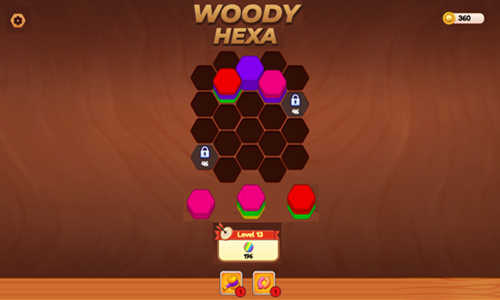
Woody Hexa is a colorful 250-stage wood hexagons stacking game.
- Press the green and white play button on the welcome screen to start the game.
- Use your mouse to select a stack from the bottom and drag it into the field of play.
- Arrange the stacks so that the same colored chips are next to each other, so that they will combine in a single position.
- When there are 10 or more chips of the same color consecutively on a single spot they are removed from the board and count against reaching the level goal.
- Each time you use all the tile stacks at the bottom you get a new set of 3 stacks to place onto the board.
- As you advance through the game some boards have locked spaces which are only unlocked after you match off a set number of hexagon tiles. You also face more hexagon colors and more mixes within each stack as you progress through the game.
- You start the game with 200 free coins. Reach the level goal for the colored hexagon tiles to beat the stage and earn 5 extra coins.
- At the bottom of the screen there are 2 power up buttons. Thge hammer smashes down a specific spot, and a refresh sorting button gives you 3 new stacks of tiles. You can use your coins to purchase additional power ups with the hammer costing 50 coins and the refresh sorting button costing 100 coins.
Apartment Stacker
Apartment Stacker is a simple stacking game.
- Press the blue and white button in the center of the screen to start the game.
- The floor at the top moves back and forth.
- Left click when you want to drop a floor.
- Perfectly timed drops centered on the stack are worth 4 points each. Good drops are worth 2 points. Ok drops are worth a point.
- Keep laying floors until you mistime a drop.
- See how many points you can score.

Painting Games
House Painter
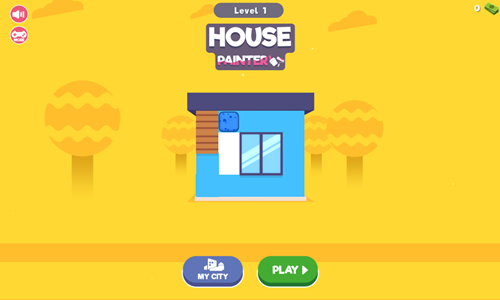
House Painter is a fun painting and town building game.
- Press the green and white PLAY button to start painting the first house.
- Use the arrow key on the keyboard or hold the mouse left click button in and move the mouse around to paint the house.
- Cover each square of the wall with paint to complete the wall.
- As you advance through the game some houses have more walls which you need to paint.
- Each house you paint provides earnings which can then be spent in the MY CITY area, to either build new buildings or upgrade existing ones.
- Center a square plot from MY CITY on the screen and you will see a BUILD button overlay. Tap on BUILD to create a house and tap on UPGRADE to upgrade an existing structure.
- Press the BACK button in the lower left of MY CITY to return to the regular game & paint additional homes.
Brush Master
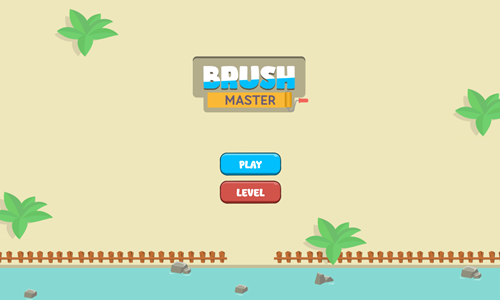
Brush Master is a cute painting game where players try to recreate a pattern shown above the painting area.
- Press the blue and white PLAY button to start painting the first stage.
- You can go back and replay completed levels from the welcome screen by pressing on the orange and white LEVELS button.
- Tap on the painters in the correct order to duplicate the pattern shown.
- If you make a mistake you can retry the level again.
- After you complete each stage correctly select teh blue and white NEXT button to play the next stage.
- Play through all 48 levels to complete the game.
House Paint

House Paint is a simple exterior painting game.
- Press the red and white PLAY button to start painting the first house.
- Use the arrow key on the keyboard or hold the mouse left click button in and drag the mouse around to paint the house.
- Unlike many wall painting games, this game allows you to move a square at a time instead of moving from wall to wall.
- Cover each square of the wall with paint to complete the wall. Each building or level has a single wall you must complete.
- If you get stuck you can press the level restart button in the upper left corner to restart the current paint job from the original position.
- As you advance through the game homes become more challenging with larger walls, more complex layouts, and more obstacles blocking your painting paths.
- If your paint sponge gets stuck and you can't get through a narrow passage try to approach from another angle and use an obstacle or a wall as a stop to align and guide your paint sponge.
Paint Sponges Puzzle
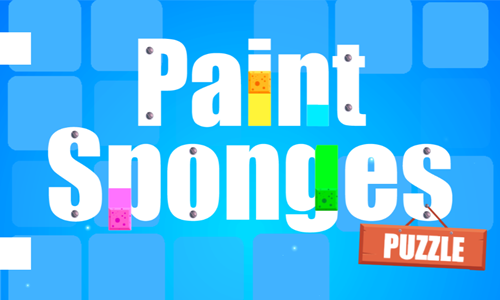
Paint Sponges Puzzle is a sponge sliding game where you paint all the tiles.
- Tap the play button in the lower center of the welcome screen to load the level select menu.
- Choose level 1 to play it. Levels are unlocked sequentially and there are 90 stages in the game.
- With the mouse cursor anywhere on the screen tap the mouse left click button then slide the mouse the direction you want the sponge to travel.
- The sponge will slide the direction you move it until it runs into a wall.
- Keep changing movement directions as needed and paint until every square of the puzzle has been painted.
- You can move over your previously painted squares any number of times.
- Levels do not have a time limit, though if you get stuck on a stage you can press the level select button in the upper left corner to start it again.
Paint Master
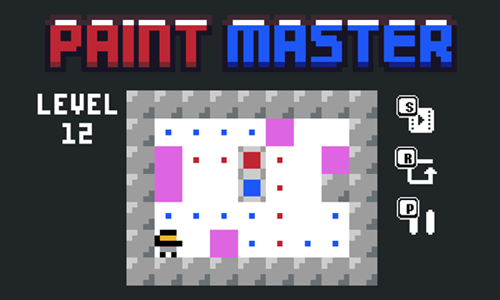
Paint Master is a simple 15-stage slide puzzle game where players must paint the squares with dots the associated dot color.
- Press the play button at the bottom center of the welcome screen to load the level select screen.
- Levels are unlocked sequentially. Select a blue-colored level from the level select screen to play it.
- Use the arrow keys to slide edge from edge around the puzzle.
- Slide over a main paint bucket to switch your paint color between red, blue, and green.
- When you land on fuchsia squares you stop and can choose to continue in the same direction or change directions.
- You can repeatedly paint over a tile and it will change to whatever color you last painted it.
- Paint each of the dots the same color to complete each stage and advance to the next level.

Landscaping Games
Idle Lawnmower
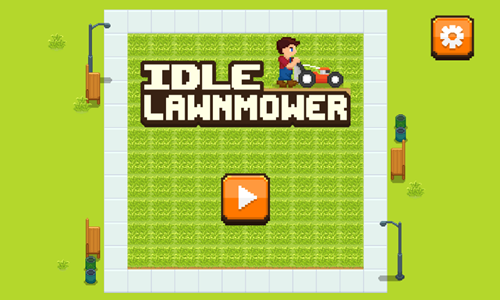
Idle Lawnmower is an automated lawn mowing business simulation game.
- Upgrade your blade sharpness, mower speed, grass growth rate, grass density, and grass variant to earn more from your mowing work.
- Upgrades you can afford are shown in orange. Upgrades that are too expensive are in gray.
- Use the button to the left of the upgrades to see how each upgrade works.
- Use the button to the right of the upgrades to switch between upgrading 1 level at a time, 10 levels at a time, and the maximum upgrade you can afford.
- Select people and animals traveling through your lawn to guide them away from your work site and earn bonus income.
- Along the right rail of the screen there are periodic upgrade buttons you can select to enable 1-minute bonus upgrades.
- When a power up is active it will show a count down clock on its right side.
- The upper left corner of the screen has a stats button indicating your available funds, lifetime earnings, and levels for your mower speed, sharpness, and grass quality.
- As you play eventually investors may approach you, enabiling you to invest into growing the business faster and unlocking new zones.
Grass Cutting Puzzle
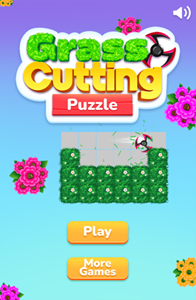
Grass Cutting Puzzle is a path making game where players must completely mow the lawn.
- Press the PLAY button to bring up the level select screen.
- Levels are unlocked sequentially. Click on a level to select it.
- Use the arrow keys to move the lawn mower around the grass.
- When a block of grass has been cut the color will change from green to gray.
- Cut down every square of grass to complete each stage.
- Levels are not timed and you can repeatedly go over squares you have already cut.
- If you get stuck click on the settings button in the upper right and press the restart button to restart the current level.
- Play through 100 unique level designs.
Swipe Blade
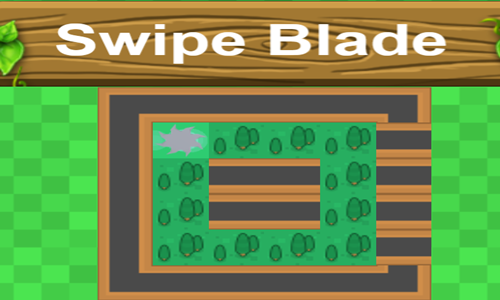
Swipe Blade is a simple path making game where you cut down timber.
- Press the yellow PLAY button to bring up the level select screen.
- Levels are unlocked sequentially. Click on a level to select it.
- Use the arrow keys to move the blade around the grid to chop down the trees.
- Cleared blocks show only tree stumps.
- The game automatically saves your best move count score on each stage.
- Cut down every square of the grid with trees to complete each stage.
- Levels are not timed and you can repeatedly go over squares you have already cut.
- You earn coins which can be used to purchase 10 different blades for 500 coins each.
- Play through 56 unique level designs.
Planting Puzzles
Planting Puzzles is a 20-stage tree planting game.
- Press the brown play button in the lower center of the loading screen to bring up the level select screen.
- Levels are unlocked sequentially. Click on a level to select it. Unlocked levels are on yellow crates.
- Drag trees from the upper left buttons into the field below.
- Trees can be placed in any empty hole, or in any spot with a green tree already planted there.
- Trees are planted in the hole you plant them, and that tree will also plant trees along any columns or rows that are aligned with arrows extending from the tree you plant.
- Tree arrows can pass over gaps in the playing field, though the force can not pass through crates.
- On some of the later stages of the game there are red trees. You can't point arrows directly at a red tree from afar or else the tree laying will run into the red tree, causing the red tree to bounce back the force and remove an adjacent tree.
- Fill in every tree hole to beat each stage.

Home Games
Tile Cleaner 9000
Tile Cleaner 9000 is a 40-stage slide puzzle game where you must clean the dirt and grime off the floor.
- Press the white and gold play button on the welcome screen to bring up the level select screen.
- Tap on start to play the first unlocked level.
- After beating stages you can go back and replay previous stages by using the arrows on the level select screen.
- Slide the cleaner around the screen using either the arrow keys on your keyboard or the WASD keys.
- Each time you move you slide in that direction until you run into a wall or a piece of furniture.
- Keep sliding around until every square has been cleaned.
- As you advance through the game some stages have doors which swing open and shut alternative between turns.
- If you make a movement error and get stuck you can tap the restart button in the upper right corner to reload the level again from the starting point.
Ragdoll Bob Puzzle
Ragdoll Bob Puzzle is a ragdoll physics puzzle game where players drag geometric shapes into the scenes to adjust the walking path of a stickman.
- Press the pink and white play button in the lower center of the welcome screen to bring up the scene select screen.
- The first 2 scenes are in the bathroom, with the next 2 scenes in the kitchen. Scenes are unlocked sequentially, with each of the 4 scenes having 20 levels inside it.
- Drag triangles, squares, and planks from the bottom of the screen into play to change the direction the character moves.
- Get the character to reach the star then the soap (in bathroom scenes) or the dishes (in kitchen scenes).
- You can repeatedly pause the scene as needed to pull pieces out of the scene and drag new pieces into the scene, the resume play.
- Collect the star and soap (or dishes) while never exceeding the piece limit to score up to 3 stars in each scene.
- Play through all 80 scenes.
Save The Duck
Save The Duck is a 30-stage physics puzzle game where your goal is to get the rubber ducky into the bath tub.
- Tap anywhere on the game loading screen to bring up the welcome screen.
- Press the blue and white button in the bottom center of the welcome screen to bring up the level select screen.
- Choose a level from the level select screen. All 30 stages are unlocked sequentially.
- Left click on the screen from the column you wish to pour water from, and release the click to stop pouring.
- Pour the water so the duck makes it into the tub.
- You may need to make multiple pours switching directions or aligning platforms.
- The duck can go straight to the tub, back and forth on platforms, or through orange warp portals.
- Position the blue blocks to protect the duck from the red spikes.
- Use water efficiently to earn up to a 3-star rating on each level. You can go back and replay any stage where you earned a lower rating.
Dream Room
Dream Room is an isometric scene completion game, where players build rooms by dragging furniture and other objects into place.
- Press the play button in the lower right corner of the welcome screen to start the game.
- Use your mouse left click button to select an item from the bottom row of 4 and drag it into position in the scene above, matching each item to its outline. Some outlines may comprise of a single item while other outlines consist of a collection of items you much place.
- Above the item list are two numbers showing how many items you have placed and how many remain.
- You can skip any item and play any others that are available until you make enough progress that only one item remains. Each time you grab an item from the tray another is shown until there are 4 or fewer items.
- A timer is shown at the bottom center of the screen. Complete each scene before the timer at the bottom of the screen runs out.
- The stage number is shown at the top center of the screen. Once you get past level 7 scenes may require scrolling to view all rooms. Left click on the scene background and scroll to move between rooms.
- The upper right corner has buttons for controlling game sounds and music.
- The lower right has a button for using hints.
Santa's Delivery
Santa's Delivery is a Sokoban-inspired 20-stage Christmas gift delivery game.
- Press the A key, the enter key, or tap the welcome screen to start the game.
- Move Santa Claus around the level using the WASD keys or the arrow keys.
- Santa slides until he runs into a wall, a tree, a present, or a snowball.
- Push presents toward Christmas trees by running into the presents from more than 1 block away.
- You can only push a single present at a time. Whenever you make contact with a gift you stop the square before the gift.
- Each tree has a number on it. Trees disappear when the correct number of presents have been placed under them.
- As you progress through the stages some levels have fires and snowballs. You can not run into the fires or knock presents into them. If you knock a snowball into a fire the snowball melts while the fire is put out.
- After all the gifts have been sorted and the trees disappear send Santa up to the roof through the chimney to the next stage. Make sure Santa does not go through any other holes in the walls & that he does not pass through the chimney until all Christmas gifs are put under the correct trees.

Construction Games
Material Merge 2048
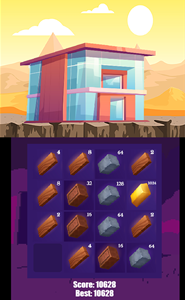
Material Merge 2048 is a variation of the classic game of 2048 where you merge tiles containing products to build a home. As you advance through the game the top portion of the screen changes to show the dwelling you have built thusfar.
- Slide the tiles up, down, left or right.
- When 2 adjacent tiles (in the direction you move) have the same value they will merge into a single tile of double the value.
- Each time you slide the tiles another tile enters the playing field from the opposite side of the field.
- Keep merging to reach as high of a number as you can.
- When the space fills up and no available moves remain the game is over and you lose.
- Can you make it all the way to 2048?
Castle Blocks
Castle Blocks is a castle building game where you set the scene, build the castle, and can save a picture of your creation.
- Choose from 10 different scene backgrounds.
- Use the 3 banners above the scene select to switch between scene, castle, and accessories.
- Design a castle by dragging any quantity of 40 different castle pieces into the grid.
- Within the castle design menu use the buttons to the left of the pieces to switch between castle, fence, 3 additional sets of building design styles, and 4 types of ground tiles.
- Select the third flag at the top to switch the item menu to includ flowers, trees, ladders, fences, people, and monsters.
- The right side of the game contains a menu with the following buttons: settings, complete, zoom in, undo move, redo move, exit.
- When you select the complete button with the checkmark you can then save a copy of the image to your computer.
Hammer and Nails
Hammer and Nails is a quick clicker game where you pound nails into wood boards.
- Tap on a nail whenever you see one appear.
- Repeatedly tap on the nail until it is pushed fully into the wood. Nails typically take 3 hits each. When a nail is fully in place the nail head disappears.
- As you play additional nails appear. Repeat the process until all nails have been hit into the wood. A meter in the upper center shows your level progress.
- You have 30 seconds to hit all the nails into the wood, with your timer shown in the upper left. When you get up to level 13 and beyond levels may give you additional time to complete them, with the meter starting at 45 seconds & the timer shifting to 60 seconds at level 16.
- When you get to level 15 and beyond some red skulls on green buttons appear. Avoid hitting them, as striking any of them leads to an instant loss. You may have to wait to strike a nail if they are adjacent or atop each other.
- Play through all 30 stages. If you fail a level you can try again.
Metal Merge Nuts and Bolts

Metal Merge Nuts and Bolts is a drop merge game themed after Suika Game.
- Drop a nut or bolt into the field of play.
- When 2 identical items touch they merge into a larger item.
- Keep dropping items until you run out of space.
- Try to merge all the way to the twenty item.
- Press the gem in the upper left to see the merge chain sequence.
- The top center of the screen shows the next up item you will get for your next play.
Hoop Sorting Puzzle
Hoop Sorting Puzzle is a logic puzzle game where players stack like colored nuts on a singular bolt until all the nuts are sorted.
- The game loads into active play on the first tutorial level.
- Select a hoop from one stack to grab it and then select the stack you want to move it onto.
- Hoops can be stacked on hoops of other colors temporarily, though the goal is to eventually stack all hoops onto only stacks containing the same individual color.
- When a stack is complete none of the hoops on it can be moved.
- You start with 100 coins and earn 5 coins per completed stage.
- You can use your coins to purchase power ups which reveal over time. For example, you can purchase an extra peg.
- As you advance through the game more features are added. Some hoops are locked in position until they touch a hoop of the same color. Some hoops are an unknown gray color until you remove the hoops above them.
- Play through all 45 stages to complete the game.
Construction Worker Dance Revolution
Construction Worker Dance Revolution is a tap timing dancing rhythm game.
- Select to play one of three songs: Working Hard, Clock Out, or Safety First.
- Tap the correct direction arrow key when the falling arrows are inside the indicator bubble.
- Each correctly timed tap is worth 20 points.
- Boost your score by making a long streak of consecutive correctly timed arrow hits.
- Each additional correct hit boosts your score for the next hit by 20 points.
- The construction worker automatically dances along with the music.
- You start each dance with 5 heart containers. Each time you press the wrong direction or mistime the press you lose a heart. Lose all 5 hearts and it is game over.
Construction Worker Bubble Shooter
Construction Worker Bubble Shooter is a simple timed bubble shooting game.
- Press the gold and brown button in the lower center of the welcome screen to start the game.
- Move your mouse cursor around the screen to set your aim.
- Left click to fire a ball at the stack. You can shoot directly or ricochet your shots off the walls.
- Make sets of 3 or more bubbles on the stack to remove them from the stack. Any bubbles connected only through those bubbles are also knocked off the stack.
- Each bubble you knock off the stack is worth a point.
- Earn extra points by making sets near a star ball & activate bombs to blow up adjacent bubbles.
- You have 2:30 to score as many points as you can.
Mahjong Solitaire
Mahjong Solitiare is a simple single-player tile matching game.
- In the options menu (available from a button on the right) choose from 4 different board layouts including wall, heart, default (or classic / turtle), and pryamid.
- You can also select alternate tile types in the options menu. We offer famous landmarks, types of buildings, contrustuction, rennovation, economy, and landscapes.
- Match identical open (or free) tile pairs. A stone is considered free if there are no other stones on top of it and either the left or right side is free of other stones.
- You can only select open stones. Open stones will turn blue when you select them. If a stone you select does not turn blue or doesn't pair off that means it is not open.
- If you get stuck you can select the shuffle button at the right edge of the game to reshuffle the remaining stones.
- The right rail of the game shows the game controls & indicators. At the top it shows how many open pairs you have remaining and how long you have played. Next there are 4 buttons to play a new game, shuffle the remaining stones, undo your most recent move, and adjust game settings via the options button.
Construct a Bridge
Construct a Bridge is a 10-level structural integrety game where players have a limited amount of material to use to build a safe bridge.
- Select a point at the edge of the bridge and drag inward to build the basic path for the vehicle to drive across.
- Repeat the process from point to point until the path has been completed.
- Draw additional lines to help support the bridge structurally.
- On some levels there are islands in the middle to connect up to the bridge, whereas on other levels you can only use the bridge itself to build supports on.
- When building diagonally make sure your lines are set to a distance which can connect.
- Set the vehicle in motion to start the level.
- Replay the level if the bridge falls apart or if you get a lower star rating than you would like.
Block Builder
Block Builder is a 30-stage physics puzzle game where players must tap pieces in the correct order to build the shape shown at the top center of the screen.
- Tap the PLAY button at the bottom of the welcome screen to start the game, or tap on the level select button to the right of the PLAY button to select a stage.
- View the pattern at the top of the screen and consider what order you will need to select the pieces in to build that pattern.
- Select a translucent block to make it active.
- Repeatedly select blocks in the correct order and at the proper time to use the forces of physics to move blocks around the playing field.
- If you make a mistake there is a restart button in the lower left corner of the game.
- There are advance and hint buttons next to the restart button. Press them to solve a stage if you get stuck and can't figure it out.
- Play through all 30 levels.

Destruction Games
Block Tower Boom
Block Tower Boom is a building frame destruction game.
- Press the yellow and white PLAY button to start the game.
- Drag each of the TNT into position on the building frames.
- Press the BOOM button when all of the TNT has been placed.
- The goal is to ensure all of the characters with red hats fall, get crushed, or get hurt in some way while ensuring the charactes with the green hat (which first appear on stage 12) do not get hurt.
- If you make a mistake you can press the restart button in the upper right corner of the screen.
- Play through all 25 stages.
Tower Boom
Tower Boom is a building frame deconstruction game.
- Lay dynamite on concrete supports and floors in a building frame.
- After using all your dynamite press the switch to detonate them in the same order you layed them.
- Your goal is to make the rubble stack as short as possible.
- If you fail to meet the level goal you can replay each stage again.
- Play through 24 stages.
- Try the new sequel Tower Boom Level Pack, which contains 45 additional level designs.
Building Blast
Building Blast is a destruction game where players must knock down structures to destroy the round balls reseting on them.
- Press the play button in the bottom center of the welcome screen to bring up the level select screen.
- Select which of the 25 stages you wish to play. Levels are unlocked sequentially.
- Press the mouse left click wherever you wish to place dynamite on the structure.
- After the dynamite explodes you can lay another, or you can lay multiple in rapid succession.
- The upper left corner of each screen shows how many concrete balls you have left to destroy. Balls typically destroy if they are right near a blast area, if they hit the ground, or if they fall off either the left or right edges of the screen.
- You have a total of 3 dynamite blasts to reach the level goal to advance.
- If you fail a level you can try again as many times as needed.
Bomb The Bridge
Bomb The Bridge is a structure destruction game where you strategically place dynamite to blow up bridges and cause maximum damage.
- Select the play button in the center of the welcome screen to bring up the level select screen.
- The game has 12 stages which are unlocked sequetially.
- You can plant bombs anywhere on the bridge, though you are given a limited number of them, which are shown at the top of the screen.
- After planting the bombs press the start button to put the enemy troops in motion.
- Wait for enemy troops to cross onto the bridge and the blow up the bombs one at a time by selecting them.
- Some bombs which are further away from the troops can be detonated immediately without alarming the troops, though bombs near the troops going off may cause the troops to speed up and/or change directions.
- You can score up to 3 stars on each stage by blowing up nearly 100% of the bridge and eliminating all enemy troops.
- You unlock the next stage with even a single star rating, but you can go back to previously beat levels at any time to replay them and try to earn a higher score on them.
- If you fail a level you can replay it an unlimited number of times.
- If you blow up dynamite early to where troops do not appear you can select the pause button in the upper right corner to bring up the pause menu and replay the level again.
- The welcome screen has a full screen mode button in the upper right corner & a settings button under the play button for controlling game sound and music.
Tower Boxer
Tower Boxer is a variation on the lumberjack tree cutting game where you instead play as a martial arts expert punching floors out of a skyscraper.
- Select the character switching icon to the right side of the welcome screen to choose an alterate fighter.
- You can play this game with either your mouse or the arrow keys on the keyboard.
- Press your mouse left click button on the left side of the screen to hit from the left side of the building, and press the left click button on the right side to hit from the right side of the building.
- Tap the left arrow key to hit from the left side of the building, and tap the right arrow key to hit from the the right side of the building.
- Switch sides as needed to prevent a plant from hitting your head.
- Hit quickly to maintain your health. A meter at the top center shows your remaining health.
- The game ends either when your health reaches zero or you get hit by a patio or plant.
Tower of Colors Island Edition
Tower of Colors Island Edition is a color-based tower destruction game.
- Press the orange and white PLAY button at the bottom center of the welcome screen to start the game.
- Tap your mouse left click where you would like to throw a colored ball at the stack. Colored balls only do damage to the stack if they hit a block of the same color.
- Periodically you are given a rock which can knock any and all colored blocks off the stack.
- As you knock blocks off the stack the tiles which were formally black take color and the part you can damage moves down with the stack.
- Tap on the screen away from the stack and move your mouse horizontally to rotate the stack.
- Finish each stack below the checkered finish line near the bottom before you run out of balls to beat each level and unlock the next.
- This game features over 10,000 levels to play through.
- As you progress through the game you earn coins which can be used to purchase power ups in the lower right corner. The rainbow power up allows you to hit many different colored blocks at once. The laser power up activates a laser beam which takes a slice out of the stack.
Wreck The Tower
Wreck The Tower is a tower destruction shot timing game.
- Press the yellow and black play button on the welcome screen to start the game.
- Tap the mouse left click button to fire a ball at the tower.
- Tap and hold the left click to fire a steady stream of balls at the tower.
- Each time a ball hits the tower you score a point and the bottom floor is removed.
- Time your fire so you avoid hitting the spinning barriers which rotate around the tower.
- In the bottom center of the screen there is a button for a power shot. When it is fully colored and charged up you can use it at any time to fire a power shot at the tower. When power shots hit the tower they take off 5 rows and you score 5 points.
- Each time you complete a tower you advance to the next, playing until you mistime a shot and hit a rotating barrier.
Castle Siege
Castle Siege is a 20-stage castle destruction game.
- Use your mouse left click button to tap where you want to shoot a cannon ball.
- Knock down the correct walls and break the correct floors to defeat all the bad guys.
- Make sure the good guys and girls with an exclamation point above their heads do not get hit.
- If any of the good people get hit or you run out of cannonballs while a bad person remains you lose the stage and have to play it again.
- On each stage you get 3 to 5 cannonballs to shoot. Use the cannonballs efficiently to earn up to a 3-star rating on each stage.
- You can go back and replay previously beat levels to try to improve your score.
- Play through all 20 stages.
Neon Shot
Neon Shot is a slingshot themed game inspired by the Angry Birds series.
- On the welcome screen choose to play easy or hard mode.
- After choosing the difficulty level you go to the level select screen. All 30 stages are unlocked sequentially.
- Use your mouse left click button over the catapult and pull back to set your shot force and aim. In hard mode you must estimate the aim, whereas in easy mode you can use the guidelines to set your aim.
- You are given 10 balls to beat each stage.
- A level is considered beat when all the targets are destroyed.
- Collect coins scattered across each stage by hitting them with the ball.
- You can boost your level scores and total game score by completing each level using few shots and collecting many coins.
Twist Tactics
Twist Tactics is a spatial puzzle game where players use a variety of wrenches to remove bolts.
- Press the orange wrench with the word PLAY on it to bring up the level select screen.
- The upper right corner of the welcome screen has buttons for full screen mode, sound control, and music control.
- The game features 20 levels which are unlocked sequentially.
- Tap a wrench with a clear path to remove it. The wrench will rotate counterclockwise 360 degrees around the bolt it is attached to.
- Remove all the bolts from a stage to clear the level.
- Tap after completing the level to advance and play through all 20 stages.
Wrench Puzzle
Wrench Puzzle is a spatial puzzle game where players grap wrenches in the correct order to remove them all from the puzzle.
- Press the PLAY button in the bottom center of the welcome screen to bring up the level select screen.
- Tap on a level number to play it. All 38 stages are unlocked sequentially.
- Left click on a wrench to turn it counterclockwise and remove the bolt it is hanging from.
- Repeat the process selecting one wrench at a time.
- Ensure you select the wrenches in the correct order so they do not bump into each other.
- Play through all 38 stages.
Nuts Puzzle
Nuts Puzzle is a 45-stage disassembly game where players use the force of gravity and spare holes to remove brackets from backer boards.
- Select which level you would like to play. Levels are unlocked sequentially.
- Select a screw to unscrew it. Next, select the hole you wish to move the screw into.
- Repeatedly remove screws and place them in empty holes until all the plates have fallen off the wooden backing board.
- At the end of each stage you can spin a wheel to earn coins which can be used to buy powerups.
- The game features two power ups at the bottom of the screen which can be purchased for 50 coins each. One power up allows you to remove a screw while the other allows you to drill a hole to store a screw in.
- Some stages have brackets locked in place. Have a bracket knock into the key to unlock all the remaining brackets.
- Some stages have red skull icons on them. Avoid letting any bracket touch one of the skulls or you'll lose the level.
- If you make a mistake and get stuck you can either use a power up or select the level restart button in the upper left corner to try the current stage again.
Nuts And Bolts Screw Puzzle
Nuts And Bolts Screw Puzzle is a construction game where your goal is to remove all the metal plates from the backing board they are bolted into by unscrewing one screw at a time.
- Remove one screw at a time and place it in an empty screw hole.
- Strategically remove each of the bolts so that the plates all fall off screen.
- As plates fall their former positions create new open holes which can be used to place bolts in.
- A level is considered beat when all of the metal plates have fallen offscreen.
- Collect daily gem bonuses.
- Enter the shop to purchase new backgrounds, drill additional holes to place screws in, and restart levels.
Nuts And Bolts
Nuts And Bolts is a simple 24-stage deconstruction game.
- Remove one bolt at a time. Each bolt you remove goes into a hole above or a container.
- If the container above you matches the bolt color the bolt will go in the container, and the container will disappear when full. Otherwise the bolt goes in the holding tray of 5.
- Strategically remove each of the bolts so that the plates all fall off screen.
- Each level is complete when all of the bolts have been removed.
- At the end of each level you collect 100 or more gems which can be spent on power ups.
- Drill, hammer, and magnet power ups are available at levels 5, 10, and 15. You can purchase them using coins, though the power ups are not needed to beat the game.
- If you run out of storage spots and hit another bolt you lose the game, but this game allows you to try again until you beat each stage.
Nuts And Bolts Master
Nuts And Bolts Master is a 1000-stage ASMR-style color bolt sorting game.
- Press the blue and white play button near the center of the welcome screen to start playing the game.
- Tap a nut to select it, then tap on another bolt where you want to place it.
- Nuts can only be placed on empty bolts, or on bolts where there is space to hold them and the outermost nut is the same color.
- Initially only the outermost nut on each bolt shows its color, with the inner bolts black.
- Each time you remove a bolt the interior bolt shows its color.
- Keep sorting the nuts back and forth as needed until all nuts of each color occupy a bolt each.
- If you make a mistake or it becomes impossible to make a move you can press the restart button in the upper right corner to restart the level.
Nut Sort
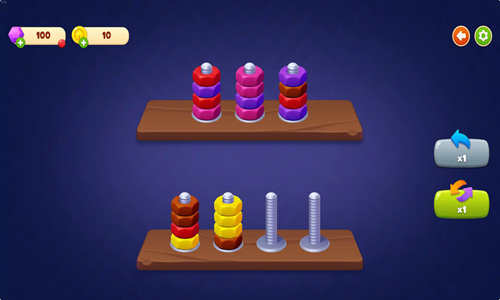
Nut Sort is a simple colored nut sorting game.
- Left click on a bolt to select the outermost nut from that bolt, then left click to select another location to move the nut to.
- Nuts can be sorted onto any other bolt with the same colored nut on the outside or an empty bolt.
- As you advance through the game some nut colors are a mystery, and are only revealed after the outer nuts have been removed.
- When each bolt has a single nut color on it and all nuts of a particular color are on a single bolt the stage is complete.
- Earn 5 points and a star for each level beat.
- Players can look at the buttons along the right side to shuffle the nuts on a bolt or undo moves.
- As you advance through levels you navigate to different cities and face more complex level designs.
- Complete daily goals to earn bonus coins.
Screw Spin
Screw Spin is a challenging 55-stage logic puzzle where players must remove all the brackets from the backing board by unscrewing them.
- Press the green and white PLAY button on the welcome screen to start the game.
- If you have played the game before your web browser automatically saves your game progress, otherwise you start on the first stage.
- Select a screw to unscrew it. If the screw matches the color of the holder at the top right it will go into that container. If the screw does not match that color then it will go into the temporary holding row of 5 or 6 slots until a container of the matching color is up.
- Some brackets cover other brackets. You can only remove screws which are directly accessible. If a screw is covered by another bracket you may need to remove the topmost bracket to reach screws behind or underneath it.
- When brackets have a single screw holding them in place they may swing back and forth. When no screws remain they will fall downward and slide off screen, provided nothing is blocking their path.
- If you make a mistake or can't see a way to beat the current layout configuration press the restart button in the upper right corner. When a level reloads the screw colors and placements change.
Screw Puzzle
Screw Puzzle is a 15-stage logic puzzle where players use the force of gravity and spare holes to remove plates from the backing board.
- The game automatically loads to the first level.
- Select a screw to unscrew it.
- Select the hole you wish to move the screw into.
- Repeatedly remove screws and place them in empty holes until all the plates have fallen off the wooden backing board.
- The game features two power ups at the bottom of the screen which can be used once per level. One power up allows you to remove a screw while the other allows you to drill a hole to store a screw in.
- Play through all 15 stages.
Screw Puzzle Game
Screw Puzzle Game is a screw removal game where the goal is to remove all the metal plates from the bracket by removing screws in the correct order.
- Press the PLAY button on the welcome screen to start the game.
- Select a screw to remove it.
- Select a hold to place the removed screw in.
- Repeatedly move screws around as needed into open holes until all of the metal plates have fallen.
- Play quickly and strategically as levels are timed.
- If you make a mistake there is a reset button in the lower left corner of the screen.
- The bottom of the screen also has buttons for seeing the solution and removing another screw.
- Play through as many stages as you can.
Screw Tile
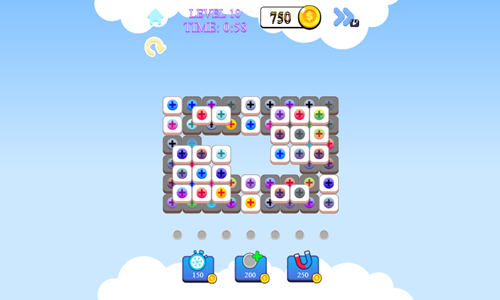
Screw Tile is a 35-stage logic puzzle where players remove screws which match colors.
- Press the green play button in the center of the welcome screen to start the game
- Select a screw to unscrew it.
- Removed screws will appear in the tray of 7 slots below the puzzle until sets of 3 identical screws are matched.
- When 3 matching screws are in the tray they are automatically removed, clearing space for more screws.
- When the level timer runs out or the storage space is full with no matches of 3 you lose & must play the level again.
- The game features three power ups at the bottom of the screen which can be used by spending coins earned through play. The power ups allow you to pause time, add an extra screw hole, and pull many screws off at once.
- Play through all 35 stages.
Screw Sort 3D: Screw Puzzle
Screw Sort 3D: Screw Puzzle is a three dimensional colored screw sorting game.
- Press the orange and white Start button to start the game.
- Along the top of the screen there are blocks which can accept colored screws of the matching colors, and 5 temporary holding spots.
- Tap on a screw to remove it from the puzzle and have it go into one of the colored holders or the temporary holding spot.
- You can select the puzzle background with your mouse and drag at any angle to rotate your view of the object.
- As all of the screws holding a section on the base are removed that piece is removed from the puzzle.
- Repeatedly remove screws and adjust your view position as needed until all screws have been removed and sorted.

