
Play Free Online Video Games for Kids
Free Online Fun Video Games for Kids

Learn Through Play
The goal of this section of our site is to make learning fun, helping children explore and better understand the world around them through interactive play. None of the games on our sites carry any advertisements.
We offer hundreds of different educational, fun, free and ad-free online video games for kids, teaching invaluable lessons about money, debt, business, and the economy. Browse across the following categories to find the games the best fit your needs. This is our other fun games section, which includes games that did not neatly fit into our other gaming categories: money games, real estate games, food games, business games, environmental games, driving games, platformer games, and math games.

Your Feedback Needed
Do you have an idea for an educational concept you want covered in a game? You can send us a message & we will create a custom game if we like your idea. You'll be the first player and tester when it is ready for beta launch. :)
Other Fun Games
Here you will find our math games, food-themed games, hidden object search games, and fun platformer games.
School Bus Pickup

School Bus Pickup is a route planning logic puzzle game.
- Press the green button in the center of the welcome screen to bring up the level select screen.
- The game features 30 stages, with 5 levels in each of 6 different towns. Levels are unlocked sequentially.
- Select a bus with your mouse left click button and move your mouse around to create its route plan. Draw paths which have the bus of a specific color pick up students with the same color icon and pass by locations the students get dropped off at.
- Your route paths may cross each other at intersections, but you can not use the same route path twice and busses may not crash into each other.
- After drawing your routes press the play button in the bottom center to start driving.
- When all children are safely delivered to the correct locations the level is beat and the next stage is unlocked.
- If you get stuck there is a hints button in the lower right corner which highlights part of the bus route driving path.
School Bus
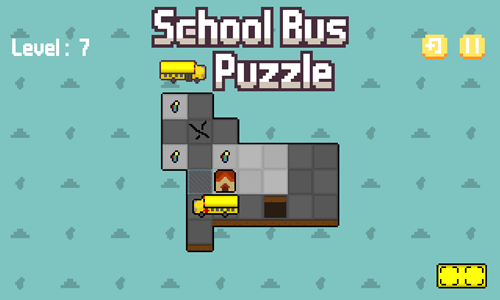
School Bus is a 16-stage route planning game where you help the bus driver bring all of the kids to school.
- Press the NEW GAME button on the welcome screen to start a new game, or press CONTINUE to resume a prior game.
- The game shows a tutorial screen on your first play. The bus can move forward and backward as well as turn. Up to two students can ride the bus at the same time, then the bus must unload to be able to pick up any additional children.
- Use the arrow keys to move the bus around the roads. You can turn either direction, go forward, or go backward, but you can not turn while reversing.
- The school bus is 2 units long by 1 unit wide, and must pick up school kids from the square to the right side of the front of the bus.
- Students can be scattered around each stage, or some students can be standing in lines where you have to pick up the kid from the front of the line first for the other students to follow them.
- Level layouts are tricky. On some stages you must skip certain students until after you grab other kids, and some students must be picked up from a specific square so that the students behind them will follow in line.
- As you advance through the game some courses have road tiles with a crack on them. If you ride over a cracked road tile it turns into a hole that you can't drive over as soon as the bus is fully off of it.
- If you make a mistake press the level restart button in the upper right of the game.
- Beat each stage by safely getting all the children to school.
Parking Battle
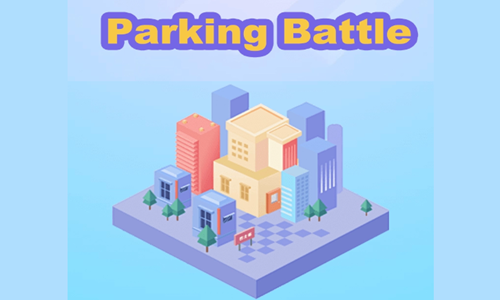
Parking Battle is a logic puzzle game where players move vehicles into parking positions to grab colored stickmen of the same color.
- Press the TOUR BUS button at the lower center of the welcome screen to start the game.
- Look at the arrows on the busses or other vehicles and tap on vehicles which use the open parking spaces to help the people at the front of the line exit.
- As vehicles fill they drive away, creating another open parking space for another vehicle.
- Initially 4 parking spaces are unlocked, though as you proceed through the game additional spaces are unlocked.
- At the bottom there are swapping buttons which allow you to change which colored vehicles are in which position and what colored stickmen are at the front of the line.
- Ensure the vehicles do not crash or you lose health.
- Clear all stickmen from the line to advance to the next stage.

Hidden Object Games
Find hidden objects around the house, or in the garage.
What's Grandma Hiding

What's Grandma Hiding is a hidden object finding game where you explore a mansion to figure out what Grandma Lucy is hiding.
- As Marie, start the game and read through the interactive narrative, or skip the text.
- In each scene uncover 9 hidden objects and a clue to bring to Chad for deciphering.
- After each clue has been deciphered read through the associated information.
- If you run out of bus tickets select the shop button on the welcome screen to buy more bus tickets.
- Use the clues to help you figure out where to visit next.
- Repeatedly visit scenes until you have completed them to 100% each.
- Locate the hidden treasure.
Hidden Objects Car Garage
Hidden Objects Car Garage is a hidden object search game where you explore a variety of garages to find automotive parts and tools.
- Press the green and white PLAY button on the welcome screen to start the game.
- Select to play garages from Miami, Tokyo, Rio De Janeiro, or Barcelona.
- Garages are unlocked sequentially with unlocked garages in green and white.
- The names of items are shown 3 at a time at the bottom of the screen.
- When you find all 3 you are given another set of 3 which you must find, until you have found a total of 9 items on each stage.
- You start each stage with 30 lives. Errant clicks cost a life each & show a red highlight.
- Each time you play a particular garage the item list and item locations vary.
- Maximize your score by finding items quickly. Replay levels to see if you can beat your old best scores.
Hidden Objects City

Hidden Objects City is an urban hidden object search game featuring 4 different scenes.
- Select any of the 4 scenes.
- Look at the finding menu of 3 items at the bottom of each screen.
- Each time you find a listed item click on it.
- When you find all 3 items you get a second list of 3, then after finding those you get a third list of 3.
- Score points based on how quickly you find all of the objects.
- You get 5 lives to beat each stage, with each incorrect click costing a life.
- Items can appear inside another item. For example, a pair of red shoes might be near the bumper of a red car and a ball can appear as part of a poster promoting baseball.
Hidden Food
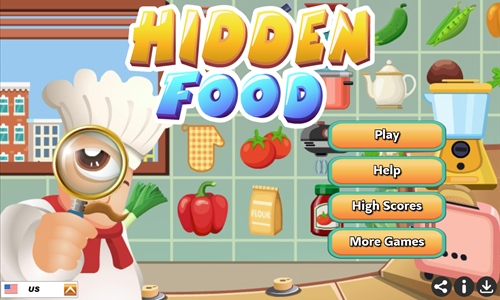
Hidden Food is a hidden objects search game where you must find foods or kitchen appliances.
- Look at the top of the game for the remaining level time, required items you must find, and how many of each item must be found.
- Quickly click on the items as soon as you see them in the level below. Repeat the process until all items are found.
- As you advance through the game it grows more difficult due to needing to find more types of items, more of each type of item, and the items on the board becoming more densely packed.
- If you do not find an item for a period of time one of the remaining items you need to find will wiggle back and forth, making it easier to spot.
- If you fail any of the levels you can replay it an unlimited number of times.
Lost And Found
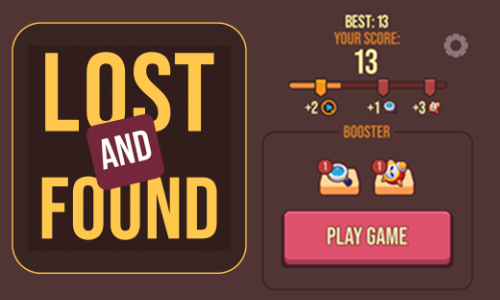
Lost And Found is a hidden object game where players scroll around and select the missing item.
- Press the red and cream PLAY GAME button to start the game.
- Read the text at the top of the screen.
- Use the mouse left click button and scroll up or down until you find the item and click on it.
- Each item list has a set number of items to find and a time limit. Find all the items before the timer runs out.
- As you complete item lists you power up the progress meter and obtain extra boosters to help you locate items and add more play time to the game.
- Play until you run out of time.

Driving Games
Safely drive around, collecting coins and improving your vehicles.
Drift Boss
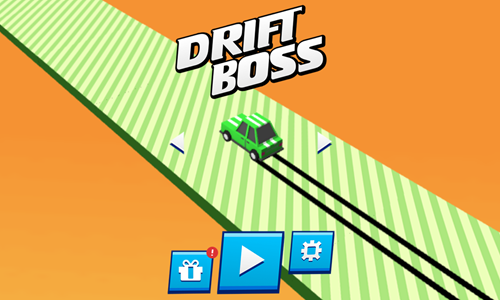
Drift Boss is a simple car drifting game.
- Press the blue and white play button in the lower center to start the game.
- On your first play through the game offers tutorials on how to activate boosters and turn.
- By default you drive up and to the left. Press and hold in either the spacebar or the mouse left click button to turn up and to the right.
- Avoid falling off the road and drive for as long as you can.
- The roadway has coins on it which you can collect by running through them.
- Coins can be used to unlock power ups and other vehicles.
- Power ups include double score, car insurance, and coin rush. These boost your score, allow you to fall off the track once, and put more coins on the course.
- Players start with a green car unlocked. Other paid vehicles include a yellow pick up truck, a taxi cab, a police car, a blue van, an ice cream truck, an ambulance, and a fire truck.
- Play daily to collect daily rewards and see how far you can make it, timing your turns to avoid falling off the track.
The Drift Boss
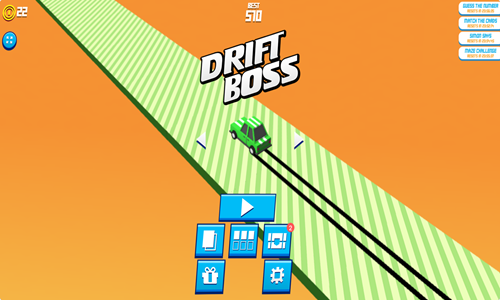
The Drift Boss is an advanced version of the original Drift Boss game. It contains additional features including loot boxes, daily prizes, 4 minigames, and collectable cards.
- Press the blue and white play button in the lower center to start the game.
- On your first play through the game offers tutorials on how to activate boosters and turn.
- By default you drive up and to the left. Press and hold in either the spacebar or the mouse left click button to turn up and to the right.
- Avoid falling off the road and drive for as long as you can.
- The roadway has coins on it which you can collect by running through them.
- Coins can be used to unlock power ups and 7 other vehicles.
- 22 additional other vehicles can be unlocked by getting a level 5 card for the respective vehicles or collecting the Easter pack.
- Power ups include double score, car insurance, and coin rush. These boost your score, allow you to fall off the track once, and put more coins on the course.
- Players start with a green car unlocked. Other paid vehicles include a yellow pick up truck, a taxi cab, a police car, a blue van, an ice cream truck, an ambulance, and a fire truck. Level cards allow you to unlock a school bus, train, Tesla Cybertruck, Pokemon Poke Ball, R2-D2, Squid Game's Young-hee Doll, Santa Claus, Batmobile, F1 car, go-kart, boot, hot dog, Doctor Who TARDIS box, banana, rocket car, apple, watermelon, pumpkin, moving truck, treasure chest, and a halloween witch. The Easter pack allows you to unlock the Easter Bunny.
- Play daily to collect daily rewards and see how far you can make it, timing your turns to avoid falling off the track.
- Play 4 different minigames daily to earn extra coins. You earn 20 coins each time you beat the maze, match all the cards, guess the correct number, or complete 3 consecutive Simon Says sequences.
Drift Boss Levels
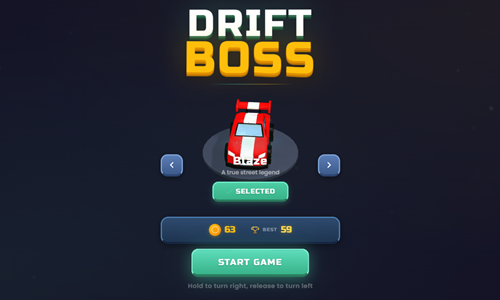
Drift Boss Levels is a drifting game inspired by the original Drift Boss game.
- Press the TAP TO START button on the game loading screen to bring up the welcome screen.
- Select the Blaze car from the welcome screen and press START GAME to bring up the level select screen.
- Players can unlock additional cars from the welcome screen. Bolt costs 150 coins, Razor costs 750 coins, and Phoenix costs 1,500 coins.
- Select a level to play.
- While playing a stage hold in the left click button to move up and to the right, and release to move up and to the left.
- Avoid hitting fixed or moving obstacles & avoid falling off course. Safely make it to the finish line on each stage to advance to the next.
- Earn up to 3 stars on each stage by collecting many coins. Pick up orbs to activate power ups like a crash protection and a magnet which pulls the coins toward your car.
Drift Donut
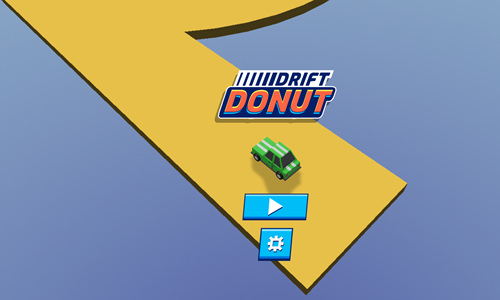
Drift Donut is a simple car drifting game which is the sequel to Drift Boss.
- Press the blue and white play button in the lower center to start the game.
- Tap the screen or press the mouse left click button to drift slide right around the donut.
- Release the left click to go straight.
- You can repeatedly cycle between drift and straight throughout a donut, so long as you stay on the course.
- Try to avoid running into any oil slicks and pick up as many coins as you can.
- When you see white arrows follow them to advance to the next level.
- Donuts may become narrower as you advance through the game, and additional obstacles like speed bumps which cause you to slide outward are introduced as you progress through the game.
Eggy Car
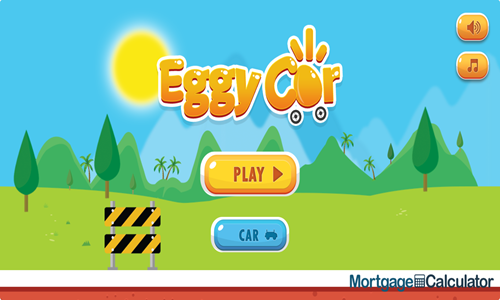
Eggy Car is a driving game where your goal is to make it as far as possible while keeping an egg in the car.
- Press the yellow PLAY button to start the game.
- Press the D key or the right arrow key to accelerate.
- Press the A key or the left arrow key to slow down or go in reverse.
- When you run into the blue diamond it freezes the egg in place for a while.
- Control your acceleration and desceleration to keep the egg in the car.
- Pick up coins along your path.
- On the welcome screen you can select the CAR button to purchase other vehicle unlocks and switch between cars.
Pocket Drift
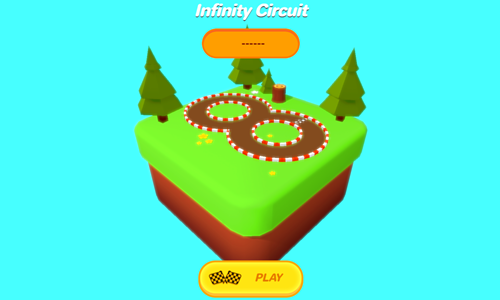
Pocket Drift is a simple drifting race course driving game.
- The game automatically loads into play on the track select screen.
- The first track, Infinity Circuit, is automatically unlocked.
- The next 4 tracks - Lava Raceway, Burnout Desert, Holiday Circuit, and Frozen Summit - are unlocked sequentially by scoring a bronze or higher trophy on the prior track.
- Press the play button at the bottom center of the screen to load the car select screen. The first car is automatically unlocked, with 4 additional cars available for purchase from 100 to 800 coins each.
- When you start a course it shows the minimum scores corresponding with a gold, silver, or bronze cup.
- Your car automatically accelerates. Press the left arrow key and the right arrow key as needed to turn left or right as needed, and try to hold drifts.
- Try not to destroy all the wood crates. Collect as many coins as you can and hit the power up box to activate a power up.
Drift Bus
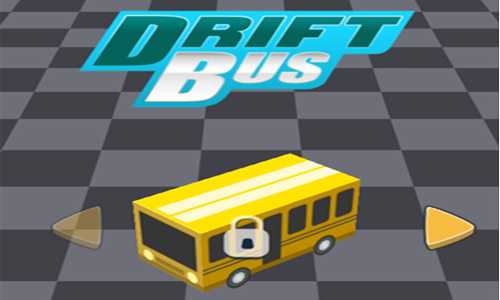
Drift Bus is a simple drifting game featuring a variety of busses.
- Tap anywhere on the loading screen to bring up the game's loading screen to bring up the welcome screen.
- Press the gold and white PLAY button to start playing.
- Tap the screen or hold the mouse left click button in to turn and drift right.
- Release to turn and drift left.
- On your first play you are shown the tutorial screen before starting the game.
- Time your turns to avoid falling off the course. Score points based on how far you travel.
- Run through coins to collect them.
- Coins can be used on the game welcome screen to purchase 4 different bus unlocks for $200, $400, $800 and $1,500.
Desert Road
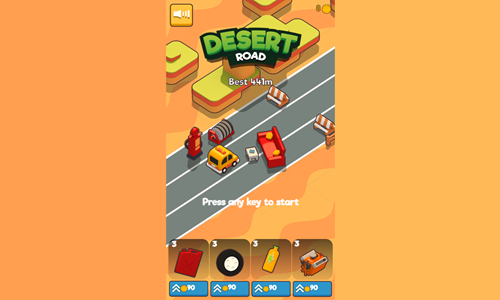
Desert Road is a lane-based car racing game.
- Press anywhere on the screen to start the game.
- Press the A key or the left arrow key to move left a lane.
- Press the D key or the right arrow key to move right a lane.
- Press the S key or the down arrow key to brake.
- Avoid running into other vehicles or fixed hazards on the road.
- Collect as many coins as you can.
- Press the spacebar to activate your nitro boost. While your nitros is active you can smash other cars and obstacles.
- Grab the power up wing box to fly over the course. You still collect coins you pass through even though you do not hit hazards when flying.
- After crashing you are offered a chance to continue. At the end of each game you can upgrade your fuel capacity, tires, nitro, and engine.
Formula Racers
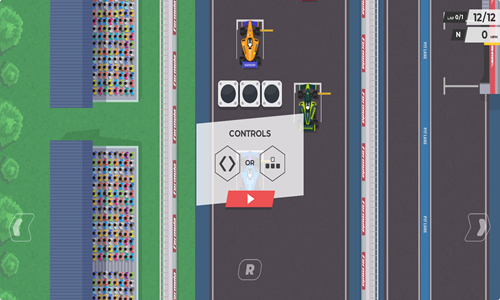
Formula Racers is a F1 racing game featuring 10 tracks.
- Press the A key or the left arrow key to turn left.
- Press the D key or the right arrow key to turn right.
- Press the S key or the down arrow key to slow down.
- Run into the blue turbo arrows on the course to speed up.
- Avoid crashing into other racecars unless you hit a turbo arrow.
- Earn money based on what position you finish in.
- At the end of each race you can go to the garage and spend purse money to upgrade your car or unlock any of 18 other cars. Upgrades include wings for road grip, steering speed, gearbox efficiency for acceleration, braking distance, and engine max speed.
- Each feature can be upgraded many times, with subsequent upgrades costing more than the initial upgrade.
- Finish in first place to unlock the next track. You automatically play the furthest unlocked course unless you select an earlier course from the level select screen.
Road Rush Racer
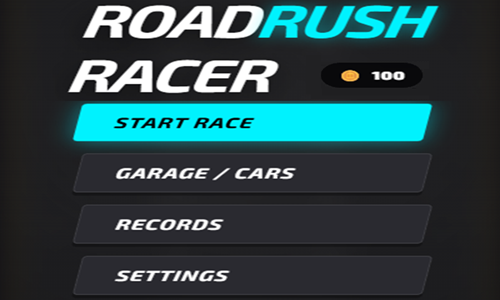
Road Rush Racer is a simple racing game with 3 lanes.
- Move left a lane by pressing the A key or the left arrow key.
- Move right a lane by pressing the S key or the right arrow key.
- Avoid crashing into other cars.
- Score points based on how far you drive.
- Move as needed to collect coins and power ups.
- In the garage there are 5 additional cars which you can unlock for 200 to 1,500 coins each.
- Each car has a unique rating between 1 and 10 each for top speed, acceleration, and handling.
- At the end of each game you can try to revive to continue, or end the game and start again from the beginning.
Bus Jam Escape
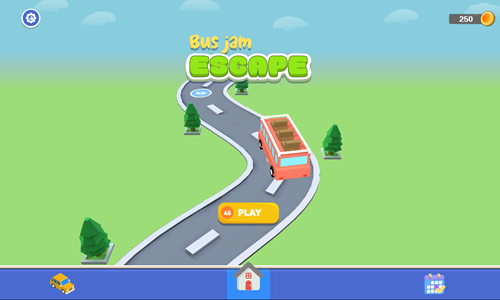
Bus Jam Escape is a 45-stage sorting game.
- Press teh golden yellow PLAY button in the lower center of the welcome screen to start the game.
- Tap on a passenger to send them to the front row of the bus station.
- If the passengers in the front row match the color of the bus they jump on it.
- When the bus has 3 passengers loaded it takes off and the next bus comes up.
- Each stage you complete earns 50 coins. You can also gather coins by selecting the daily rewards from the lower right of the welcome screen.
- Each stage has 5 standing spots in the front row. You can unlock up to 2 more standing spots for 150 coins each, though they are only unlocked for that play of that stage.
- Coins can also be used to unlock 3 other vehicle types.
- Some stickmen are pitch black, with their color only being revealed after you remove other stickmen blocking their path.
- Some stages have stairways which have stickmen in them, with a new stickman being revealed each time you remove the stickman from the top of the stairs.
- If you run out of standing spots in the front row you lose the stage and can play it again.
- Beat each stage by placing all of the stickmen on busses of matching colors.
Bus Parking
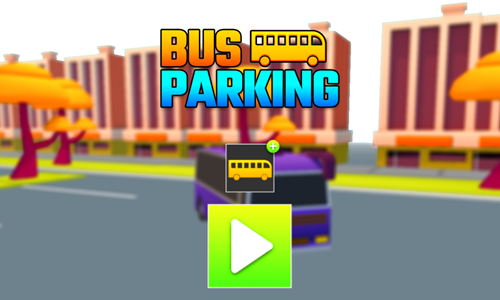
Bus Parking is a 30-stage bus driving and parking game.
- Press the green and white start button in the center of the welcome screen to bring up the level select screen.
- Levels are unlocked sequentially. Select a level with a green button to play it.
- Accelerate by pressing the W key or the up arrow key.
- Descelerate or go in reverse by pressing the S key or the down arrow key.
- Turn left by pressing the A key or the left arrow key.
- Turn right by pressing the D key or the right arrow key.
- Follow along the arrow path and pick up as many coins as you can.
- Park in the green spot before the timer runs out to advance to the next level.
- Players can use the coins they collected during play to purchase other bus skins by selecting the school bus icon on the welcome screen. Other skins include blue, red, and purple busses, along with a yellow school bus.
Cab Run
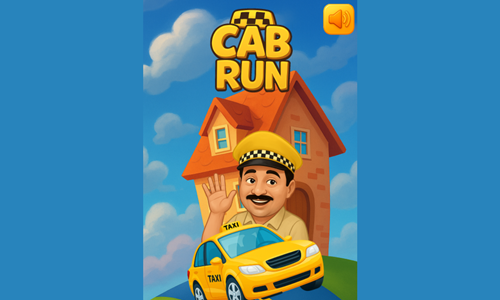
Cab Run is a simple clicker cab driving game.
- Press the yellow DRIVE button in the lower left corner of the screen to start the game.
- Hold in the left click button to drive quickly.
- Release the left click button to drive slowly.
- Approach intersections cautiously to avoid crashing. Any crash ends the game.
- Pick up passengers and earn money for each passenger safely delivered at their destination.
- Deliver all the passengers on each stage to their destinations to advance to the next level.
- Keep playing through stages and see how much money you can earn before crashing.
Boat Rush
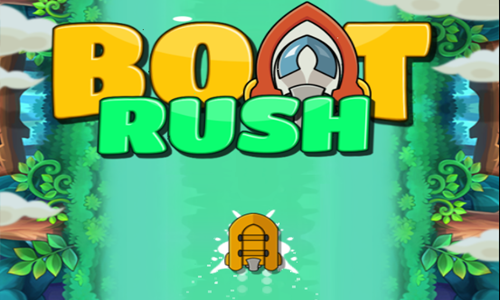
Boat Rush is a river boating game.
- You automatically move forward as the game plays.
- Tap the screen, use your mouse, or use the arrow keys on your keyboard to move left and right.
- Move from side to side to avoid hazards including mines, undertoes, electrical charges, and rockets fired by a helicopter.
- Collect as many power ups and coins as you can.
- Use the coins to purchase better boats with tighter handling in the store. There are 4 different boats available for sale and when a boat is unlocked it remains unlocked on subsequent plays.
- Hit ramps to fly over obstacles.
- Tap the spacebar to shoot at an obstacle in front of you that you can't avoid.
- See how far you can make it.
Road Mayhem
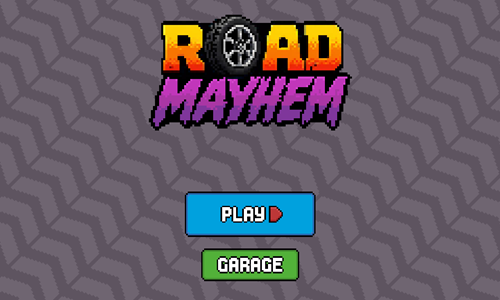
Road Mayhem is a 10-stage ragdoll physics obstacle course racing game where players drive a bicycle, scooter, or motorcycle.
- Press the blue and white PLAY button on the welcome screen to bring up the level select screen.
- Tap on a level number to begin to play.
- Accelerate by pressing the W key key or the up arrow key.
- Descelerate by pressing the S key or the down arrow key.
- Pull back or spin counterclockwise by pressing the A key or the left arrow key.
- Lean forward or spin clockwise by pressing the D key or the right arrow key.
- Make it safely to the end of each course to unlock the next. Avoid running into spikes or blades, falling off course, or crashing by flipping over.
- Complete each track as quickly as possible to earn the best score you can on it.
- Pick up coins on the course to purchase upgrades.
- Tap the garage button on the welcome screen to purchase upgrades and switch between options.
- Two additional bikers are available for 350 and 850 coins respectively. You can switch from a bicycle to a scooter/moped or a motorcycle for 550 and 1250 coins respectively. Upgrades are not purely cosmetic - they have a big impact on acceleration and physics. Once unlocked upgrades remain unlocked, enabling you to easily switch between options.
Moto Bike Hill Race
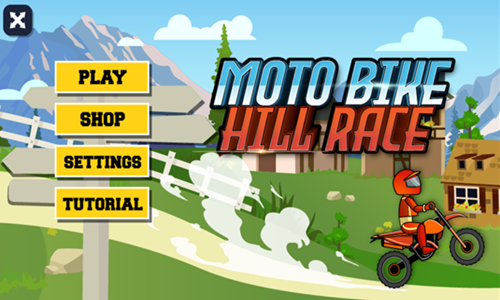
Moto Bike Hill Race is an obstacle course motorcycle racing game.
- Press the yellow and black PLAY button to start the game.
- Your first playthrough has you go through a quick tutorial.
- Press the spacebar or the mouse left click button to jump. Hold in the jump command for an extended period of time to fully charge up the jump.
- Swipe counterclockwise or press the left arrow key to do a backflip.
- Swipe clockwise or press the right arrow key to do a frontflip.
- Collect golden nuts to purchase upgrades to your driver durability and skill levels in the shop.
- Avoid crashing into the green bikers, rocks, or other obstacles so that you prevent the boulder from catching up to you and crushing you.
- Score extra points by knocking the green bike off the course and for doing tricks in the air - you can do double, triple, or even quadruple flips.
- Score points based on your tricks and how far you make it, enabling you to unlock 4 other bikes, which can be selected in the shop.
King Kong Kart Racing
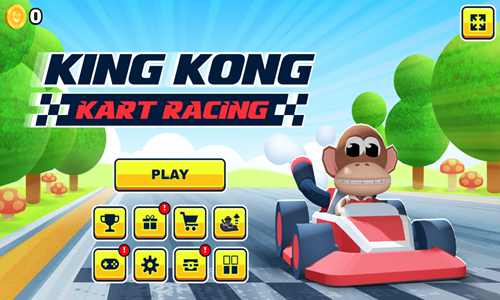
King Kong Kart Racing is a fun online racing game inspired by the MarioKart series.
- Press the yellow PLAY button to start the game.
- The welcome screen has buttons for achievements, daily rewards, gokart shop, upgrades, minigames, sound settings, card loot boxes, and player card collections.
- Your character automatically accelerates as you drive.
- Press the left and right arrow keys to change which lane you are driving on in the course.
- Try to avoid contact with other racers to maintain you speed and hit the speed arrow pads to boost your speed.
- Periodically your nitros booster becomes fully charged. Press the spacebar for a turbo boost.
- This game does not have you race a set number of laps and score your position, but rather tracks how far you make it on the race course. Pick up red fuel containers to add gas to your fuel tank.
- Pick up coins on the course to purchase gokart upgrades. Inside the achievements menu you can also activate the achievements you have earned to collect additional coins.
- Eventually you run out of gas and your gokart stops.
- Features you can upgrade include top speed, acceleration, fuel capacity, handling, and nitro duration.
Tractor Mania
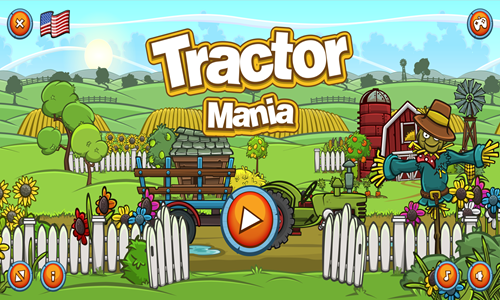
Tractor Mania is a 180-stage tractor driving game where you pick up produce and deliver it to its destination.
- Wait until the produce is fully loaded before starting your trip.
- Drive across the stage while controlling your tractor speed and angle to minimize how much produce is lost along your journey.
- Slow down before going over bridges & be cautious with your speed any time there is a major change in the road grade.
- Use the income earned from each stage to upgrade your tractor attributes, or to unlock better tractors and trailers.
- You can upgrade the engine, gearbox, tires, boost, and fuel on each tractor.
- There are 3 different trailers for sale & tree higher-quality tractors you can buy.
- When you beat a level you can't go back and replay it, so make sure you drive with caution.
Electric Car Test Drive
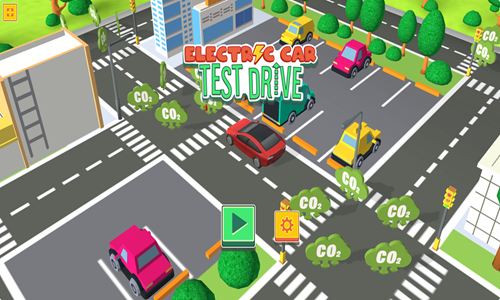
Electric Car Test Drive is a simple driving game which promotes environmentally friendly driving.
- Use the arrow keys to steer.
- Turn left and right as needed to make it around corners.
- Run over as many CO2 icons as you can.
- Each icon you collect is worth 10 points.
- Score as many points as you can before running out of time.
- Can you drive smooth enough to collect all the CO2 before the timer runs out?

Platformer Games
Many of these games cointain coins or gems you collect to unlock exits.
Money Mike
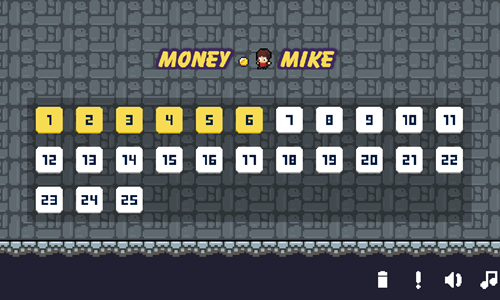
Money Mike is a retro platformer where players collect coins and make it to the exit flag.
- Each of the 26 stages has an exit flag you must locate and reach.
- The exit flag starts off red. To turn the exit flag green you must collect all the coins on each stage to where the coin counter in the upper left reaches zero.
- Levels are not timed, though there are many hazards you must avoid, including: spiked balls on swings, fixed spikes, circular saw blades, and the cannonballs fired from cannons.
- Collect all the coins on each stage and safely make it to the exit to unlock the next stage.
- If you hit any of the obstacles you die. The game allows you to try each level again an unlimited number of times, but you have to collect all the coins again.
OvO
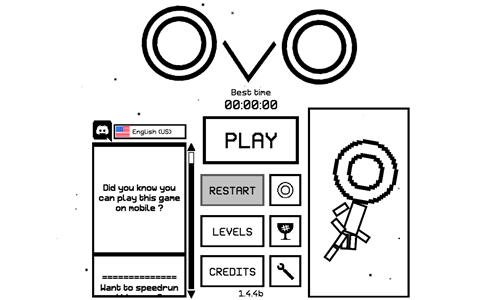
OvO is a feature-rich stickman platformer game.
- Press the PLAY button to start the game. If you have previously played the game you can select the LEVELS button to start on a particular level.
- Use the left and right arrow keys to move side to side.
- Press the up arrow key to jump.
- Press the down arrow key to smash downward through some floors.
- Some movements require a combination. For example, pressing down after jumping to the side will cause you to dive and move further. You can also slide across by pressing the down button. You can slide on walls and jump from wall to wall. You can jump higher immediately after doing a smash down, or by running into a spring.
- Collect the gold coin hidden on each stage.
- Avoid the spikes and do not fall off platform.
- Safely make it to the flag at the end of each stage to advance to the next level.
- This game also features a fun speedrun mode for competitive players.
Weary Bear Adventure
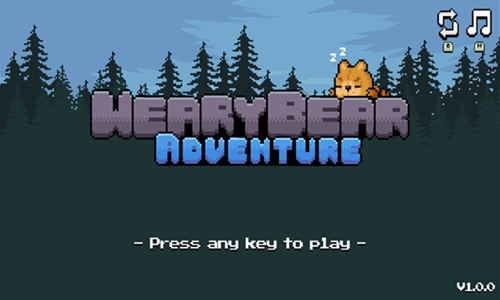
Weary Bear Adventure is a simple platforming game where you help a lazy bear make his way to the top of the mountain to catch the sunset.
- Tap anywhere on the welcome screen to start the game.
- Move right by pressing the right arrow key or the D key.
- Move left by pressing the left arrow key or the A key.
- Jump by pressing the up arrow key or the W key.
- Attack enemies by repeatedly tapping the J key.
- Collect coins to improve the bear's health and attributes. Some coins are laying around on the map, while other coins appear when you defeat enemies or hit coin boxes from the bottom.
- Grab icons to upgrade the bear's attribute set. You can upgrade running speed, jump height, swimming, wall climb, attack distance, and energy 20 times each.
- Each time you restart you can spend your coins on food or bear attribute upgrades. If you have no health and no coins, the fish are given to you free to restore your health, so you can try to pattern your upgrade strategy to spend all the coins and get free health restoration. Press the escape key at any time to go back to the start menu.
- Walls of blocks which prevent passage can be erased by tapping on an activation switch.
- Make it to the end of the map to complete the stage.
- Make it to the end of the second map to beat the game.
Dark Boy
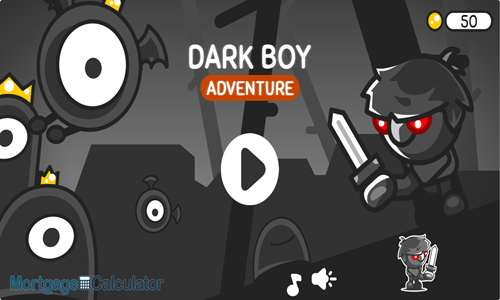
Dark Boy is an 8-stage platforming adventure game set in a black and white.
- Press the play button in the lower center of the welcome screen.
- Move the dark boy around the stages using the arrow keys. You can climb ladders with the up arrow key and descend them with the down arrow key. You can jump with either the up arrow key or the spacebar.
- Swing the sword by pressing the A key. The sword can be used to defeat monsters or break barriers.
- Restore lost health in combat by picking up heart containers.
- Warp time can be enabled by pressing the W key.
- In addition to the default red boy you can also unlock yellow, green, and purple boys. Collect coins and spend them in the store to unlock other boys. Each boy has a specific movement speed, stamina, damage, attack speed, jump strength, armor, and health regeneration.
- After purchasing other character unlocks you can press the Q key in the middle of play to switch between characters.
- Move boxes around to activate switches, open gates, and create jumping spots to reach higher platforms.
- Grab the hidden key on each stage and bring it to the lighthouse at the end of the stage.
Bunny Boost
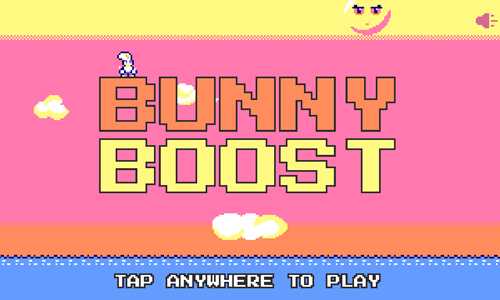
Bunny Boost is a 24-stage platforming game featuring a jumping bunny rabbit.
- Tap anywhere on the welcome screen to start the game.
- Move left by pressing the A key or the left arrow key.
- Move right by pressing the D key or the right arrow key.
- Collect carrots to earn jump credits.
- Jump by pressing the W key or the up arrow key.
- Bounce off of birds and avoid running into the bouncing jellies.
- Given limited jump credits the order you collect coins in is important.
- Collect all the coins on each stage to advance to the next.
Jumper Pig
Jumper Pig is a jumping platformer game featuring a cute piggy bank.
- On each stage you are given a limited number of jumps to land.
- If you jump more times than you have credits you will lose the stage.
- Collect coins to gain more jump credits.
- Avoid running into stationary spikes or moving red spiked balls & use your jump credits efficiently.
- Watch out for falling platform tiles and stand on them only briefly before moving off them.
- Make it to the green flag with a coin on it at the end of each stage to advance.
- Play through all 25 levels.
Squicky
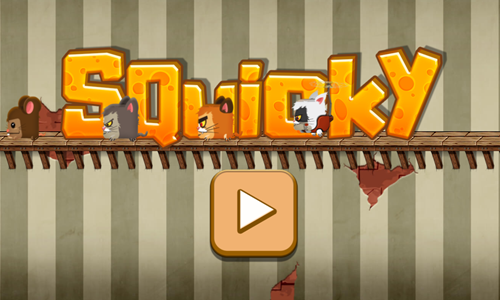
Squicky is a timed 12-level platforming game featuring a cute mouse.
- Pres the play button in the bottom center of the welcome screen to bring up the level select screen. Tap on the level number you would like to play, with levels unlocked sequentially.
- Use the left and right arrow keys (or the A and D keys) to move side to side.
- Use the up and down arrow keys (or the W and S keys) to climb up and down ladders.
- Press the spacebar to jump.
- Collect all the keys to unlock the exit door.
- Stomp and land on cats, defeating enemies to score points.
- Grab the cheese coins to boost your level scores.
- Ride in the airplane to fly around the level, using the arrow keys to move.
- Drink the green potion to become invincible temporarily.
- Make it safely to the open exit door before the timer runs out, and press the up arrow key or the W key to pass through it.
Mage Girl Adventure
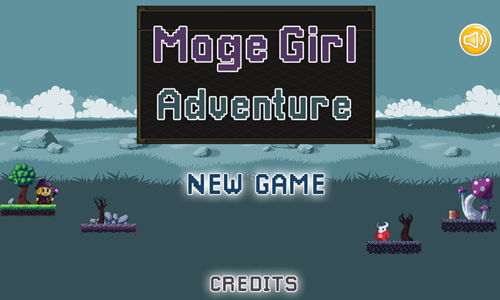
Mage Girl Adventure is a simple untimed 10-level retro platformer.
- Tap the new game button on the welcome screen to start the game, then tap the golden yellow arrow button in the upper right corner of the instructions screen to bring up the level select screen. Tap on a level to play it.
- Press the D key on the keyboard or the right arrow onscreen button to move right.
- Press the A key on the keyboard or the left arrow onscreen button to move left.
- Press the W key on the keyboard or the up arrow onscreen button to jump.
- Press the K key on the keyboard or the onscreen attack button to shoot magic at enemies or to hit coinboxes with magic. Grab purple magic icons to restore magic.
- Collect gold coins, and blue gems to score points. Hit coin boxes for extra points.
- Grab up to 3 stars on each stage to maximize your level ratings.
- Avoid falling off platform or running into enemies. You start each stage with 3 hitpoints. Health can be restored by picking up loose heart containers.
- Make it to the far right edge of each stage to advance to the next.
Blob Puzzle
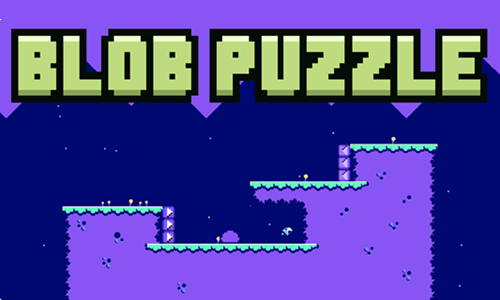
Blob Puzzle is a simple pixelated platformer which also contains logic puzzle components. Your goal on each stage is to collect the diamond. You operate a variety of movement blocks that control how a blob moves around the stage.
- Left click or tap the spacebar to change the status of arrow blocks.
- When purple arrow blocks show motion they push the blob horizontally in the direction shown.
- When pink arrow blocks show motion they cause the blob to jump when you run over them.
- Changing the status of the orange arrow blocks as the blob passes over them causes the blob to pause.
- Avoid coming in contact with the pink spikes or the gray clouds.
- Play through all 25 stages.
Brave Jump
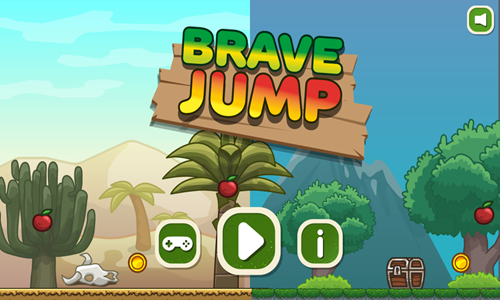
Brave Jump is an 8-stage platformer.
- Tap anywhere on the loading screen to bring up the welcome screen.
- Press the play button on the welcome screen to bring up the level select screen.
- Select the level you wish to play by clicking on it. Levels are unlocked sequentially.
- Move left by pressing the A key or the left arrow key.
- Move right by pressing the D key or the right arrow key.
- Jump by pressing the W key, the up arrow key, or the spacebar. Press again while in midair to double jump. Many stages have trampoline springs which allow you to jump higher, though you can only use the double jump once per jumping session. The double jump is only recharged after landing on solid ground.
- Avoid falling off platform or running into any of the snails, fixed spikes, or moving spikes.
- Collect all the coins and apples on each stage to maximize your score. Grab the key to open the treasure chest and come back to unlock it to get any of the coins and fruits inside it.
- Reach the sign at the far right of each stage to unlock the next level.
Run Run Duck
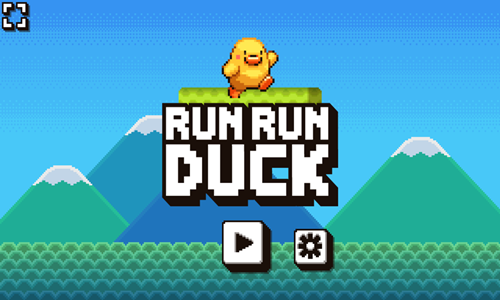
Run Run Duck is an 8-stage platforming game.
- Collect all of the coins you come across & destroy bricks along your path.
- Broken bricks may reveal more coins, health containers, or other character power ups.
- Avoid enemies or stomp them.
- Make it to the golden egg at the end of each stage before the timer runs out to unlock the next level.
- You have 3 hit points on each stage. If you fall off platform or get hit thrice you can retry the level again, starting from its beginning.
- Earn 100 points for each coin you collect, 10 points for each second you have remaining at the end of each stage.
Super World Adventure
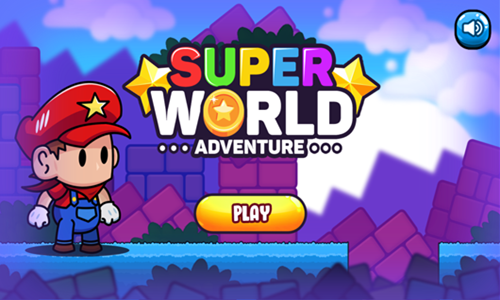
Super World Adventure is a beautiful modern remake of the original Super Mario Bros. game.
- Break star bricks to collect coins and other power ups.
- Avoid monsters or stomp on them to beat them.
- Break regular bricks to score extra points.
- Test traveling through plumbing pipes to find extra bonuses.
- Make it to the flag pole at the end of each stage.
- Play through all 15 levels.
Ninja Plumber
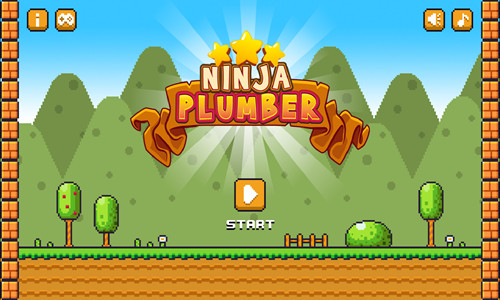
Ninja Plumber is a 15-stage platforming adventure inspired by the Super Mario Bros. franchise.
- Press the start button on the welcome screen to bring up the level select screen.
- Levels are unlocked sequentially. Select a level to begin play.
- Each level is timed with a 300 second limit. Stages have checkpoints resembling windmill pinwheel wind spinners.
- Move across platforms using the left and right arrow keys.
- Jump and climb ladders by pressing the Z key.
- Collect coins and break bricks to find additional coins inside them.
- Hit question mark blocks to get mushrooms to grow big and to get the ninja outfit.
- When you are in ninja form, you can press the X key to throw shurikens at enemies to defeat them.
- Hit the block in the black area at the end of each stage to complete the level.
- Each stage has 3 stars on it which you can collect. If you miss some stars you can go back and replay the level to try to get all 3.
Melody's Adventure

Melody's Adventure is a 32-stage coin collecting platformer game.
- Time your moves to avoid enemies or stomp on their heads to defeat them. Some enemies must be defeated to collect all the coins.
- Avoid running into spikes.
- Activate the cranks to toggle bridges.
- Collect all the coins on each stage to activate the exit portal.
- Use cranks as needed to complete a path to the exit.
- Pass through the pink portal to the next stage.
- Bounce on springs to jump high and collect the umbrella to float and descend slowly to cross wide chasms.
Melody's Adventure 2
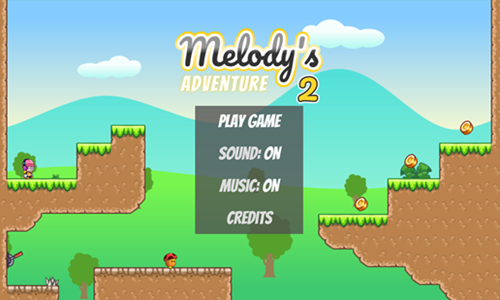
Melody's Adventure 2 is a more challenging sequel to the above game.
- This is also a 32-stage coin collecting platformer game, though the levels can be much longer.
- Beyond level length, stage design, and far higher degree of difficulty most of the basic gameplay is the same.
- Time your moves to avoid enemies or stomp on the heads of smaller enemies to defeat them. Some enemies must be defeated to collect all the coins. In this game enemies with coins show an exclamation point above their heads.
- Avoid running into spikes & do not run into the larger enemies with spikes atop their bodies.
- Activate the cranks to toggle bridges.
- On this game you do not need to collect all the coins on each stage to activate the exit portal, though the game tracks how many coins you collected on each stage. You can go back to previously beat levels to collect coins you missed.
- Use cranks as needed to complete a path to the exit.
- Pass through the pink portal to advance to the next stage.
- Bounce on springs to jump high and collect the umbrella to float and descend slowly to cross wide chasms.
Melody's Adventure 3
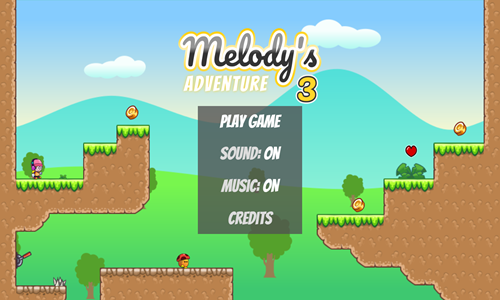
Melody's Adventure 3 is the third game in the trilogy.
- This is also a 32-stage coin collecting platformer game, though the levels can be much longer.
- Beyond level length, stage design, and far higher degree of difficulty most of the basic gameplay is the same.
- Time your moves to avoid enemies or stomp on the heads of smaller enemies to defeat them. Some enemies must be defeated to collect all the coins. In this game enemies with coins show an exclamation point above their heads.
- Avoid running into fixed thorns, shooting spikes, or larger enemies with spikes atop their bodies (the spiked enemies can only be defeated by fastly moving up a ladder from underneath them).
- You lose one of your three heart containers each time you run into the side of an ememy, get hit by spikes, run into thorns, or fall off platform out of screen. Health can be restored by picking up heart containers.
- Activate the cranks to toggle bridges.
- On this game you do not need to collect all the coins on each stage to activate the exit portal, though the game tracks how many coins you collected on each stage. You can go back to previously beat levels to collect coins you missed.
- Use cranks as needed to complete a path to the exit.
- Pass through the pink portal to advance to the next stage.
- Flags indicate restart points, which you can activate by passing across them.
- Bounce on springs to jump high, press and hold up when landing on enemies for a jump boost, and collect the umbrella to float and descend slowly to cross wide chasms.
My Sweet Adventure
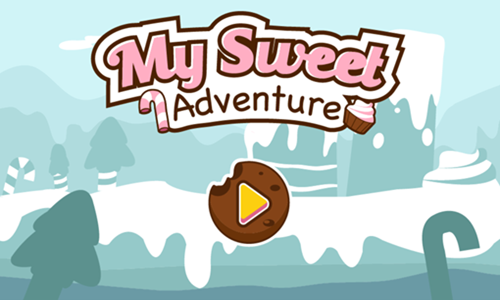
My Sweet Adventure is a 20-stage platforming game.
- Collect as many of the yellow diamonds as you can.
- Your character walks until the edge of the screen or until it falls off platform unless you guide it to turn around by left clicking.
- You can turn back and forth an unlimited number of times. Levels are not timed, though you only have 3 hit points to beat each stage.
- Left click and hold it in to run.
- Avoid touching the bats or the slime monsters. Time your passage across the platforms slime monsters are on to pass when they are on the other side, or equip a gun which shoots them when you are on the same vertical plane as them and are facking them.
- If you fail to collect all of the diamonds on a stage you can play again to try to earn up to a 3-star rating on each stage.
- On some stages small platforms exist which fall away after you stand on them briefly.
- Some platforms move back and forth across the screen, requiring you to move back and forth on them while crossing the screen.
Caveman Adventure
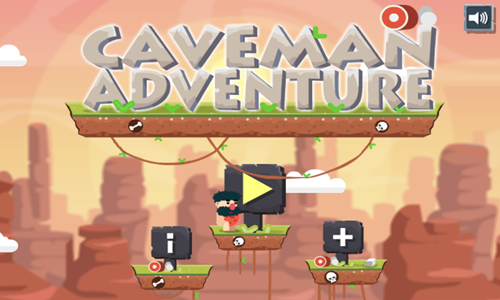
Caveman Adventure is a 21 stage path home game where you use food to help the caveman make it back to his cave.
- Plan your journey to avoid hazardous spikes.
- Prevent the caveman from falling off platform.
- Place ham wherever you want the caveman to do an about face.
- Place a red pepper wherever you want the caveman to jump.
- Place the blue vial wherever you want the caveman to pause his trip. He resumes travel when you click on him.
- Tap on the caveman after placing items in the level to start his journey.
- If you die on a level you can try it again.
- Collect up to 3 stars on each stage by running into them.
- If you score fewer than 3 stars you can replay the level again to try to earn a higher star rating on it.
Dino Shift
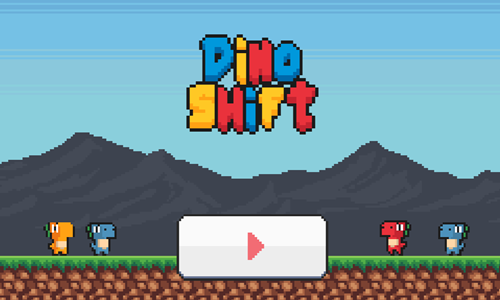
Dino Shift is a 20 stage retro platformer where you control a color-shifting dinosaur.
- Press the gray and red play button in the lower center of the welcome screen to bring up the level select screen.
- Levels are unlocked sequentially. Select the level number you wish to play.
- Move the dinosaur left by pressing the A key or the left arrow key.
- Move the dinosaur right by pressing the D key or the right arrow key.
- Jump by pressing the W key, the up arrow key, or the spacebar.
- Turn blue by pressing Z to collect blue coins. Turn yellow by pressing X to collect yellow coins, and turn red by pressing C to collect red coins.
- Avoid running into spikes, orcs, or cannon fire.
- Use trampolines to jump high. Activate switches to unlock gates. Travel across broad chasms using moving platforms.
- Collect all the colorful coins on each stage to unlock the level exit & pass through the exit door to the next stage.
Treasure of the Apes

Treasure of the Apes is a simple 3-stage retro platforming adventure game.
- Time your moves to avoid getting hit by barrels, fire, or spiked blades.
- On the first stage collect the hammer so you can destroy barrels.
- Score additional points by destroying barrels, jumping over barrels, or collecting apples.
- Make it to the banana at the end of each stage to win.
- After you beat all 3 levels you keep playing the game & start over again on the first stage.
- Play until you run out of lives. See how many points you can score.
- We also offer a reskin of this game named Donkey Beat The Kong.
Golden Journey
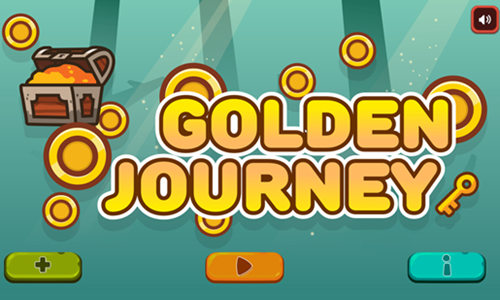
Golden Journey is a 27-stage physics puzzle platformer.
- Break the brick beneath the key to set it in motion.
- Break other bricks as needed to adjust the path of the key.
- Detonate bombs at the correct time to change the key's momentum.
- Try to collect all 3 stars by passing the key through them.
- Get the key to the treasure chest to beat the level and unlock the next.
- Play through all 27 stages & replay any level you scored fewer than 3 stars on to complete the game perfect.
Slime
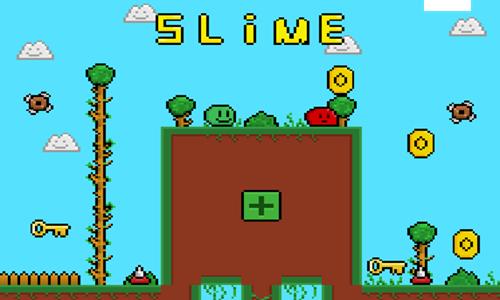
is an exceptionally difficult platformer game.
- Press the green button in the upper middle of the welcome screen to brig up the level select screen.
- The game has 10 levels which are unlocked sequentially.
- Use the WASD keys or the arrow keys to move the geen slime around the playing field, jumping from platform to platform.
- Some longer jumps require standing at the edge of the platform with momentum and most of the slime body hanging off to make.
- You can run across smaller gaps in the floor without jumping.
- You can fall long distances without dying, though must not land on an enemy or obstacle.
- Collect as many coins as you can and grab all the keys.
- Avoid running into red slimes or spikes.
- Pass through the purple portal at the top of the stage to advance to the next.
Slime Quest
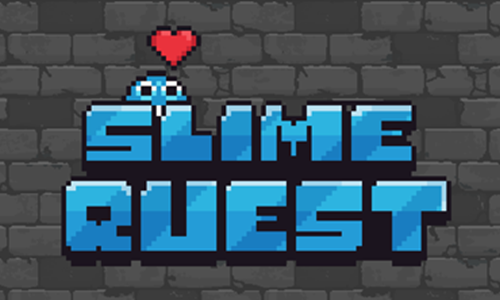
Slime Quest is a 20-stage room escape platforming game.
- Use the arrow keys to jump. Press the up arrow key to jump straight up, tap the left arrow key to jump while moving left, and tap the right arrow key to jump while moving right.
- Use springs to jump higher.
- Collect 3 gems on each stage to unlock the exit door.
- Avoid falling off platform & do not run into any of the red spikes.
- Used fixed platforms, moving platforms, and temporary platforms to create a safe path to the exit door.
- Exit through the door to the next stage.
Blue Slime Quest
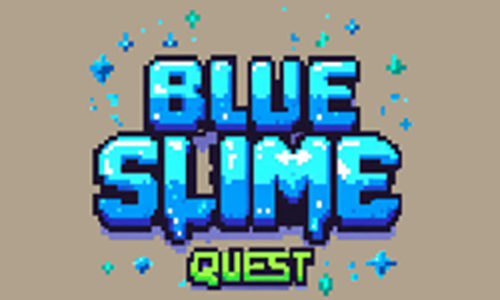
Blue Slime Quest is a simple 20-stage platforming game.
- Hop left and right by tapping on the screen or using the arrow keys.
- Collect all the diamonds on each stage to turn the red flag green.
- Avoid touching any spikes, moving blades, or falling off platform.
- Time your jumps to ensure temporary platform outlines turn brown before you jump on them.
- Jump quickly across temporary brown platforms so that you do not fall through when they disappear.
- Make it to the green flag to beat the stage and unlock the next.
- Play through all 20 stages.
Percy's Froggy Frenzy
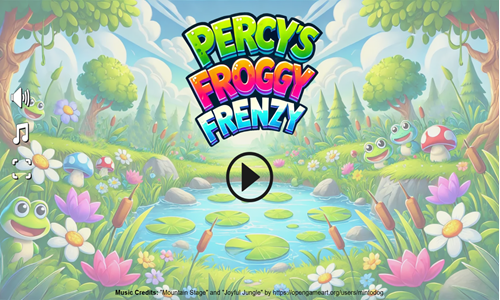
Percy's Froggy Frenzy is a fun 15-level platforming game where you control a cute hopping frog named Percy.
- Percy automatically hops endlessly provided you do not run into spikes or fall off platform.
- Press either the A key or the left arrow key to move Percy left.
- Press either the D key or the right arrow key to move Percy right.
- Jump across fixed and moving platforms toward the level exits.
- Collect as many apples as you can to score points.
- Grab coins which can be used to purchase additional lives, faster movement, and greater shooting power.
- At the end of each stage you play a bouncing bubble shooter where you must try to survive for as long as you can. Move from side to side as needed to avoid getting hit, grab pickups, and place your bubble shooter shot stream below the bouncing bubbles.
Panda Love
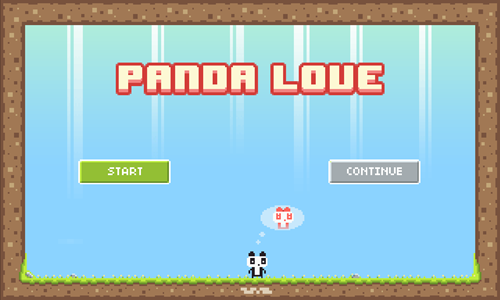
Panda Love is a 19-stage coin collecting running platformer game.
- Press the green and white play button to start the game.
- The panda automatically runs forward until it runs into something, and then it changes directions.
- Left click your mouse to jump.
- Collect all the coins on each stage to reveal the portal exit.
- Jump over spikes to avoid them.
- Go on purple platforms from the correct direction as they quickly disappear after you walk on them.
- Exit through the black portal to the next stage.
- After beating all 19 stages you take the 42 coins and purchase a flower to give to the panda's girlfriend.
Ninja Jump Force
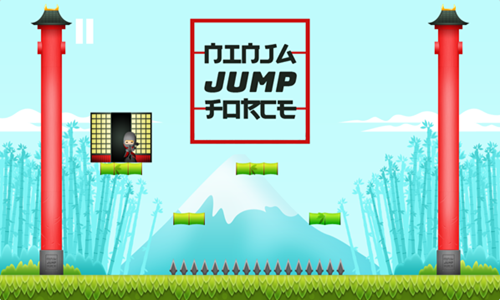
Ninja Jump Force is a cute running ninja game where you must avoid the spikes.
- The ninja automatically runs right and keeps running until he hits spikes or runs into a wall and turns back around.
- Time your jumps to avoid the spikes. If you die the level automatically reloads.
- Cross bamboo paths and jump at the correct times to collect all the gold coins.
- Each purple bamboo segment can only be walked on once and quickly disappears after you step on it.
- After all the coins have been collected a soji appears somewhere on the stage.
- Pass through the soji to play the next level.
- Play through all 30 stages.
Getaway Ninja
Getaway Ninja is a 20-stage room escape runner.
- Press the orange and white Play button on the welcome screen to bring up the level selection screen.
- The game has 20 stages which are unlocked sequentially.
- Left click at the start of a level to begin running, then left click anytime you would like to jump.
- Collect as many coins as you can.
- Running over switches on the ground can cause spike positions to change or cause shurikens to be thrown.
- Avoid running into spikes, falling into lava, or getting hit by shurikens.
- Orange torri gates are multidirectional warps you can repeatedly pass through.
- Watch out for temporary flooring which falls away after you walk on it.
- Grab the key to unlock the red torri gates and pass through them to complete the level.
Bounce Run
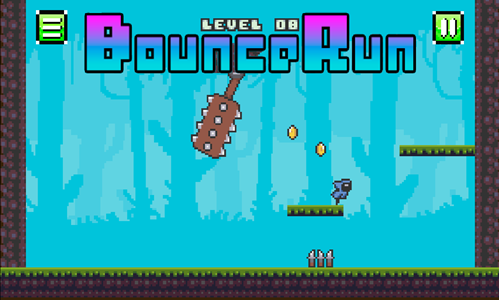
Bounce Run is a 21-stage running platformer game.
- Press the green and white PLAY button on the welcome screen to start the game.
- The mage character automatically runs until he runs into something, then changes directions. Left click to jump at the correct times.
- Avoid hitting the orcs, spikes, and other sharp obstacles.
- Collect all the coins.
- After the coins have all been collected a glowing white portal exit will appear.
- Jump through the portal to the next stage.
- If you run into any obstacle the current level reloads at the beginning.
Grab 50 Coins
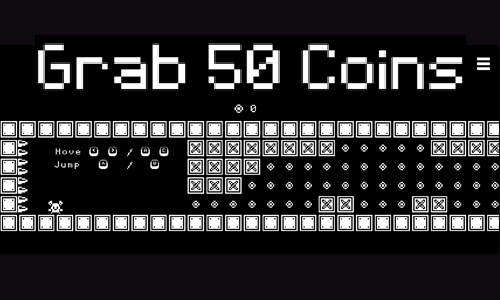
Grab 50 Coins is an 18-stage room escape runner.
- Press the white play button in the lower center of the welcome screen to start the game.
- The game has 18 stages which are unlocked sequentially.
- Move the knight around the playing field using the WASD keys or the arrow keys.
- Collect 50 coins while you are running right through the level (in some cases you may need to backtrack to reach the 50 coin goal).
- After collecting 50 coins an exit door appears in the lower right. Make it through the exit door to advance to the next level.
- Avoid running into spikes, getting crushed by moving blocks, falling off platform, or letting the left moving wall catch up to you.
- If you get hit by any of the obstacles you die and the level reloads with the player at the beginning and zero coins collected.
- The left wall moves immediately after you make your first move, so be sure to time your first move for when you have an opening to get past any nearby spiked platforms.
Robo Exit
Robo Exit is a 24-stage autorunning escape game.
- Tap the black and gray button at the bottom center of the welcome screen to start the game.
- At the beginning of each stage left click to send the robot running, then left click anytime you want him to jump.
- The robot will keep running until it hits into something. In some cases the robot will hit a wall and then immediately run the other direction whereas in other cases it will stop. If the robot stops near a wall you can left click to get him running back in the other direction.
- Collect any coins you can safely collect and then grab the key to unlock the door.
- Avoid coming into contact with spikes or blades.
- The robot also has the ability to slowly slide down walls, which makes it easier to time jumps.
- In some later stages you need to pass through green gates to unlock associated stone gates to open up a path through to the level exit.
- Pass through the unlocked door to the next stage.
Indiara and the Skull Gold
Indiara and the Skull Gold is a temple escape running game inspired by the Indiana Jones movie series.
- Your character automatically runs right, though you time when she jumps.
- Press the mouse left click button to jump. A short tap makes for a short jump and holding the click for a while leads to a higher jump.
- Plan your route to try to collect all 50 gold coins on each stage.
- Each level also contains a green gem and a red gem you can collect.
- Avoid falling off platform.
- Try not to run into many crates as they slow you down, and risk letting the wheel behind you catch up and crush you.
- Jump off the wood plank at the end of each stage to advance to the next level.
- Play through all 8 stages.
Low's Adventures 1
Low's Adventures 1 is a cute 32-stage platforming game.
- Press the WASD or arrow keys to move around the playing field.
- Avoid touching the flying cannonballs or fixed spikes.
- Jump on the blue goblins to defeat them.
- You can jump higher by bouncing off of blue goblins.
- Activate red switches to change the status of some platforms from invisible to visible.
- Use umbrellas to glide while jumping to cross wide gaps.
- Climb ladders to get back up onto higher platforms.
- Collect all the coins on each stage to make the exit appear.
- Make it safely to the trophy to complete each stage.
Low's Adventures 2
Low's Adventures 2 is a fun 32-stage platforming game.
- Press the WASD or arrow keys to move around the playing field.
- Avoid touching the flying cannonballs or fixed spikes.
- Jump on the blue goblins to defeat them.
- Climb ladders to get back up onto higher platforms. Use ladders to hit spiked pumpkins from below.
- You can jump higher by bouncing off of blue goblins.
- Activate red switches to change the status of some platforms from invisible to visible.
- Use umbrellas to glide while jumping to cross wide gaps.
- Collect all the coins on each stage to make the exit appear. Some coins are hidden inside the blue goblins, and require you to defeat them for the coin to appear.
- Make it safely to the golden cup to complete each stage.
- The final stage of the game has an epic boss battle, where you must defeat a giant blue goblin.
Low's Adventures 3
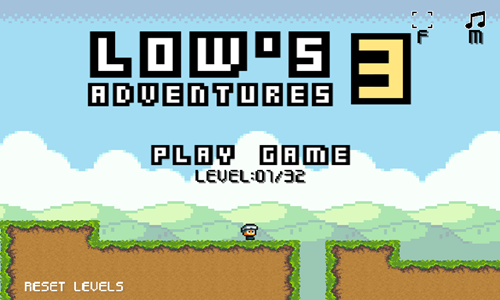
Low's Adventures 3 is a beautiful 32-stage platforming game.
- Press the WASD or arrow keys to move across the platforms on the stage.
- Stand on moving platforms to reach hard to get to areas & step on the arrow sections of arrow platforms to manually control their movements.
- Avoid touching the flying cannonballs, fixed gray spikes, or falling brown thorns.
- Jump on the blue goblins to defeat them. The light blue goblins take one hit to defeat and the dark blue goblins take 2 hits.
- Crouch down to refelct the spike shots from teal shooters back at them to defeat them.
- Climb ladders to get back up onto higher platforms.
- You can jump higher by jumping on springs.
- Activate red switches to change the status of some platforms from invisible to visible.
- Use umbrellas to glide while jumping to cross wide gaps. Collect wings and tap on the jump button repeatedly to fly.
- Collect all the coins on each stage to make the exit appear. Some coins are hidden inside the blue goblins, and require you to defeat them for the coin to appear.
- Make it safely to the golden cup to complete each stage.
- Stages 26 and 32 feature challenging boss battles.
Jumpy Pop
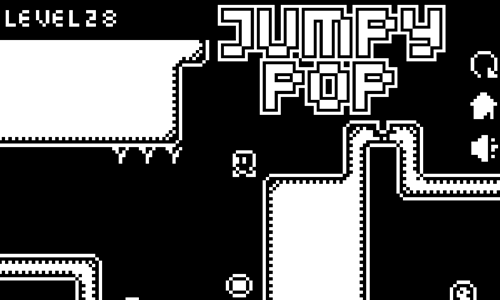
Jumpy Pop is a
- Tap on the game loading screen to bring up the welcome screen.
- Press the play button at the lower center of the welcome screen to start playing the first stage.
- Move left by pressing the A key or the left arrow key.
- Move right by pressing the D key or the right arrow key.
- Jump by pressing the W key, the T key, or the up arrow key.
- Move from platform to platform until you can jump into the balloon to pop it.
- You can bounce off floating coins to use them as temporary platforms.
- Time your jumps with precision to avoid running into bullets or spikes along your journey.
- If you die the level reloads again momentarily, starting you at the beginning of the stage.
- If you make a mistake and get stuck you can press the R key in the upper right corner to reload the current stage.
- Play through all 28 stages.
Scribble World Platform Puzzle
Scribble World Platform Puzzle is a hand-drawn 20-stage platforming game.
- Move left and right by using the left and right arrow keys on your keyboard.
- Jump by pressing the spacebar.
- Activate different character forms by walking over the smile boxes. The smaller round character can jump higher and further.
- Try to collect all the coins on each stage.
- Activate the colored key switch to unlock the door.
- Avoid running into spinning blades or spikes. Collect heart containers to boost your health.
- Exit through the open door to the next stage.
Scribble World Physics Puzzle
Scribble World Physics Puzzle is a hand-drawn 20-stage platforming game where you must roll the circle character into the door.
- Tap on the black and white blocks using your mouse left click to break them.
- Purple platforms can not be broken.
- Break the correct blocks and platforms in the correct order to help the smilling ball make it to the door.
- Plan your path so that you roll through the key to open the door if the door is closed.
- Try to collect all the coins on each stage.
- Avoid falling off platform.
- Exit through the open door to the next stage.
- On some stages your path must pass through warp zones.
- Bombs can be activated by tapping on them to blow up nearby blocks and provide force. Fans can similarly be tapped on to provide blowing force, or to turn the force off.
- Go back and replay any level where you missed coins to complete the game 100%.
Scribble World Drawing Puzzle
Scribble World Drawing Puzzle is a hand-drawn 20-stage physics game.
- Tap on the screen to draw a path to guide the smiley face toward the door.
- Once your initial path has been drawn tap on the bubble to pop it and send the ball rolling.
- Once the ball is in motion you can continue to draw more line segments as long as you have credits remaining.
- Roll through the key to collect it and unlock the door.
- Try to collect all the coins on each stage.
- Exit through the open door to the next stage.
- Some stages may incorporate bouncy springs or other similar elements in them, where you must not only draw a path for the ball to roll down, but also provide a roof to guide it and prevent it flying out of bounds.
- As you advance through the game additional features are added included breakable blocks you can temporarily roll on, and fans that can be turned on or off.
Scribble World Logic Puzzle
Scribble World Logic Puzzle is a hand-drawn 20-stage platforming game with lots of clever logic puzles.
- Move left and right by using the left and right arrow keys on your keyboard.
- Jump by pressing the spacebar.
- Try to collect all the coins on each stage.
- Avoid falling off platform.
- Use the clever features on each stage to solve the riddles.
- On some stages the number of times you hit blocks is the input to an unlock code. On many stages you can use your mouse to hold or move the door, break a brick, cut a rope, open a door, slide a door, carry your player, move a background cloud into the foreground, or move another platform block.
- Exit through the open door to the next stage.
PixoBot
PixoBot is a cute 10-stage flying robot platformer game.
- Press the golden play button in the bottom center of the welcome screen to bring up the level select screen.
- Select the level you wish to play from the level select screen. Levels are unlocked sequentially.
- Press the A key or the left arrow key to move left.
- Press the D key or the right arrow key to move right.
- Press the W key, the up arrow key, or the spacebar to jump.
- After jumping you can hold the jump to fly, or pulse pressing the key to maintain altitude.
- Run into the green fuel tanks to restore fuel while in midflight. Your fuel is fully restored each time you land.
- Push floating blocks around to use them as temporary platforms to access hard-to-reach areas of some of the later stages.
- Avoid hitting any of the spikes.
- On some later stages you need to collect a key to open a gate.
- Get to the pink diamond at the end of each stage to advance to the next level.
Topple Adventure

Topple Adventure is a 30-stage platforming game with physics elements built into it.
- Press the blue and white play button in the bottom center of the welcome screen to bring up the level select screen.
- Move right by pressing the D key and move left by pressing the A key.
- Jump by pressing the W key.
- Avoid running into spikes, getting knocked over by cars, or landing on angled ground which knocks you over. If you hit the spikes or get knocked over it is game over and you start again at the beginning of the current stage.
- Collect any coins you see throughout the level.
- Move toward the red flag at the end of the stage.
- Play through all 30 stages.
Chromatic Pathway
Chromatic Pathway is a 30-stage platform jumping game.
- Press the white and black play button in the lower center of the welcome screen to bring up the level select screen.
- Select the level you wish to play from the level select screen. Unlocked levels are in blue.
- Move around the platforms using the arrow keys on your keyboard.
- Each time you jump the pink and blue platforms switch states, with the hidden one becoming visible and the visible one becoming hidden. Some stages have spikes which also follow the color coding. You can walk on the solid-color platforms and can pass through the transparent platforms.
- You have to plan out your jump path and targets so the platform you want to land on is in the correct state when you go to step on it.
- Avoid falling off platform or running into the spikes.
- Each stage has a gem which unlocks the exit door.
- Pass through the exit door to advance to the next stage.
- When you reach the last half-dozen stages many of them have ordinary platforms which fall away shortly after you step on them, forcing you to plan in advance or make quick moves to interact with the color switching platforms.
Love Pig
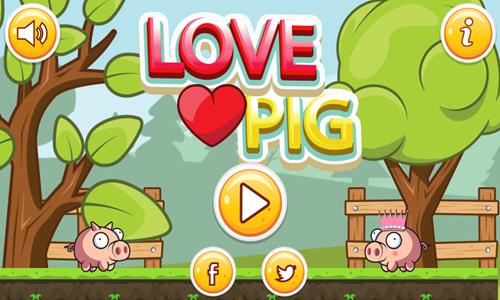
Love Pig is a simple 10-stage platformer game geared toward young children.
- Press the yellow play button in the lower center of the welcome screen to bring up the level select screen.
- Levels are unlocked sequentially. Select the level you wish to play.
- Use the arrow keys to move. The left and right arrow keys move side to side and the up arrow key jumps.
- Jump over sharp objects and gaps in the platforms to avoid dying.
- Collect up to 3 coins on each stage to earn up to a 3-star rating.
- Make it to the end of each stage to advance to the next.
- If you die you start at the beginning of the level you died on. There are no level checkpoints.
- This game is quite easy, making it a good fit for younger children.
Kitsune Zenko Adventure
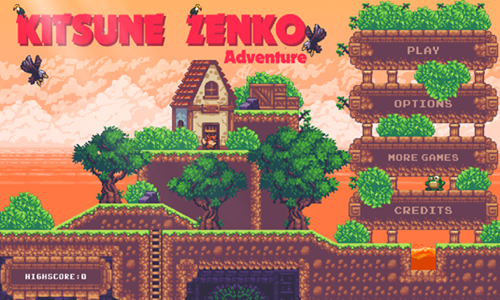
Kitsune Zenko Adventure is a 10-stage adventure platforming game featuring a clever fox.
- When the game loads it tries to determine if you are using a desktop computing device.
- Press the PLAY button in the top left of the welcome screen to start the game.
- Press the A key or the left arrow key to move left.
- Press the D key or the right arrow key to move right.
- Press the S key or the down arrow key to crawl, to to climb down a ladder.
- Press the W key or the up arrow key to jump, to stand back up, or to climb up a ladder.
- When the game is paused there are two different camera modes you can choose to play between.
- Collect coins, diamonds, and cherries while moving across the stages. Each level has a quota you must reach in order to satisfy the level goal. When you have reached the level goals for each you automatically advance to the next stage.
- You start each stage with 3 lives. Extra lives are scattered around the levels & you can collect them to replenish lost lives.
- You can stomp enemies by landing on them, though enemies can change speeds and most enemies take at least 2 or 3 hits to defeat.
- Avoid hazards like poisonous plants, falling boulders, and spikes. Each time you run into a hazard or hit the side of an enemy you lose a life. Lose all 3 lives and you have to play the level over.
Nuwpy's Adventure
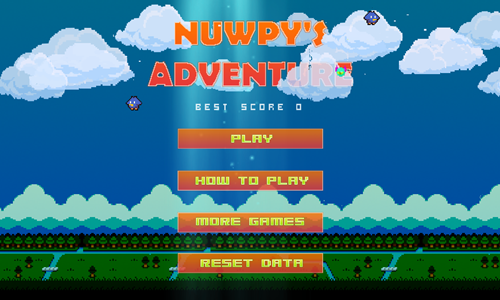
Nuwpy's Adventure is an easy 20-stage 2D platforming game inspired by the Kirby series.
- When the game loads it asks if you are playing on PC or mobile. Click the correct associated button.
- Press the PLAY button on the welcome screen to start the first stage.
- Move left by pressing the A key or the left arrow key.
- Move right by pressing the D key or the right arrow key.
- Jump by pressing the W key, the up arrow key, or the spacebar.
- You can stomp most enemies so long as they do not have a spike on their heads. Most enemies can be defeated in a single hit.
- Make it to the red flag to activate the mid-level checkpoints.
- Avoid running into the sides of enemies and do not fall into the water. Move swiftly across bridges, as they collapse underneath you.
- Collect as many coins as you can.
- Make it to the exit at the right side to advance to the next level.
Super Penguboy
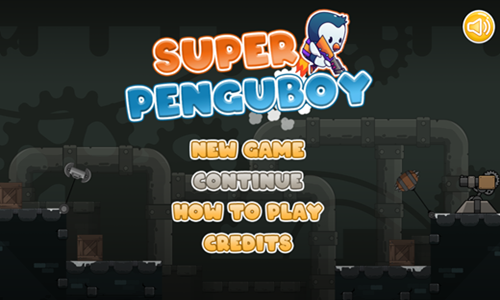
Super Penguboy is a 15-stage platformer.
- Press the NEW GAME button on the welcome screen to bring up the level select screen.
- Tap on the level you wish to play on the level select screen. Levels are unlocked sequentially.
- Your left hand controls the penguin's basic movements.
- Move left by pressing the A key. Move right by pressing the D key. Jump by pressing the W key.
- Your right hand controls more advance movements.
- Press the J key to activate the jetpack. Press the K key to activate the parachute. Press the L key to shoot the laser gun.
- The green (or yellow) meter in the top left indicates how much fuel you have remaining for your jetpack. It does not charge back up until after you have emptied all fuel and land on the ground.
- To maximize your game score collect all 3 stars on each stage, grab all the coins, then shoot and destroy all the crates and enemies. Some stars are hidden off screen high, requiring you to fly up a screen or two vertically to find them.
- Avoid running into enemies, hitting spikes, getting hit by swinging obstacles, or falling off platform.
- You start each stage with 3 hit points and can restore health by collecting heart containers.
Super Archer
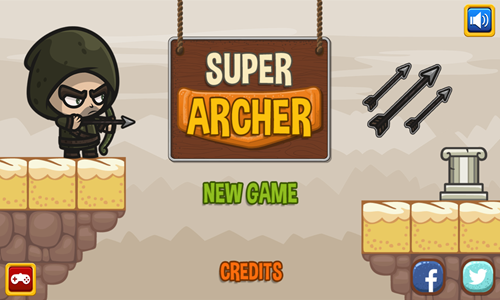
Super Archer is a simple and easy 6-stage platforming game suitable for young children.
- Press the NEW GAME button on the welcome screen to bring up the level select screen.
- If you have played previously press the CONTINUE button on the welcome screen to resume your prior game.
- Tap on the level you wish to play on the level select screen. Levels are unlocked sequentially.
- Press the right arrow key on your keyboard to run right.
- Press the left arrow key on your keyboard to run left.
- Press the up arrow key on your keyboard to jump.
- Press the X key on your keyboard to shoot an arrow.
- Your health is shown in the upper left corner of the screen. You start each level with 3 hit points. Avoid running into enemies or you lose a hit point each time you touch. You can restore lost health by picking up green hearts.
- Collect 3 stars hidden on each stage.
- Grab all the loose silver and gold coins you can, and hit the coin boxes with your head or arrows to get additional coins.
- Score additional points for each enemy you defeat and any of the crates you destroy with arrows. Destroying crates takes 3 shots each. Your remaining arrow count is shown just right of your health at the top of the screen. When you are low on arrows pick up any arrow icons you see on the level to replenish your arrows.
Barbarian vs Mummy
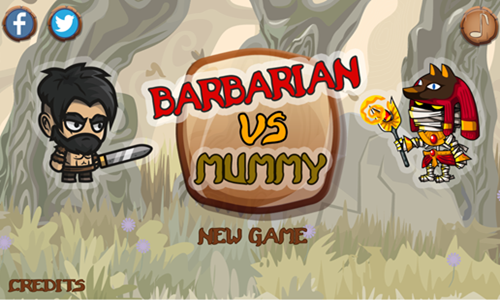
Barbarian vs Mummy is a simple and easy 6-stage platforming game suitable for young children.
- Press the NEW GAME button on the welcome screen to bring up the level select screen.
- If you have played previously press the CONTINUE button on the welcome screen to resume your prior game.
- Tap on the level you wish to play on the level select screen. Levels are unlocked sequentially.
- Press the right arrow key on your keyboard to run right.
- Press the left arrow key on your keyboard to run left.
- Press the up arrow key on your keyboard to jump.
- Press the X key on your keyboard to swing your sword.
- Your health is shown in the upper left corner of the screen. You start each level with 3 hit points. Avoid running into enemies or stepping on spikes. You lose a hit point each time you touch either. You can restore lost health by picking up red hearts.
- Collect 3 stars hidden on each stage.
- Grab all the loose gold coins you and pink gems you can.
- Score additional points for each enemy you defeat and any of the crates you destroy with the sword. Destroying crates takes 3 hits each.
BaldBoy Adventure
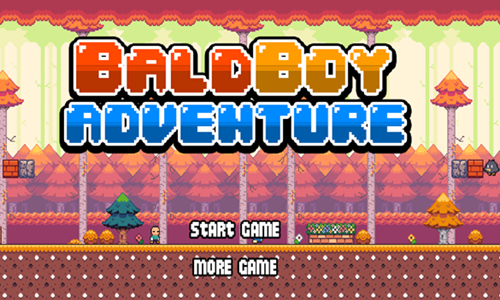
BaldBoy Adventure is a 5-stage retro platformer.
- Press the START GAME button on the welcome screen to start the game. Your first play will also reveal a tutorial screen before putting you in active play. Then you go to the level select stage, where levels are unlocked sequentially.
- Use the arrow keys on the keyboard to move around the stages and jump. You can also jump by tapping the spacebar. This game features both a single-jump and a double-jump.
- Collect loose coins to boost your score. Destroy rocks to find additional coins.
- Avoid getting hit by a falling stone, or running into spikes. Do not touch enemies which look like flying fruits with a rocket, flying blue birds, or yellow balloons.
- Evade or stomp black birds and walking enemies on the ground by jumping and landing on them.
- Get to the treasure chest to complete each stage and advance to the next level.
- You start each stage with 5 minutes and 3 heart containers to beat it. Getting shot by a bullet or falling off platform are one-hit kills, but most hits only take one of your three heart containers.
SeasonLand
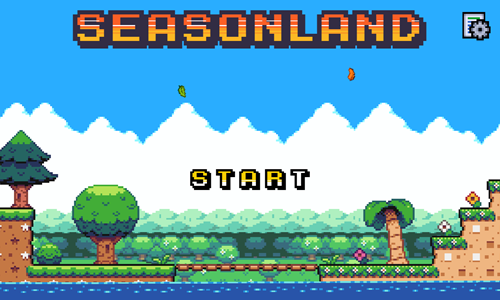
SeasonLand is a 16-stage season-themed 2D platform adventure game.
- Press the start button on the welcome screen to start the game.
- Signs give you gameplay instructions as you pass them.
- Move left and right using the arrow keys.
- Jump by pressing the Z key, and hold the button in longer to jump a bit higher. You can jump rather high in some areas by jumping on a trampoline-styled spring.
- Shoot by pressing the X key. Most enemies take 5 or 6 hits to defeat.
- Shoot treasure chests to open them up and collect coins, which can be used to unlock checkpoints in the middle of the stages.
- Press the down arrow key while standing on a metal bar to fall down.
- If a green barrier blocks your path you may need to defeat an enemy or step on a red switch to retract it and open up the path.
- Deaths are plenty in this game, with a single hit by any foe or running into spikes leading to an instant death. You start at the beginning of the level each time unless you have used coins to purchase a checkpoint unlock. Even when you die you retain the damage done to enemies on that stage.
- Make it to the pad at the far side of the stage to complete the current level and advance to the next.
Push Box
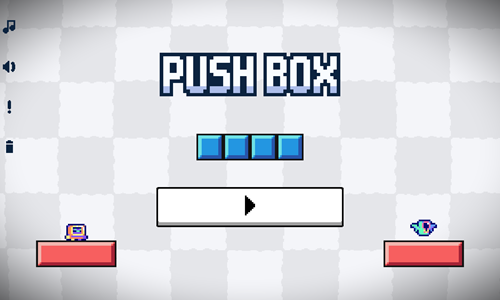
Push Box is a 30-stage coin collecting tandem adventure game which mixes in elements of a 2D side scrolling platformer with Sokoban-like aspects.
- Press the white, gray, and black play button in the lower center of the welcome screen to bring up the level select screen.
- Levels are unlocked sequentially. Tap on an orange stage number to play it.
- The robot uses the WASD keys to move around the playing field.
- The bird using the arrow keys to move around the playing field.
- The bird can push blue boxes, even if the robot is standing on them.
- Collect all the coins with the robot on each stage then make it to the yellow gem to advance.
- As you progress through the game you need to use the bird to discard of ghosts and aligators. Some stages also have a key that the robot must collect in order to unlock a path to the yellow gem.
- At the end of each stage the game tells you how many seconds it took you to beat that stage.
Speedy Steve
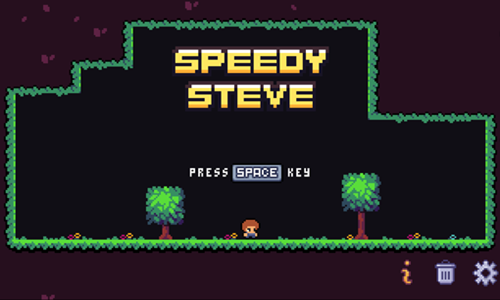
Speedy Steve is a 30-stage coin collecting runner game.
- Press the spacebar on the welcome screen to bring up the level select screen.
- Unlocked levels have a lighter yellow background color. Tap on an unlocked stage to begin play.
- Press any key when a stage loads to begin play. Steve runs until he runs into something then switches directions.
- Tap the spacebar or the up arrow key to jump.
- Tap the down arrow key to fall down through a walking path.
- Gsther all the coins on each stage to unlock the exit door.
- Avoid running into spikes or enemies like ghosts and mushrooms.
- Activate switches to open gates. You want to activate the switches on most stages, though there are some levels (like 22) where you should not hit the switch.
- Careful when running across gray blocks as they fall away after you step on them.
- Sometimes you have to jump off walls or hit your head off something to force Steve to change directions and avoid hazards.
- Pass safely through the unlocked door to advance to the next level.
GyroForcer
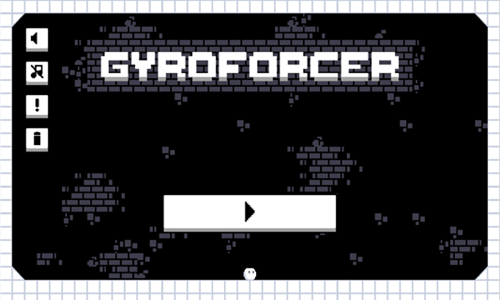
GyroForcer is a 30-stage gem collecting platformer.
- Press the white and black play button in the bottom center of the welcome screen to bring up the level select screen.
- Tap on a blue colored stage to load it.
- Move around the stage using the arrow keys on your keyboard.
- Press the D key to rotate some platforms clockwise and cycle some platforms up and down.
- Press the A key to rotate some platforms counterclockwise and cycle some platforms up and down.
- Collect all of the red gems to turn the red flag green.
- Avoid running into any spikes.
- Safely reach the green flag to advance to the next level.
- If you get stuck there is a level restart button in the upper right corner.
- If you want to skip a stage tap on the golden skip button to advance to the next level.
GemRise Adventure
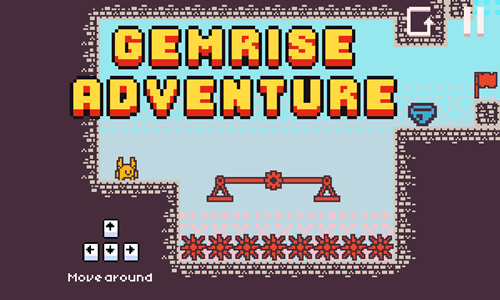
GemRise Adventure is a 30-stage platforming video game where players collect gems.
- Touch anywhere on the game welcome screen to bring up the level select screen.
- Tap a stage with the light blue background color to play it.
- Move the character around the game using the arrow keys.
- Move back and forth acorss the balances to help the character climb onto higher platforms.
- Collect all of the blue gems.
- Avoid running into the green snakes or red spikes.
- Make it safely to the green flag to advance to the next stage. If the flag is still red that means there is at least one gem you still need to collect to complete the level.
- If you are having trouble with a stage you can tap the pause button in the upper right corner then select the golden button to skip a stage from the pause menu.
And Again
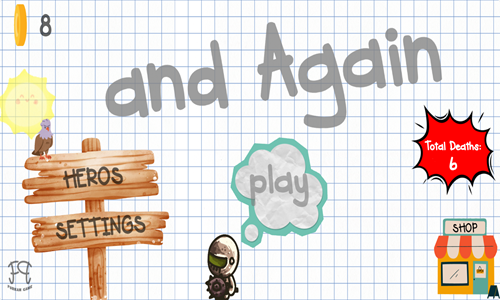
And Again is a 54-stage platforming game which has many creative logic puzzles built into it.
- Press the play button in the center of the welcome screen to bring up the level select screen.
- Select a level from the level select screen to begin play. Stages are unlocked sequentially.
- Use the arrow keys on your keyboard or the on screen buttons to move the hero around each stage.
- On each level you must collect 3 pins to make the exit portal show, then pass through the portal to the next level.
- Each stage has a hidden fire on it. When you see the gray outline of the fire walk into it to activate it.
- Avoid getting hit by falling rocks, or running into hazards like spikes or blades as your character gets one hit.
- Some stages require you to move elements around the stage using your mouse.
- The upper left corner has a help button for hints.
- The upper right corner has buttons to skip the stage or pause the game.
- As you play through the game a coin meter at the top center fills. Coins can be spent to purchase hints, and unlock new heroes.
Lily Adventure Girl
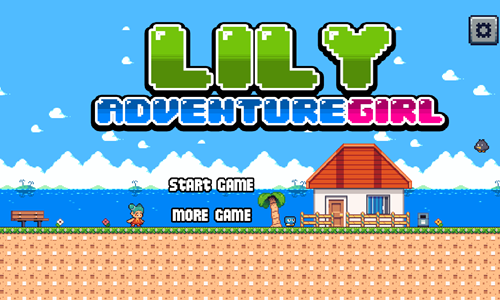
Lily Adventure Girl is a simple platformer game for little kids.
- Tap on the blinking START GAME button on the welcome screen to bring up the level select screen.
- All 5 stages are unlocked sequentially.
- Each stage is timed. Make it to the treasure chest at the end of each stage before the timer runs out to advance.
- Some coins are hidden behind rocks you can break by jumping into them. Collect as many coins as you can while avoiding falling rocks, stationary spikes, and enemies you can not defeat.
- Walking enemies can be defeated by jumping on them. Avoid running into flying enemies like birds and balloons or you will lose health.
- You get 3 heart containers to beat each stage.
- Use the arrow keys on your keyboard or the on-screen buttons to move around the screen and jump.
- The upper right corner of the screen has a pause button.
Bamboo Forest Operation
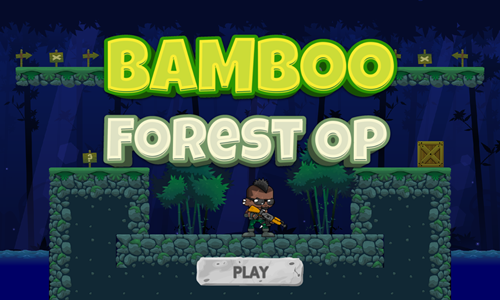
Bamboo Forest Operation is a simple fighting platformer game.
- Press the gray PLAY button to select a character.
- Use the arrows to choose between the black warrior, the girl with the pink hair, or the guy wearing a face covering. Press the PLAY button again to select your character.
- Move your character around using the WASD keys or the arrow keys. You can press the up arrow twice or the W key twice to double jump.
- Press the spacebar to fire your weapon.
- Collect coins to maximize your score.
- Defeat all the enemies to unlock the exit portal.
- When the exit portal glows walk to it to advance to the next world.
- Play through all 10 worlds.
Ninja Warrior Adventure
Ninja Warrior Adventure is a 6-stage platformer game for young kids.
- Click anywhere on the game welcome screen to bring up the level select screen.
- Press the start game button to bring up the level select screen.
- Levels are unlocked sequentially. Select a level number to load an unlocked stage.
- Use the arrow keys on the keyboard to move and repeatedly tap on the z button to attack.
- Defeat or avoid enemies.
- Collect as many keys and coins as you can.
- Grab heart containers to restore health.
- Make it to the treasure chest at the end of each stage to advance to the next level. The final stage does not scrole nor have a treasure, but consists of a boss battle with a large pig and a few minion enemies.

