
Play Free Online Mathematics Video Games for Kids
Free Online Math Video Games for Kids

Learn Through Play
The goal of this section of our site is to make learning fun, helping children explore and better understand the world around them through interactive play. None of the games on our sites carry any advertisements.
We offer hundreds of different educational, fun, free and ad-free online video games for kids, teaching invaluable lessons about money, debt, business, and the economy. You are currently viewing our math section. Play games themed around learning arithmetic. Find the math games the best fit your needs below, or consider some of our parallel categories: money games, real estate games, food games, business games, environmental games, driving games, platformer games, and other fun games.

Your Feedback Needed
Do you have an idea for an educational concept you want covered in a game? You can send us a message & we will create a custom game if we like your idea. You'll be the first player and tester when it is ready for beta launch. :)
Math Games
Practice honing your addition, subtraction & other basic arithmetic skills. Games are one of many fun ways to make math exciting and practical for students.
Math and Prizes
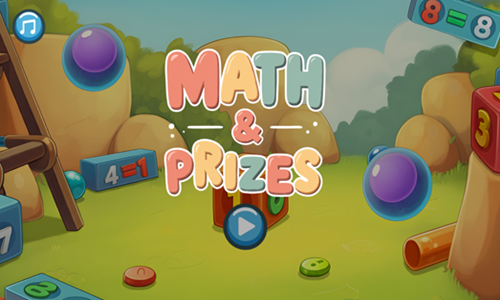
Math and Prizes is a toy collecting game where players earn virtual toy stickers by solving math problems.
- Select a toy you wish to win from its shadow. Most players typically start with the first toy.
- Each toy requires you to solve some number of addition or subtraction questions consecutively to earn the toy. As you advance through the game some multiplication and division problems also appear.
- Each question can be answered by clicking on a single bill or coin.
- Toys which are further into the game require more correct answers than toys earlier in the sequence on the level select screen.
- Read the math equation then click on the bills or coins needed to solve the equation.
- Play through the game and unlock all the toys.
- You can make up to 2 mistakes and keep playing, but on the third mistake you lose and have to start the current toy over from the beginning.
Supermarket Numbers
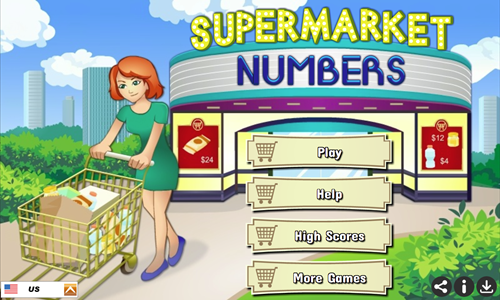
Supermarket Numbers is an arithmetic practice game.
- Read the numerical goal in the upper left corner of the game.
- Early in the game most blocks are addition blocks. If a block does not have a symbol on it the default numerical operator is addition.
- Select blocks trying to add up to the numerical goal shown.
- As you advance through the game additional blocks are added with functions like subtraction, multiplication, and division.
- You must select at least one block with no operator on it before you can select a multiplication or division block.
- As you select blocks the equation shown below the goal number changes to reflect your choices.
- Fill the shopping cart meter to 100% to move on to the next stage & play through all 10 levels.
MathQuest
MathQuest is a simple true or false arithmetic quiz game.
- Tap on the green button in the lower left of the welcome screen to start the game.
- Right of the start button there is a sound control button.
- Select the green checkmark for equations that are valid.
- Select the red X button for equations that are invalid.
- Each correct answer is worth one point.
- Across the top of the screen is a timing meter. The timer is refreshed each time you answer correctly.
- The game ends when either you answer incorrectly or the timer reaches zero.
Math Monster

Math Monster is an addition and subtraction game.
- Press ABOUT in the lower left of the welcome screen to learn how the game works or press PLAY in the lower right to start the game.
- Choose to play on EASY, MEDIUM, or HARD mode.
- Select number blocks which add up to the number shown in the top center of the screen.
- Each selected monster will turn colorful. When you reach the target number the monsters that are selected will disappear.
- At the bottom left there is an idea button which you can use for a clue.
- At the bottom right there is a sum button which you can use to show your current sum.
- You have 5 minutes to match off all the number tiles.
Calculate This
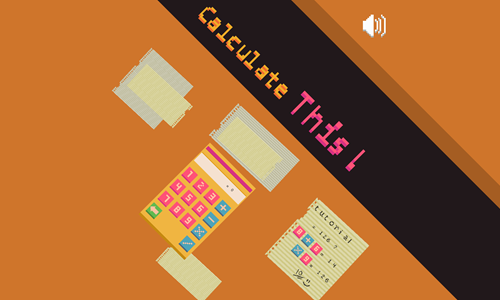
Calculate This is an arithmetic practice game featuring an interactive calculator.
- Tap on the calculator on the welcome screen to begin a new game. The screen will show a tutorial and then move you to the calculator.
- The upper right corner of the welcome screen has a sound control button.
- Enter numbers and arithmetic functions in the calculator to try to reach the number shown at the top of the screen.
- You can only enter one number at a time before having to enter an arithmetic operator.
- The calculator computes from left to right rather than going in the correct order of operations.
- Each time you complete an equation your new calculation result is shown.
- Reach the desired result before the pink timing bar at the top of the calculator turns completely blue.
- Solve as many equations as you can.
- You score coins for each correct equation. Efficient coding (e.g. 9X9 = 81) can score up to 3 coins per answer.
- As you reach higher numbers (like in the triple digits) it helps to do addition first, then multiply, then either add or subtract a number to reach the final desired total.
Math Challenge
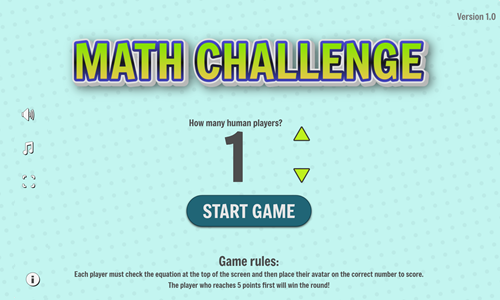
Math Challenge is an arithmetic quiz game where you can play against up to 3 human or computer opponents.
- Choose how many human players you wish to include in the game and then press the START GAME button.
- Each player checks the equation at the top of the screen and then moves their highlighted icon onto a box with the solution to that equation.
- The first player is color blue. They start in the lower left and use the W-A-S-D keys to play.
- The second player is green. They start in the upper left and use the 1-5-2-3 keys to play.
- The third player is yellow. They start in the upper right and use the I-J-k-L keys to play.
- The fourth player is red. They start in the lower right and use the arrow keys to play.
- Some equations have multiple squares with the correct answer on them while others only have a single correct answer.
- You can't move through squares other players are on and only one player can stand on each square with a correct answer in it.
- The first player who gets 5 answers correct wins.
Math Duck
Math Duck is a combination of an arithmetic game and a platformer.
- Move around the playing field using either the WASD keys or the arrow keys on your keyboard.
- Run through the number boxes in the correct order to solve the math equations from top to bottom.
- After fininshing all the math equations a key will appear. Grab it to unlock the door.
- Pass through the locked door before the timer reaches zero.
- From level 8 onwards some stages have stationary gray spikes, moving gray spikes, and falling red spikes you must avoid.
- Starting on level 15 colorful buttons allow you to change the order of the equations so it is easier to solve them on your walking path.
- The last few levels have clocks which you can collect. Grabbing a clock creates a gray button you can stomp on to add 5 seconds to your remaining time.
- You lose a level if the timer reaches zero, if you hit number tiles in the wrong order, or if you run into any of the spikes. This game allows you to replay any failed level as many times as it takes to beat it.
- Play through all 18 stages.
1 Square
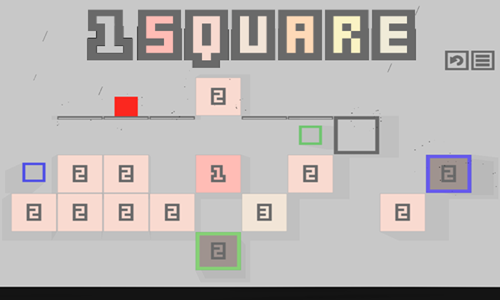
1 Square is a 35-stage numerical platform game where your goal is to destroy all the number blocks by jumping on them.
- Press the Enter key, left click, or touch on the welcome screen to start the game.
- Choose to play in normal mode to have a challenging flooding system which forces you to play quickly, or select no flooding mode for a more relaxed game.
- Move the red square left by pressing either the A key or the left arrow key.
- Move the red square right by pressing either the D key or the right arrow key.
- You can walk on regular unnumbered platforms an unlimted number of times and can jump up one row left or right at a time, though can not skip empty horizontal spaces when you move.
- Each time you jump on a number block its value decreases by one. When you step on a block worth one it quickly falls away, so step off quickly unless you intend to fall.
- When you get about halfway done with the game a colorful frame barrier feature is added to the game. Number tiles inside of a color barrier are protected until you collect the associated barrier color icon, then they operate like normal number cells.
- Clear all the number tiles without getting stuck before the rising floods catch you to beat each stage. If you get stuck you can press the R key to reload the current level.
Sokonumber
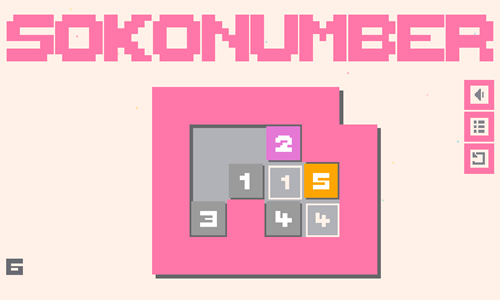
Sokonumber is a 25-stage Sokoban-inspired game where you move all the numerical tiles at the same time.
- Press the Enter key, left click on the welcome screen, or touch the screen with a finger to start the game.
- Move the numerical tiles around the playing field by pressing the WASD keys or the arrow keys on the keyboard. When you move one number tile you move all tiles at the same time.
- The goal of the game is to get all of the number tiles on their respective marked spots with the same values on the playing field at the same time.
- If a square is already against a wall in the direction you try to move then it won't move.
- If there are multiple consecutive number blocks in the direction you are moving on adjacent cells then only the first square may move on the first attmept, with other squares following around on subsequent moves.
- As you advance through the game some intermediary indicators on the ground show an addition or subtraction function, which is applied to whichever square passes over that spot first.
- Starting on stage 20 squares can fill in spaces they already visited, preventing them from being visited again.
- If you make a mistake you can press the R key to reload the level again.
Sokomath
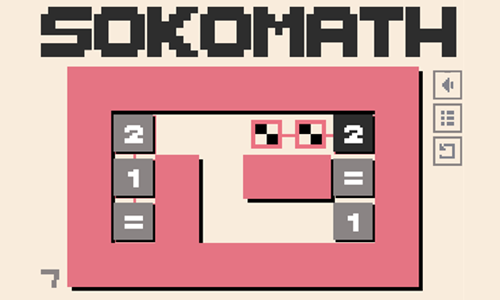
Sokomath is a 28-stage equation builder game.
- Touch anywhere on the welcome screen to start the game.
- Use your mouse left click button to select a tile and drag your mouse the direction you want the tile to move. Tiles move from edge to edge, until they run into a wall or another tile.
- Players can move light gray tiles, though can not move the black tiles.
- When equation tiles are in place they must form a valid equation and must sit atop checkered floor tiles.
- In many cases you need to move tiles out of the way before putting them back in their correct final positions.
- Black spots are warps which number tiles can pass through in either direction. The border around the black spots indicates which warps are paired together.
- Starting in level 25 there are push boxes which redirect the direction of boxes sliding over them to go in the direction the arrow on the box points.
- When a level has been completed the pink border turns blue and you automatically advance to the next level.
Zero Numbers
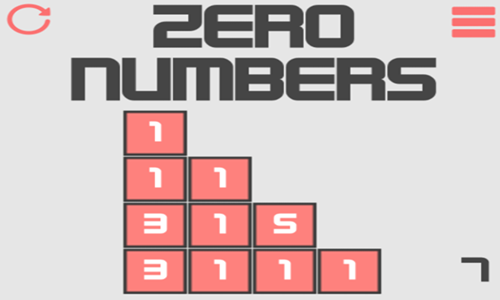
Zero Numbers is a 25-stage number merging addition game.
- Tap on the loading screen to bring up the welcome screen.
- Hit the enter key, left click on the welcome screen, or touch the welcome screen with a finger to start the game.
- Use your mouse left click button to select a number tile and slide it into another number tile.
- When two number tiles have different values they add together into a single tile worth the sum of the two squares.
- When two number tiles have the same value and slide together they disappear.
- Merge tiles in the correct order to clear all tiles from the stage and advance to the next level.
- If you make a mistake and get stuck you can press the level restart button in the upper left corner.
- If you repeatedly get stuck on a stage consider starting it in another area, and remember you have to leave any remaining number tile near another tile so it can merge across until it can be merged away.
Amaze Number
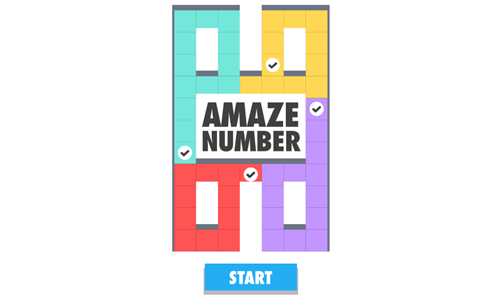
Amaze Number is a spatial logic puzzle game where players move paint tiles around strategically to paint in the grid.
- Tap the blue and white START button on the welcome screen to start the game.
- Left click on a paint swatch to select it, then drag your mouse the direction you wish to fill.
- The paint swatch will fill in the direction you indicate until it runs into a wall, it runs into another painted tile, or has used up all of its paint credits.
- Each tile a paint swatch moves decrements its value by one.
- Completing each puzzle requires using all of the paint credits and filling in all of the uncolored tiles with paint.
- If you make a mistake tap on the restart button in the lower right corner.
- The game features 30 unique stages to play through and then an endless mode with repeats and stage variations.
2048 Match 3
2048 Match 3 is a merging game where players merge sets of 3 tiles into a tile worth double the amount.
- Press the blue and white play button on the welcome screen to start the game.
- Tap a number tile on the screen then select where you want to move it.
- When 3 (or more) tiles with the same numerical value touch each other they merge into a single tile worth double the value.
- Each time you complete a merge you get another move, score points, and earn a coin.
- When you make a move which does not create a merge 3 additional blocks are added to the playing field.
- Coins can be used to purchase power ups. Bombs explode a 9 cell area for 100 coins, while swapping out pieces costs 50 coins.
- See how many points you can score and play until you run out of space.
Math Puzzle
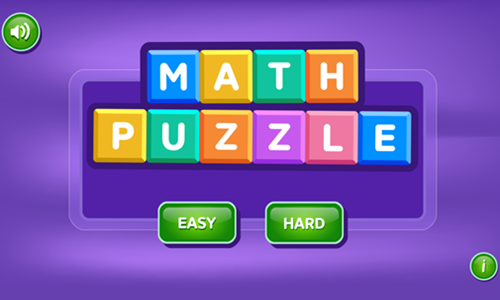
Math Puzzle is an endless formula building game.
- Tap on the game loading screen to bring up the welcome screen.
- Select EASY to play on easy mode or HARD to play on hard mode.
- Easy has simple formulas with addition and subtraction, whereas hard has multiplication and division along with more complex formulas.
- Select a tile and then select another number tile to have them switch positions.
- Keep rearranging tiles as needed to create a valid mathematical expression.
- On easy you only have 3 moves to create a valid expression.
- On hard you have 7 moves to create a valid expression.
- Each valid expression is worth a point.
Real Math
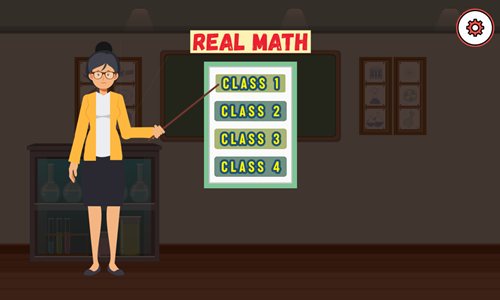
Real Math is a challenging multiple choice mathematics game which uses LaTeX and MathML markup to express complex math equations in easily readable formats.
- Tap anywhere on the game loading screen to bring up the welcome screen.
- Select from any of the 4 class quizes.
- Each quiz consists of 6 or 7 multiple choice questions with 3 answers to select from.
- While most of our math games are quite easy, this one is somewhat challenging, as it features calculus, sigma, matrices, vectors, and more.
- Each correctly selected answer appears in green, whereas incorrect answer buttons turn red when you press them.
- At the end of each quiz you will be told how many questions you answered correctly.
Cross Math Link
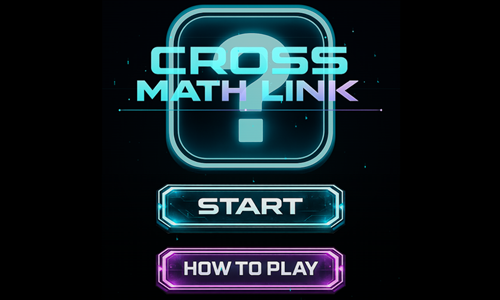
Cross Math Link is similar to a crossword puzzle, except players complete mathematical formulas.
- Press the HOW TO PLAY button in the bottom of the welcome screen to learn how to play.
- Tap on the start button to bring up the level select screen.
- All 30 levels are unlocked sequentially. Complete each puzzle before the timer at the top runs out to advance to the next puzzle.
- Left click on a box from the bottom row to select it and drag it into position in the puzzle above.
- When pieces have been placed correctly the associated formula is highlighted in green.
- Earn up to 3 stars each on all 30 stages. As you advance puzzles grow more complex and shift from addition to also include subtraction and multiplication.
Equation Cages
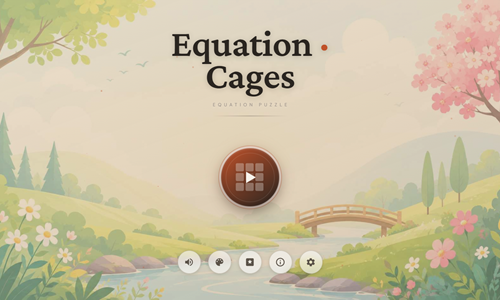
Equation Cages is an equation-based logic puzzle game consisting of 3 different games.
- Press the play button in the center of the welcome screen to bring up the game type select screen.
- Choose cage puzzle to fill in the grid so that you solve each cage's equation.
- Choose equation match to swap tiles as needed to match each equation to its answer.
- Choose number crossword to solve equations by filling the answers into the grid.
- After selecting the game type you can then choose to play the daily version of the puzzle, or select between easy, medium, or hard puzzles. Harder puzzles contain larger grids and may include more mathematical functions.
- Use givens to logically deduce where other numbers must go. Puzzles include error checking, error highlighting, same number highlighting, hints, move undo, reset puzzle, and new puzzle buttons.
- Play until the grid is completed to advance.
Math Blaster
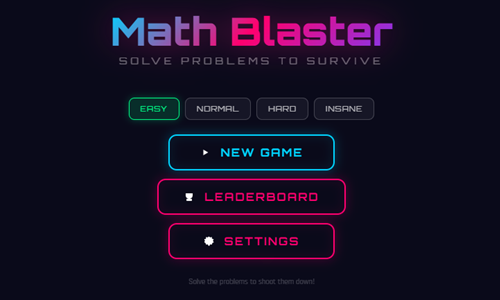
Math Blaster is a space shooting and typing practice game where players solve math equations.
- Choose between easy, normal, hard, and insane mode.
- Press the NEW GAME button to begin a new game on the selected difficulty level.
- The settings menu on the welcome screen allows you to adjust screen size, turn off shaking, and turn off in-game music and sound effects.
- Type in the solutions to each equation to beat them.
- The gun automatically points at the specific equation which must be cleared next. Answering the wrong equation won't work.
- Answering many correctly in a row activates a chain score bonus. Some equations have bonus items on them which help you score more points or slow down the movements of other equations.
- Equations come in sets or waves. Play through as many waves as you can. As you advance through the game you face more types of arithmetic. Each equation that makes it to the bottom costs you health, with your remaining health bar shown in the upper right.
Math With Dino
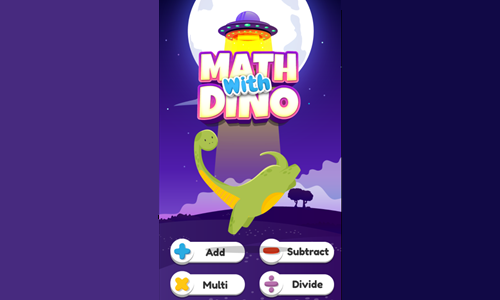
Math With Dino is a simple arithmetic practice game.
- Choose to play addition, subtraction, multiplication, or division from the bottom of the game's welcome screen.
- Use the number keys at the bottom of the game to enter in your solution.
- Press the Check key to check your answer or the Erase key to reset your answer.
- Solve each problem before the timer runs out.
- Score a point for each solved problem.
- After 3 incorrect answers the game is over.
Moo Math
Moo Math is a simple timed arithmetic practice game.
- Tap anywhere on the game loading screen to bring up the welcome screen.
- Press the green and white play button on the welcome screen to select between easy, medium, or hard modes.
- Each difficulty level contains 30 unique levels which are unlocked sequentially.
- On each stage players have to answer a set number of questions correctly by selecting the correct answer from 3 options before the timer runs out.
- If you get any answer wrong you lose the level and need to play it again.
- Easy contains basic arithmetic, medium is a bit harder with bigger numbers, and then in hard mode the problems grow more complex and have order of operations details to consider.
How Many
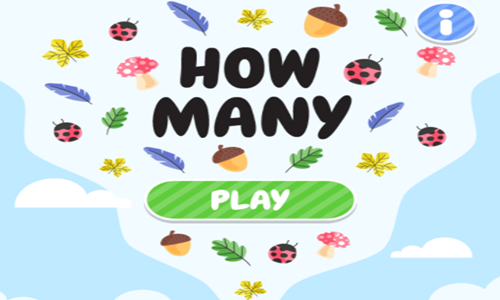
How Many is an easy counting game featuring a variety of items, verbs, and number formats (like Roman Numerals).
- Press the green and white PLAY button on the welcome screen to start the game.
- The game has 17 stages which are unlocked sequentially.
- Each scene has a picture of 8 different item types, with a set number of each item between 1 and 8.
- Drag the number tiles at the bottom to the row above to indicate how many items of the type shown left are located in the puzzle above.
- Correctly numbr each item type before time runs out and then press the done button to beat each stage and advance to the next.
- If the timer runs out or any of your answers are wrong you lose the stage and must play it again.
Logic Grids

Logic Grids is a set of logical math puzzles.
- Press the brown and white button on the welcome screen to start the game.
- Choose to select Futoshiki Equation mode to fill in numbers between 1 and 9 in each row and column, while using greater than and less than clues.
- Choose Kakuro to run cross sums.
- Choose Number Match to match and clear at your own pace. In Number Match you can play in classic mode, play Ladder Rush to hunt from 1 to 9 with no pairs, or Sum Chain to add any two cells to the target sum.
- Players can choose easy, medium, hard, or daily puzzle modes for each puzzle type. Harder puzzles tend to be larger with more data to fill in and fewer givens.
- Use the givens and logical deduction to complete each puzzle correctly to play additional puzzles.

